
SPOT Gen4 Review: One-Way Messages, Tracking, and SOS
Simple physical controls and replaceable AAA power, with the uncertainty of one-way communication.
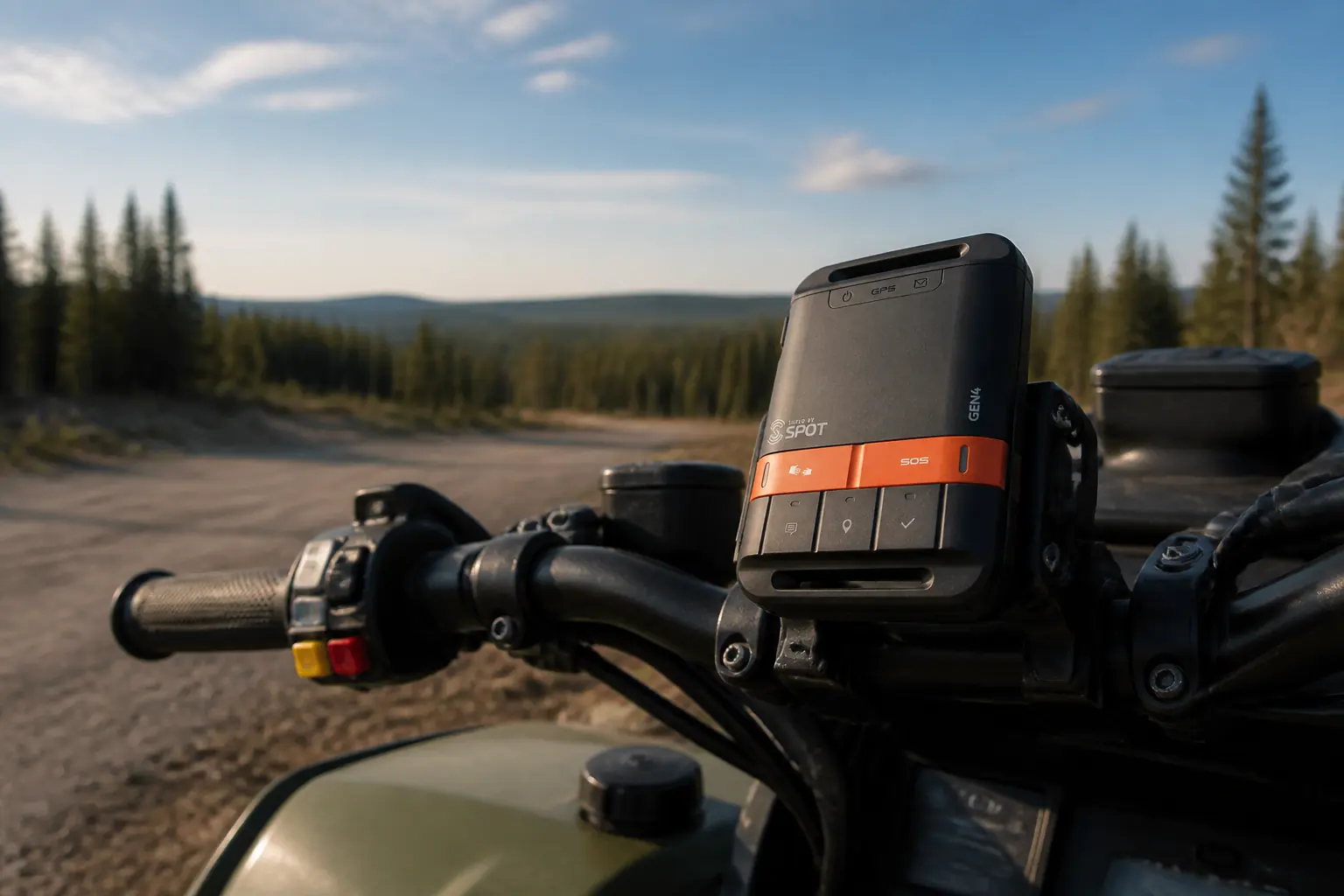
The SPOT Gen4 is a one-way satellite messenger with dedicated buttons for SOS, tracking, check-in, help, and a custom message.
SPOT Gen4 is worth considering when you want simple one-way check-ins, tracking, help messages, and SOS from physical buttons with replaceable AAA batteries. It is a poor fit when you need custom field text, incoming replies, or confirmation from a rescue coordinator.
The device sits between two categories. It sends routine messages that a personal locator beacon cannot, but it lacks the conversation available on a modern two-way satellite communicator.
KnowOutdoor has not field-tested SPOT Gen4. This review uses the current SPOT product page, user guide, service documentation, and independent field evaluations as evidence.
Is SPOT Gen4 worth buying?
Yes, for a narrow communication protocol that you can define before the trip. A traveler can send a routine safe status, a second custom preset, a non-life-threatening help request, track points, and an SOS without typing or pairing a phone.
That simplicity can be useful for solo driving, paddling, hunting, long-distance events, or travel where contacts mainly need position and a few agreed states. Replaceable AAA cells also suit trips where carrying fresh spares is easier than recharging a built-in battery.
The limitation is one-way uncertainty. You cannot read a reply, clarify an injury, learn that help is coming, or correct a misunderstood pickup instruction from the device.
SPOT Gen4 also requires an active commercial service. That separates it from a subscription-free 406 MHz personal locator beacon even though both devices communicate in one direction.
Buy it for a known protocol rather than for general satellite communication. If the plan depends on a conversation, the hardware is missing the capability rather than merely making it inconvenient.
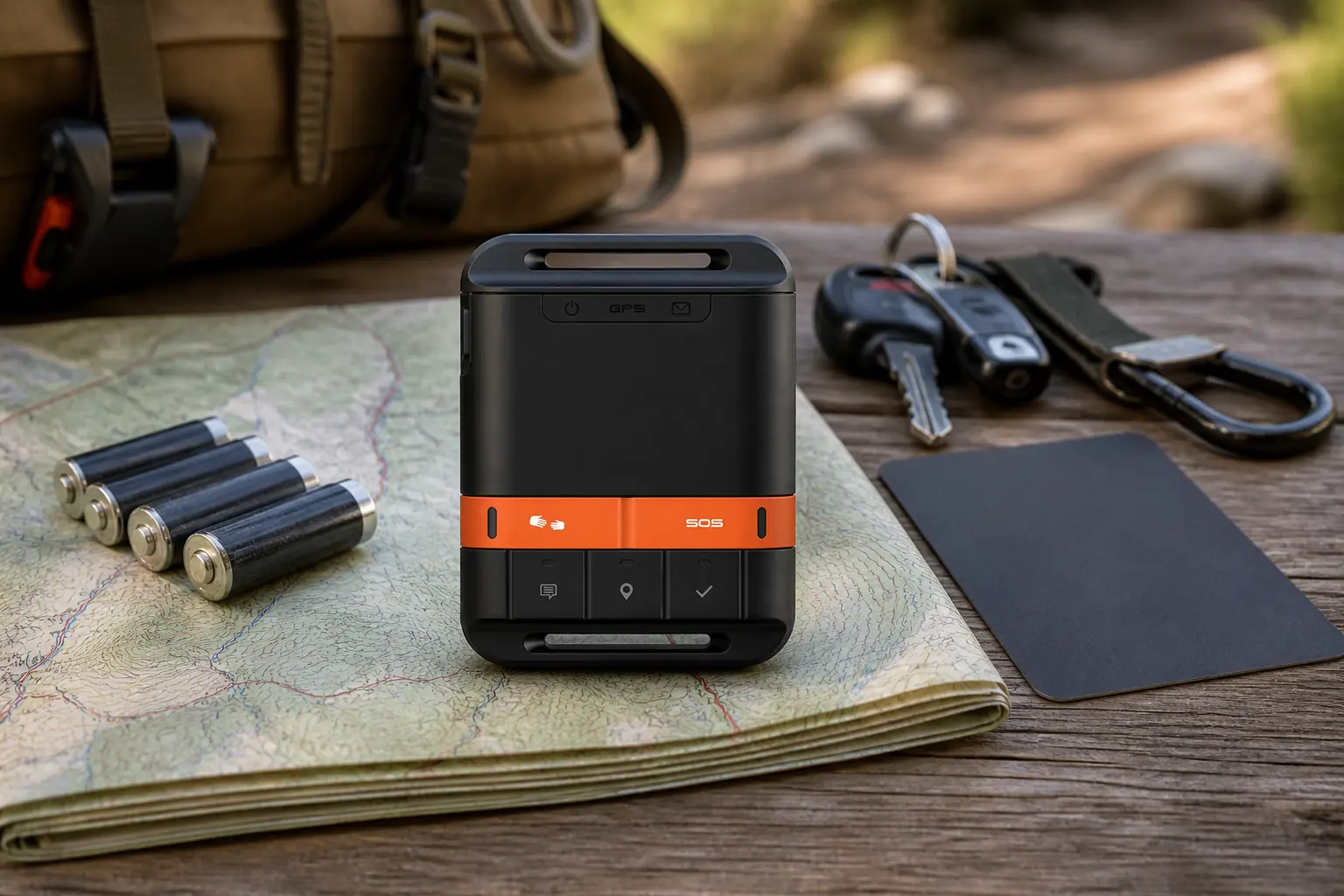
What can each SPOT Gen4 button actually do?
The physical interface defines the product. Each button represents a message or escalation mode configured through the account, so the contact must know what it means before anyone leaves coverage.
Check In
Sends the routine safe-status message and location to configured contacts. Agree whether it means leaving, arriving, camping, or simply all well.
Custom Message
Sends a second preset and location. Use it for a distinct condition such as delayed but following the planned route.
Help or S.O.V.
Requests non-life-threatening assistance through configured contacts or an optional service. The manual says this mode continues until canceled.
Tracking
Sends location points at the configured interval so contacts can view progress on the shared page.
SOS
Sends an emergency request and location toward the response service. It is protected because activation can mobilize real resources.
Do not make Check In and Custom Message mean almost the same thing. One can confirm expected progress, while the other should identify a condition that changes the contact's action.
The Help button needs a particularly clear contract. A family member might call a tow service for vehicle trouble, contact a trip leader for a pickup, or start the agreed escalation after a non-life-threatening injury.
Help is not a less dramatic name for SOS. Use SOS when the incident is grave and requires emergency coordination, and use the configured help mode only when the written protocol and current service support the situation.
Tracking is not a message that everything is safe. A moving series of points can reassure contacts, but a stationary or missing point can mean rest, canopy, a powered-off unit, depleted batteries, terrain obstruction, or trouble.
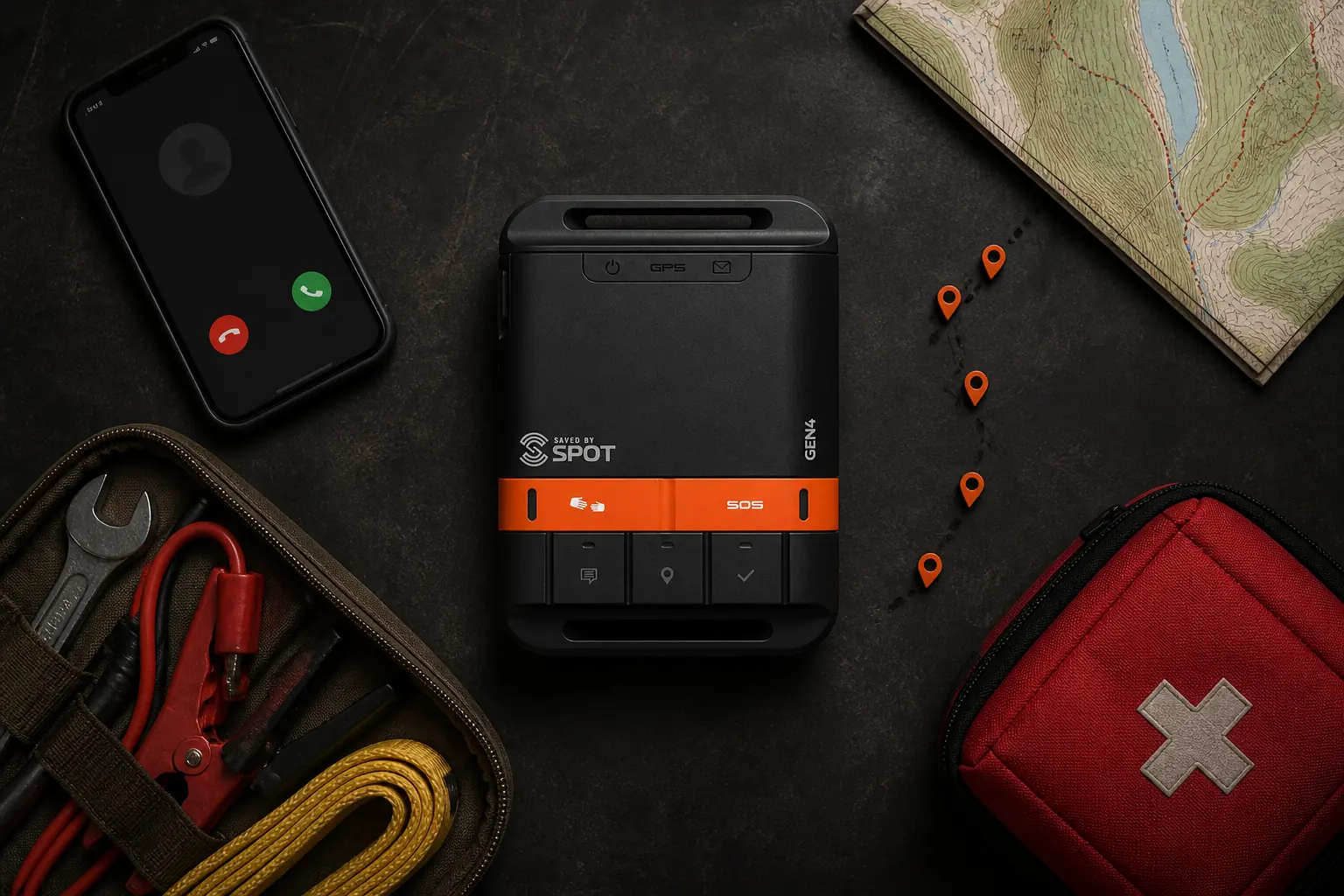
How reliable is SPOT Gen4 under open and obstructed sky?
SPOT acknowledges that hills, buildings, and other environmental obstruction can block messages. The system sends multiple transmissions in each mode to improve overall reliability rather than trusting one brief attempt.
| Setting | Radio challenge | Practical response |
|---|---|---|
| Open plain or ridge | Broad sky with possible weather exposure | Keep the device logo side oriented as the manual directs without remaining on an unsafe point |
| Dense forest | Canopy blocks portions of the sky | Use a safe gap and allow the repeated transmission cycle to work |
| Canyon or steep valley | Narrow horizon and rock obstruction | Move toward a wider opening only when terrain and patient condition allow |
| Inside a vehicle or building | Roof, metal, and walls obstruct the antenna | Place the unit where the manual permits a clearer exterior sky view |
| Moving on a pack or vehicle | Orientation changes and track interval can miss brief windows | Mount the device consistently and interpret the route as sampled points |
The lights tell you what the device is attempting and whether the local sequence has completed. They do not create an inbound acknowledgment from the recipient.
Contacts should use patterns rather than one point. A single missed check-in can be a radio failure, while several missed expected events plus an overdue return may justify the escalation defined in the trip plan.
Avoid inventing a universal delivery percentage. Terrain, orientation, movement, battery condition, network availability, and the exact mode all change the outcome.
For an important routine message, remain under the best safe sky long enough for the mode to complete. Do not press several different buttons rapidly and leave contacts to guess which condition applies.
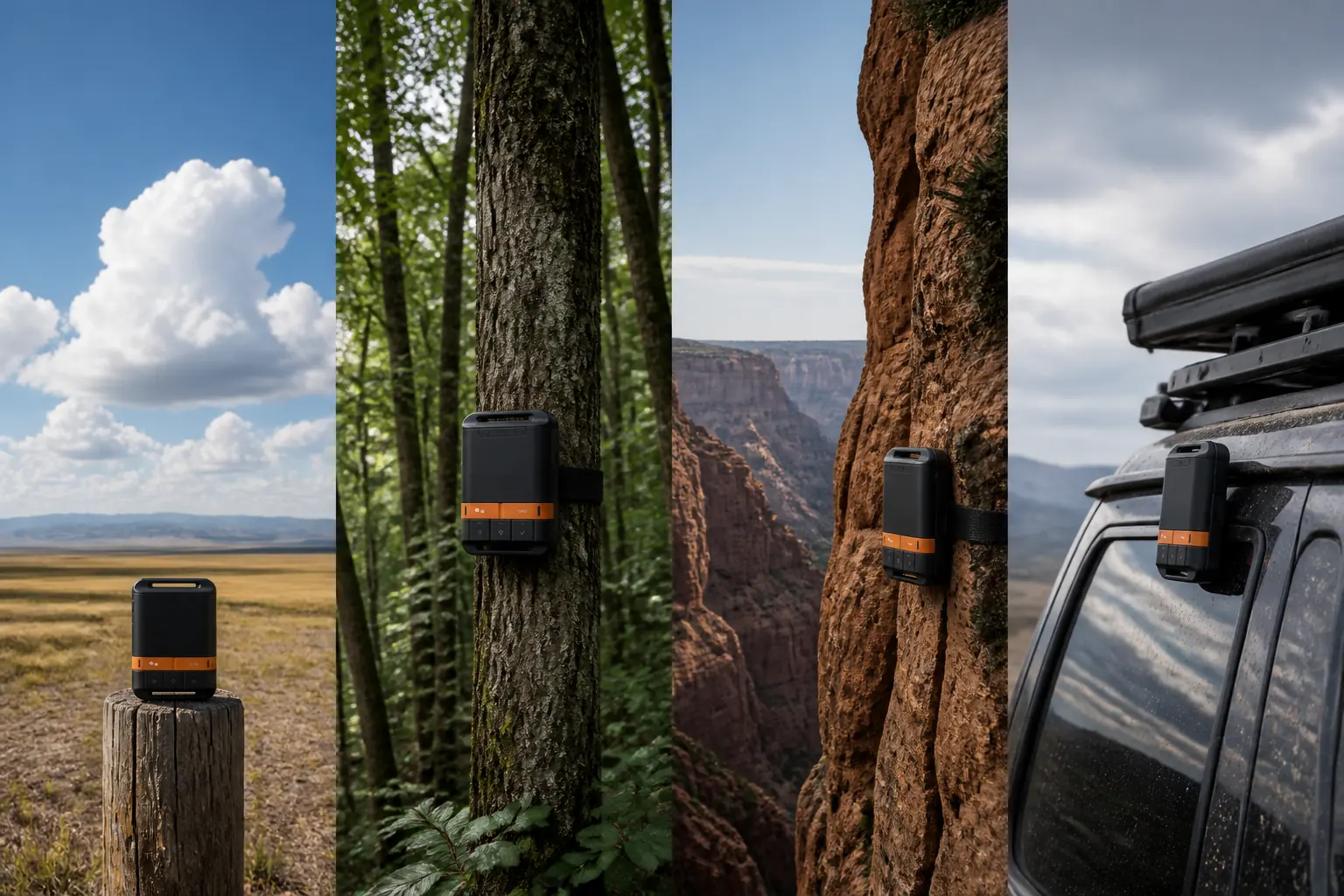
How does SOS work without two-way messaging?
Opening the protective cover and activating SOS begins an outbound emergency sequence. The device sends account identity and location information through the Globalstar path toward the emergency response service.
One-way SOS from button to local search
- ActivatePress SOS only for a real emergency and follow the user guideThe Gen4 begins repeated outbound transmission
- Satellite deliveryThe signal carries device and available location dataThe response service receives the emergency request when the path succeeds
- Context gatheringAccount profile and emergency contacts provide information outside the deviceCoordinators contact the appropriate local authorities
- Local responseGround, air, marine, or other agencies evaluate access and resourcesWeather, terrain, distance, and the incident control timing
- Remain findableKeep the device powered, exposed to safe sky, and near the reported positionResponders search for the person associated with the outbound location
The timeline has no inbound stage because the Gen4 cannot receive text. The user does not see questions, reassurance, changed instructions, or an arrival estimate.
That makes the account profile and emergency contacts important. They can provide the route, vehicle, party, medical context they know, equipment, and expected return, though they cannot describe a new injury from the scene.
Continue shelter, first aid, water management, and signaling. A transmitted location helps organize a search, but it does not stabilize the patient or remove weather exposure.
Stay near the device and transmitted area unless the location becomes immediately dangerous. Movement can separate the person from the position and repeated signals that responders are using, which is why the first decisions after getting lost matter.
Never activate SOS as a routine test. Review the control sequence, use supported message tests, and contact the responsible service immediately if an accidental alert occurs.

How long do SPOT Gen4 batteries last?
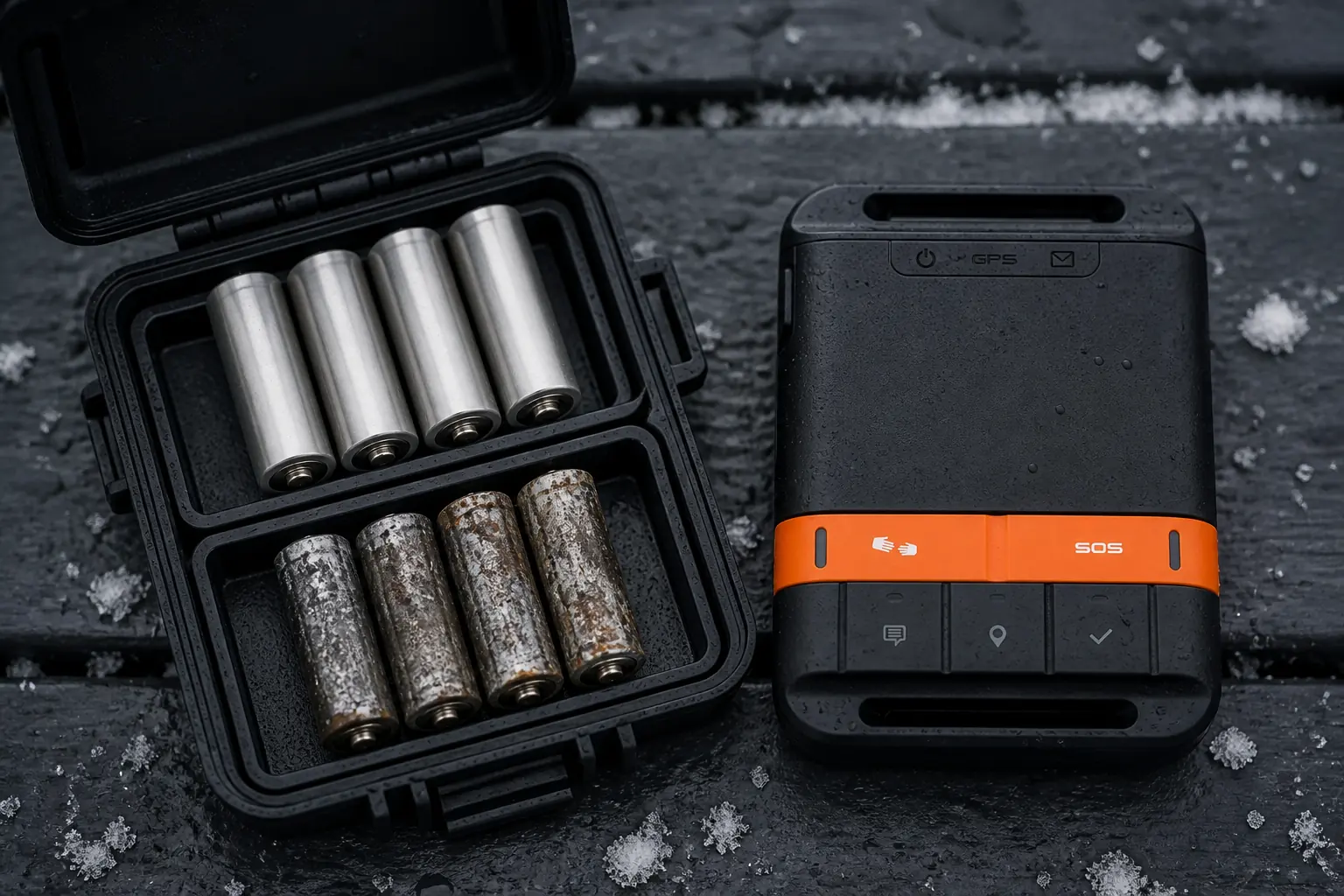
SPOT Gen4 uses four AAA cells.
The official product page supports L92 lithium cells and specified rechargeable NiMH cells, and it quotes up to 1,250 Check In and Custom Messages on one set of lithium batteries.
- Battery layout
- Four AAA cells
- Official send claim
- 1,250 Check In and Custom Messages on lithium cells under the stated basis
- Weight
- 5 oz or 142 g with lithium batteries
- Water and dust rating
- IP68
- Operating range
- -22°F to 140°F or -30°C to 60°C
- Altitude range
- -328 ft to 21,320 ft under the current specification
The message count is not a guarantee for every trip. Tracking interval, other modes, cold, storage history, cell quality, obstruction, and time powered on all affect useful life.
A shorter tracking interval sends positions more often and consumes the battery sooner. The owner therefore has to choose an interval that gives contacts useful route evidence without exhausting the spare-power plan before the trip ends.
Use one matched set from the same type and state. Mixing old and new cells makes the weakest cell part of the emergency system and complicates any battery estimate.
Carry a sealed spare set on trips where replacement is part of the plan. Keep the cells dry, protect the terminals from loose metal, and know how to replace them without scattering the battery door or fasteners.
Replace batteries before they become a question rather than trying to extract the final fraction of capacity. The cost of fresh cells is small compared with carrying a tracker whose power state is uncertain.
Cold affects both batteries and hands. Store spares where they remain accessible and warmer, but do not obstruct the operating device's sky view by burying it inside insulated gear.
How do you set up and test SPOT Gen4 before a trip?
A working status light does not prove the complete system. You need current service, the correct profile, understood presets, reachable contacts, a visible shared page, supported batteries, and recipient-side evidence.
- Activate the current serviceComplete account, device identifier, and plan work while ordinary support is available.
- Update the emergency profileRecord current owner, trip use, emergency contacts, vehicle or vessel context, and relevant information requested by the service.
- Configure Check In and Custom MessageGive each preset different wording, recipients, and an agreed response.
- Define Help separatelyWrite what non-life-threatening assistance means and who will arrange it.
- Send routine messages outdoorsWait for contacts to confirm that Check In and Custom Message arrived with the expected location.
- Test the shared tracking pageStart and stop tracking, then open the link from the contact's device rather than only from the owner account.
- Review SOS controls without activationRecognize the cover, cancellation sequence, and false-alert response without creating a live emergency.
- Install and record a matched battery setConfirm chemistry, orientation, condition, and the date installed.
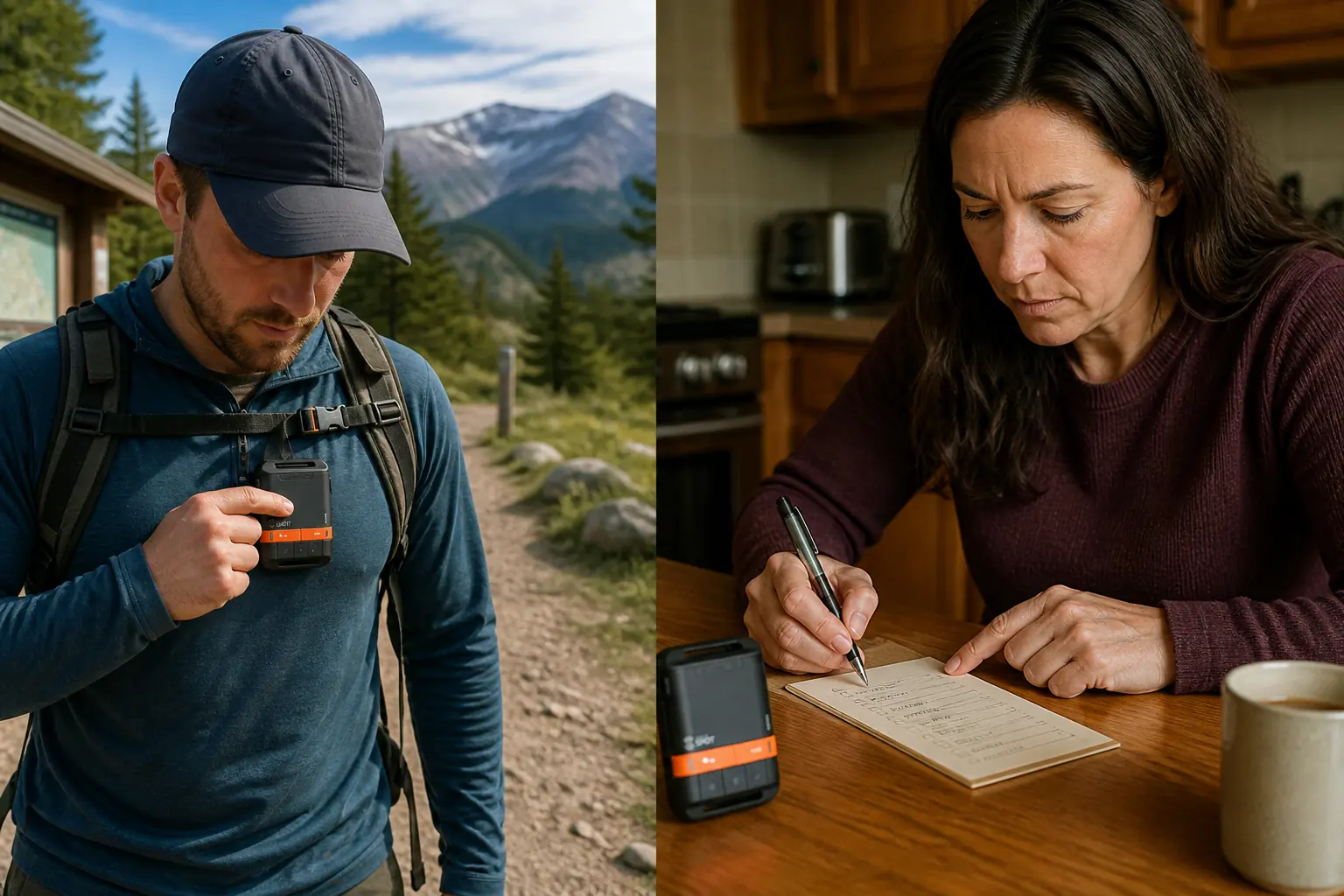
Give every contact a short escalation card. It should state what each preset means, when the next event is expected, who calls whom, and when an overdue traveler becomes an emergency concern.
The routine test should use the same carry or mount position intended for the trip. A tabletop success does not prove that a device hidden by a pack lid or vehicle roof has a suitable sky view.
Correct failures before departure. A wrong recipient, unread notification, inaccessible tracking page, expired plan, or misunderstood Help message is a system defect even when the hardware powers on.
Who should buy SPOT Gen4?
Buy SPOT Gen4 when you want preset outbound status and location from simple physical controls, can maintain an active plan, and have contacts willing to follow a written protocol. It works best when most events are known before the trip.
Choose a two-way satellite communicator when conditions change and the contact needs custom detail, questions, confirmation, or rescue dialogue. The difference is fundamental rather than a better version of the same interface.
Choose a personal locator beacon when you want a dedicated subscription-free emergency signal and do not need routine check-ins or tracking. A PLB uses Cospas-Sarsat and a long-life service battery rather than SPOT's commercial messaging and AAA power model.
| Need | SPOT Gen4 | Two-way communicator | Personal locator beacon |
|---|---|---|---|
| Routine preset status | Yes | Yes | No |
| Custom field text | No | Usually yes | No |
| Incoming replies | No | Yes | No |
| Live tracking | Yes with compatible service | Common with compatible service | No |
| Emergency network | Globalstar and response-service workflow | Commercial satellite network and response partner | 406 MHz Cospas-Sarsat |
| Commercial plan | Required | Usually required | No messaging subscription |
| Power | Replaceable AAA cells | Usually rechargeable | Sealed long-life battery with authorized service |
SPOT Gen4 is not lazy communication if the protocol is disciplined. The device becomes a poor choice only when the trip requires information it cannot send or receive.
Sources
The current SPOT Gen4 product page and user guide were used to verify controls, one-way behavior, dimensions, weight, operating limits, IP68 rating, battery options, and the official message-count claim on September 1, 2026.
Independent purchase questions and field observations were compared across OutdoorGearLab, GearJunkie, Yachting Monthly, and Hiking Emergency Beacon. Operational and safety claims use official SPOT documentation rather than unsupported reviewer claims.