
ACR ResQLink View Review: A Screened PLB With One-Way Limits
A subscription-free emergency PLB whose LCD clarifies local status without creating a rescue conversation.
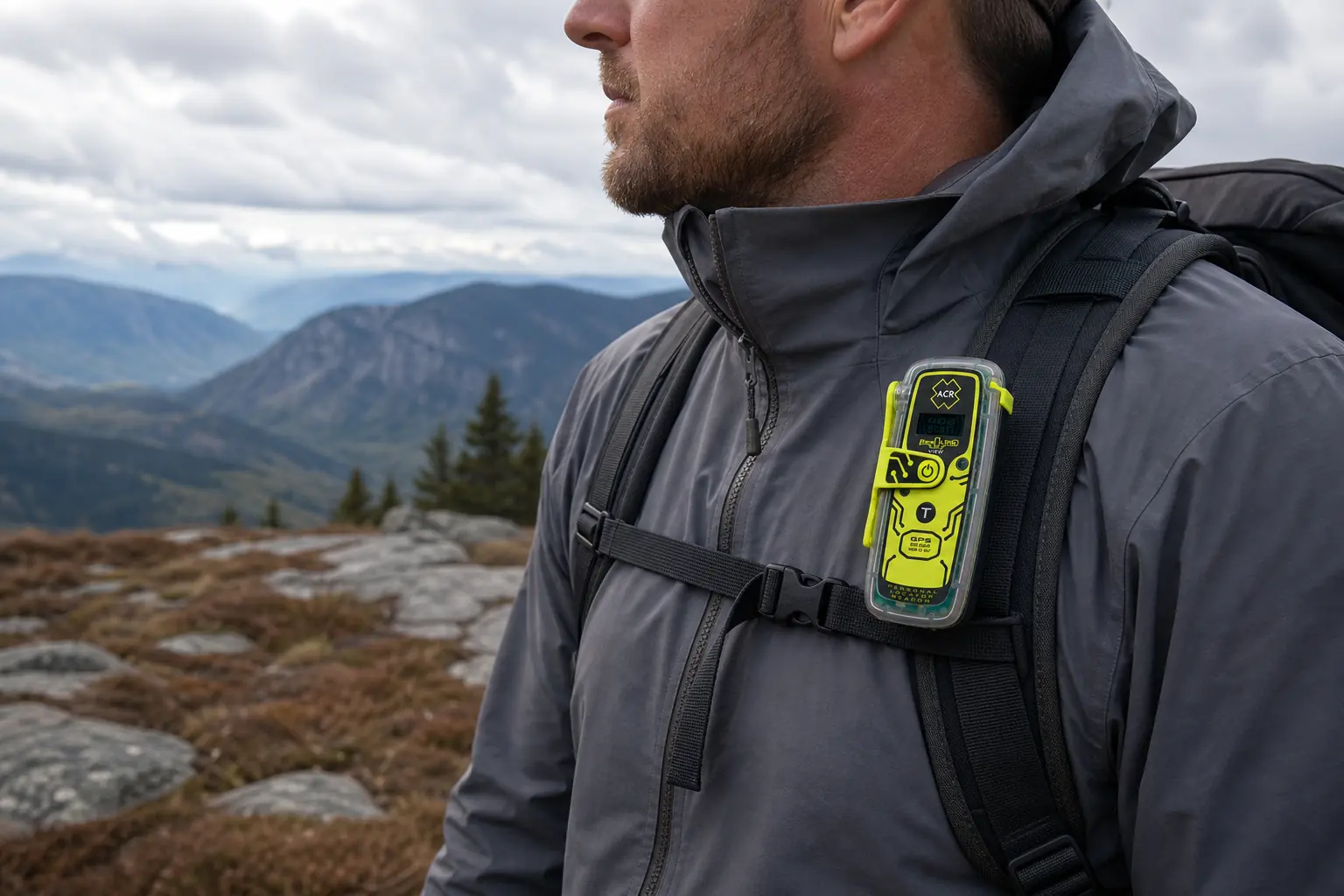
The ACR ResQLink View is a subscription-free personal locator beacon with a small display that shows local status during self-tests and activation.
The ACR ResQLink View is a strong personal locator beacon when you want dedicated one-way emergency signaling and value a screen that reports what the beacon is doing. The LCD reduces uncertainty during self-tests and activation, but it cannot receive a reply from rescuers.
That distinction controls the purchase. The View gives you clearer local status than a screenless PLB, yet it still offers no check-ins, tracking, weather, custom text, or rescue conversation.
KnowOutdoor has not activated or field-tested this beacon. This review uses ACR's current product page, PLB-425 documentation, registration guidance, and independent evaluations as evidence.
Is the ACR ResQLink View worth buying?
Yes, if a PLB already matches your communication needs and readable status feedback matters to you. The View combines GNSS positioning, a 406 MHz distress alert, 121.5 MHz homing, visible and infrared strobes, buoyancy, and an LCD in one emergency-only unit.
The screen is the reason to choose this model over a simpler beacon. During routine checks and an emergency, it can make the beacon's current stage easier to interpret than a sequence of lights and tones alone.
The screen does not broaden the mission. You still cannot tell a coordinator that someone has a broken ankle, receive instructions, send a routine arrival message, or watch a track develop.
That makes the ResQLink View a poor fit for people who need ordinary off-grid contact. It is a better fit for someone who wants a dormant rescue beacon, refuses a commercial messaging plan, and will keep registration and service dates current.
The most important buying question is not whether the View has more features than every satellite messenger. It is whether local status feedback is worth paying and packing for when the device category remains one-way.
What does the ResQLink View screen actually tell you?
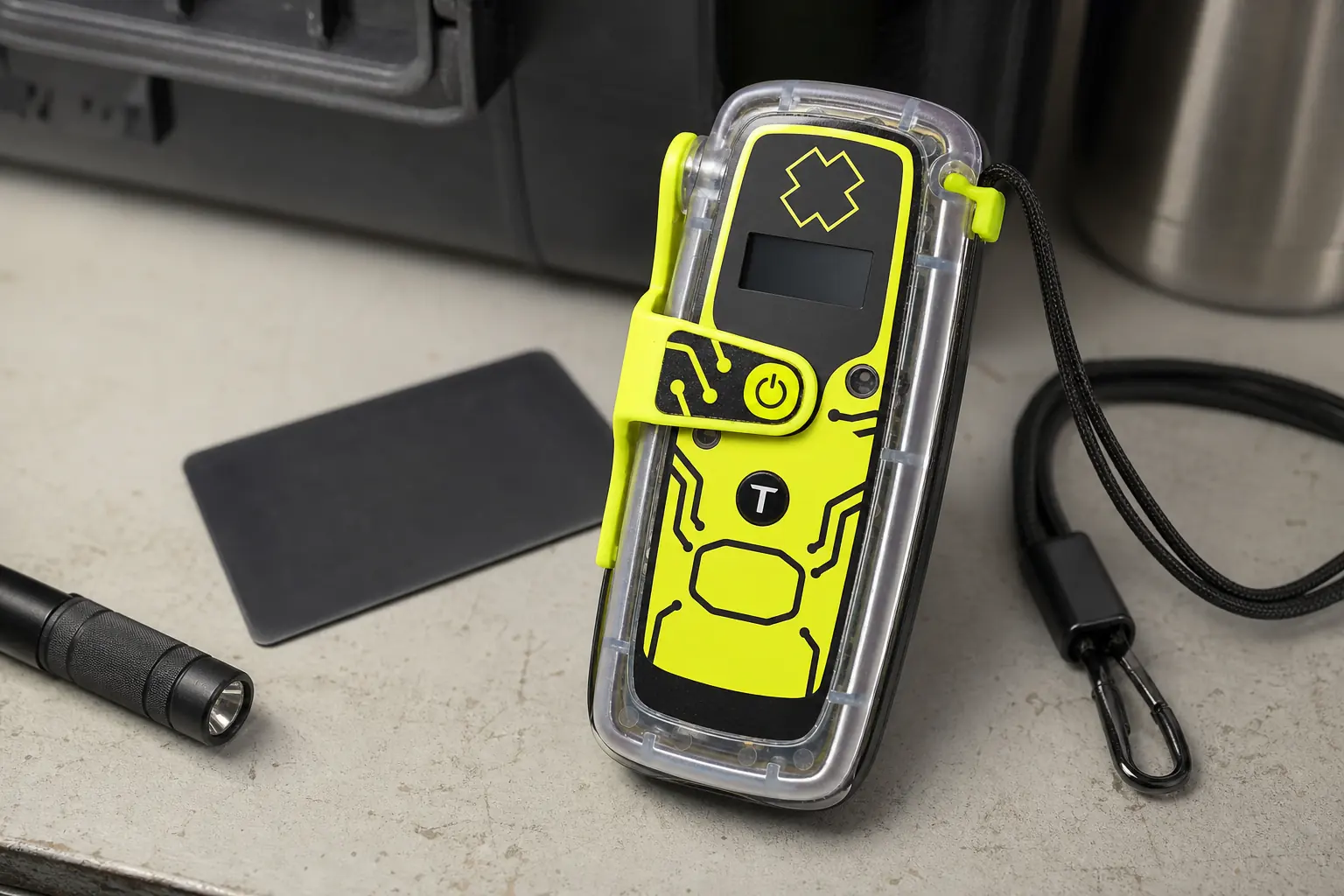
The LCD reports information produced by the beacon itself.
It can help you interpret a self-test, see position-acquisition progress, and follow transmission stages described in the manual.
That is useful under stress because a flashing pattern can be difficult to remember. A screen can translate an internal state into a clearer cue, especially when you have not handled the unit recently.
| Displayed or observed state | What it can establish | What it cannot establish |
|---|---|---|
| Self-test result | The beacon completed the permitted internal check and displayed its result | That the battery will survive any future damage or temperature |
| GNSS acquisition | The receiver is working to obtain location data | That rescue authorities have received the alert |
| Transmission stage | The beacon is performing its outbound distress sequence | That a coordinator has acknowledged the incident |
| Strobe operation | Local visual signaling is active | That an aircraft or ground team can already see it |
| No inbound message | Nothing appears because the PLB has no return text channel | It does not mean the rescue system has failed |
The LCD does not display a message from a rescue center. It cannot show that help is coming, ask about the patient, or give an estimated arrival time because there is no inbound radio path for that conversation.
Use the display to decide whether the beacon needs better antenna placement, more time to acquire position, or authorized service after a failed test. Do not use it to invent information about a response occurring beyond the device.
How does a ResQLink View alert reach rescuers?
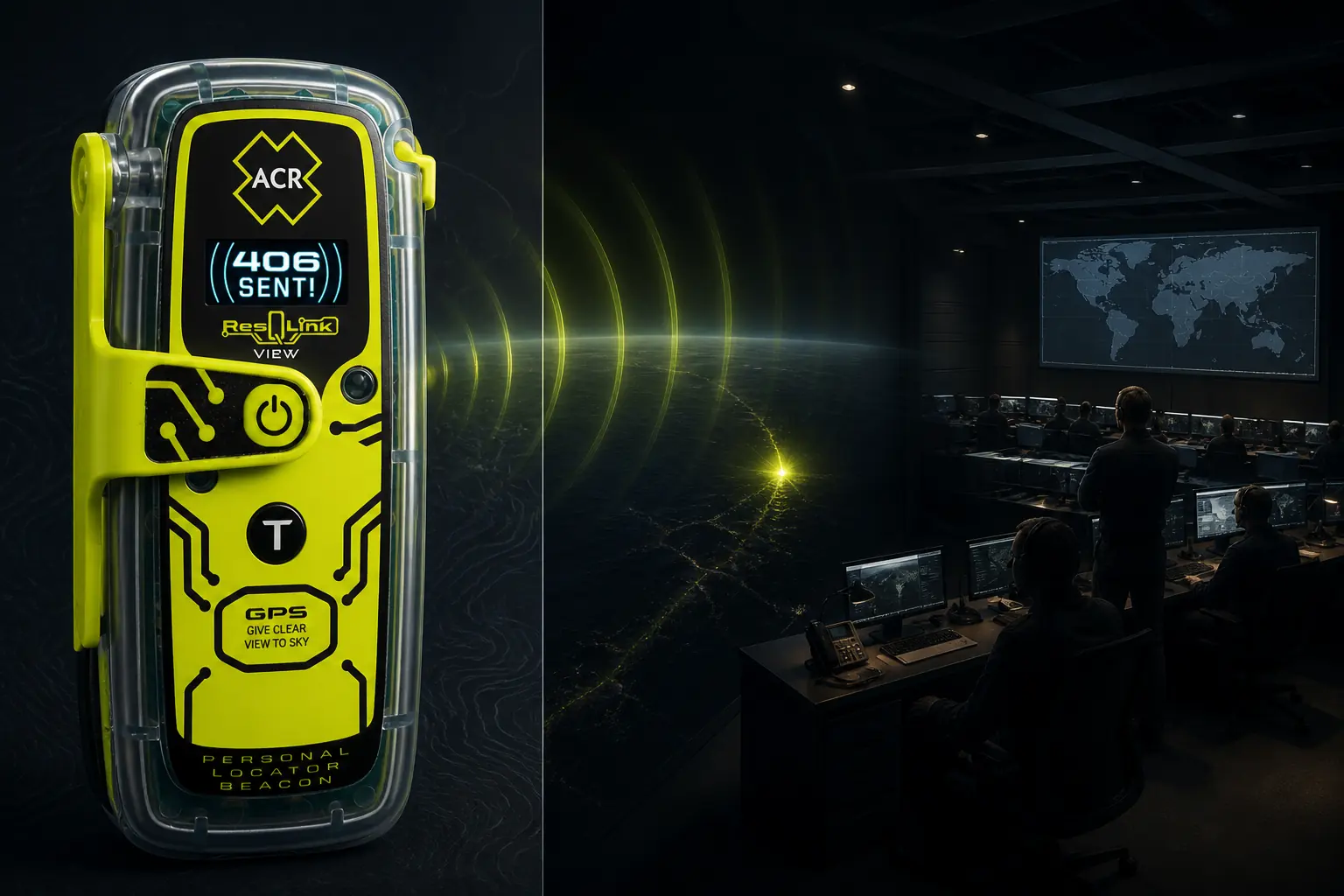
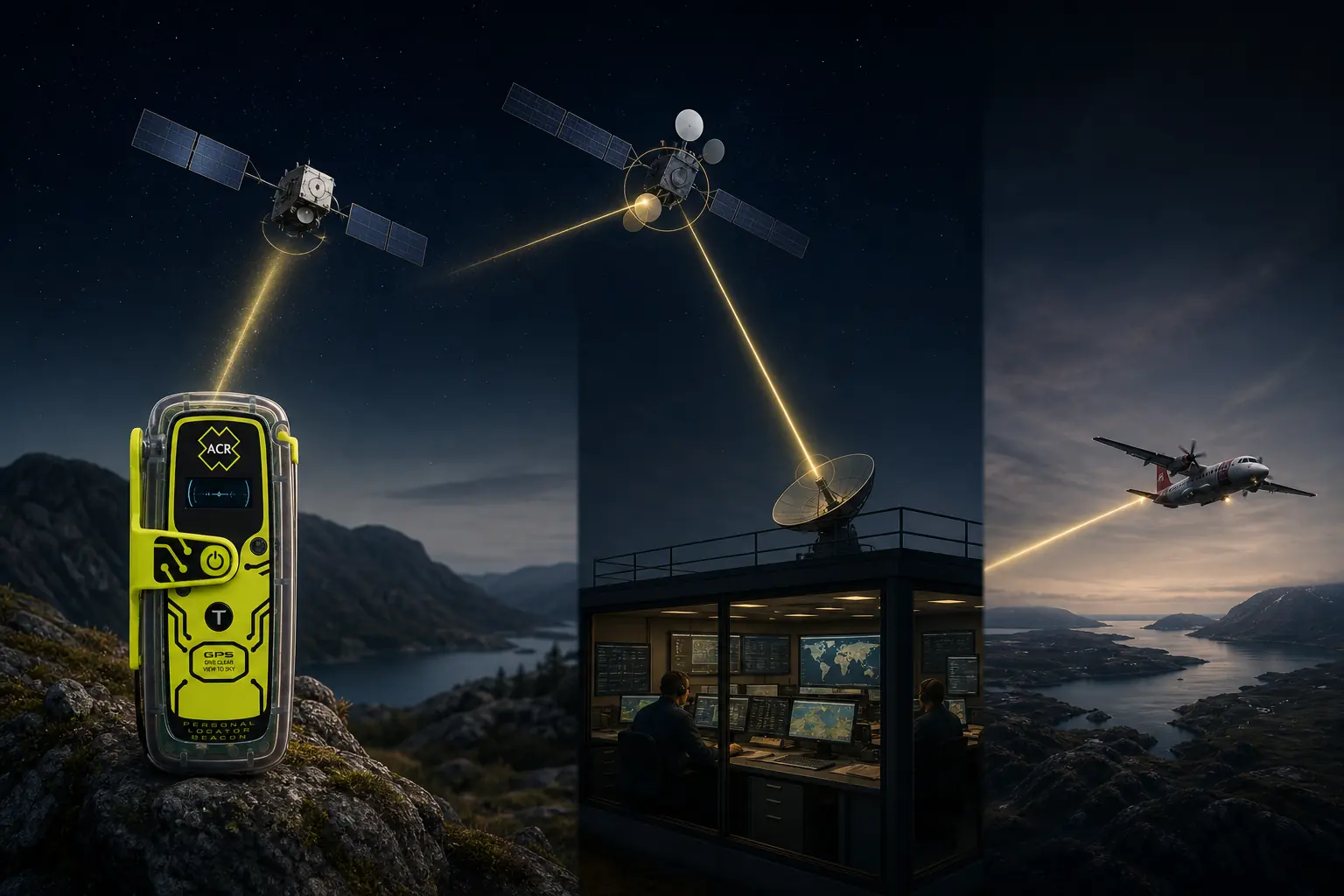
After activation, the beacon attempts to establish a GNSS position and transmits its coded identity and available coordinates on 406 MHz. Cospas-Sarsat infrastructure detects and routes the alert toward the authority responsible for coordinating the response.
Registration details connect the beacon identifier with its owner and emergency contacts. Those contacts may help confirm the intended trip, likely party, equipment, and whether the alert fits the travel plan.
From beacon activation to local search
- Deploy and activateExtend the antenna and switch on the PLB as the manual directsThe unit begins position acquisition and distress transmission
- Satellite detectionCospas-Sarsat receives the 406 MHz identifier and available coordinatesThe alert moves toward the responsible coordination authority
- Incident coordinationRegistration and emergency contacts add identity and trip contextAuthorities decide which local agencies and resources fit the incident
- Search approachAir or ground teams move toward the transmitted areaWeather, terrain, distance, and access control timing
- Final localizationThe 121.5 MHz homing signal and strobes support nearby search teamsRemaining near the beacon improves the connection between the person and the transmitted position
The signal technologies divide the work. GNSS helps create coordinates, 406 MHz carries the distress alert, and 121.5 MHz helps nearby teams close the final distance.
The visible and infrared strobes serve a local detection job. They do not replace the radio alert, and the radio alert does not remove the need to make the scene visible when conditions allow.
No stage guarantees a rescue time. Storms, mountains, aviation restrictions, agency resources, national procedures, and the condition of the patient can all change what happens after a valid alert enters the system.
Where should you carry and deploy the ResQLink View?
Carry the beacon on your person or in a position that remains attached and reachable after a fall. A PLB buried in a pack cannot help if the pack is swept downstream, falls over a cliff, or sits beyond an injured arm's reach.
The exact attachment must follow ACR's manual and suit the activity. A secured shoulder strap, life jacket, or clothing attachment can be more useful than a protected pocket deep inside the load.
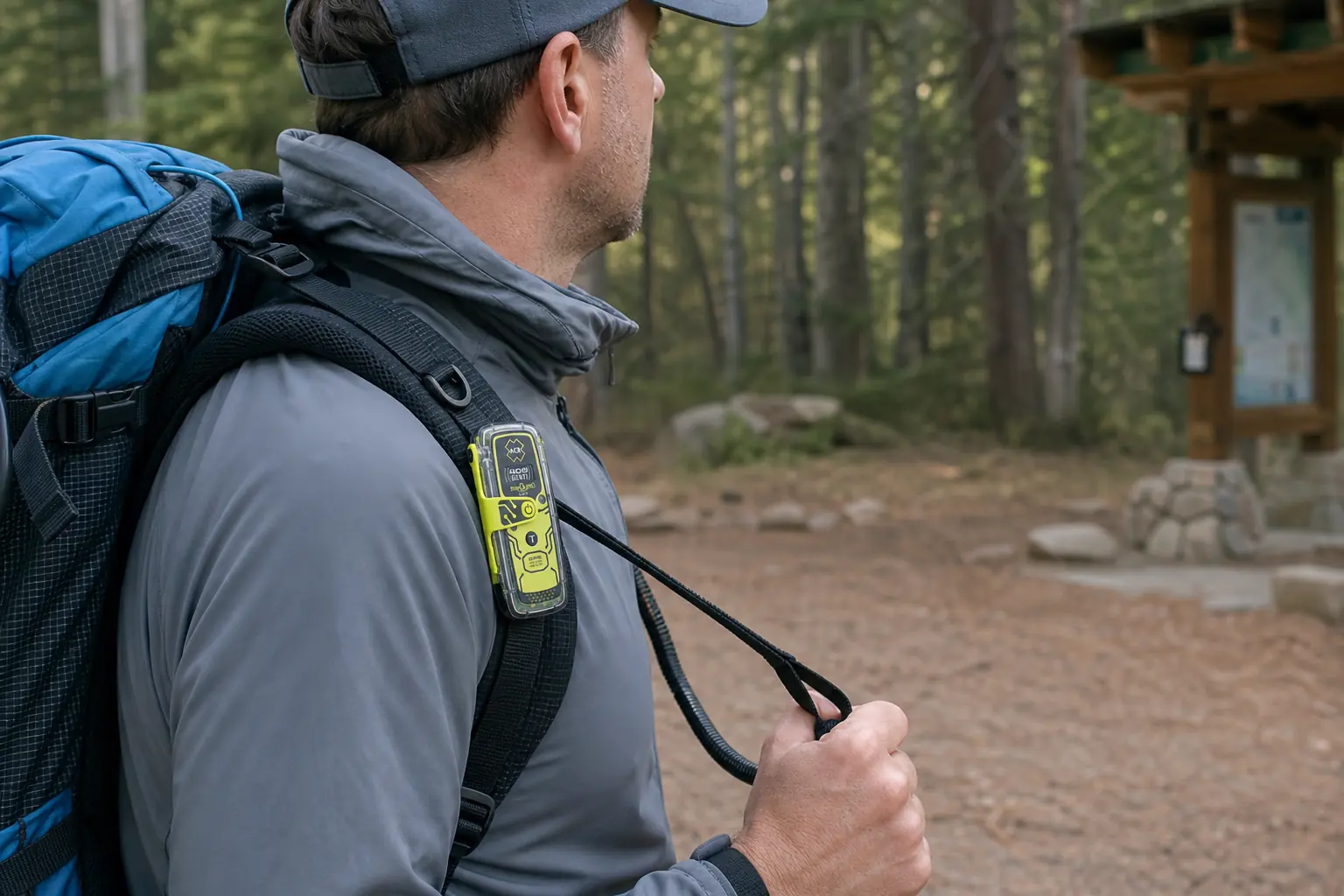
- Confirm the beacon is tethered to the person rather than only to removable luggage
- Practice opening the control cover and extending the antenna without triggering SOS
- Place the antenna upright in the orientation shown by ACR
- Keep the unit clear of the body, metal gear, rock, snow, and dense pack contents
- Move toward a larger sky opening only when the movement is safe for the patient and group
- Stabilize the beacon so wind, water, or movement cannot knock it flat
- Remain near the transmitted position unless the site develops an immediate hazard
- Continue visible, audible, and ground signals that help nearby searchers
Treat open sky as a radio objective, not an instruction to take unreasonable risk. A forest gap may be safer than an exposed ridge during lightning, and a canyon opening may be better than climbing injured terrain.

The View is buoyant under ACR's current specification, but buoyancy is not the same as correct water deployment. Secure it to the person and keep the antenna positioned as the manual requires rather than letting a floating unit drift away.
While the beacon operates, the group still owns patient care. Shelter, insulation, water, bleeding control, and wilderness first aid can matter for hours even when the alert path works correctly.
How do registration, self-tests, and battery service work?
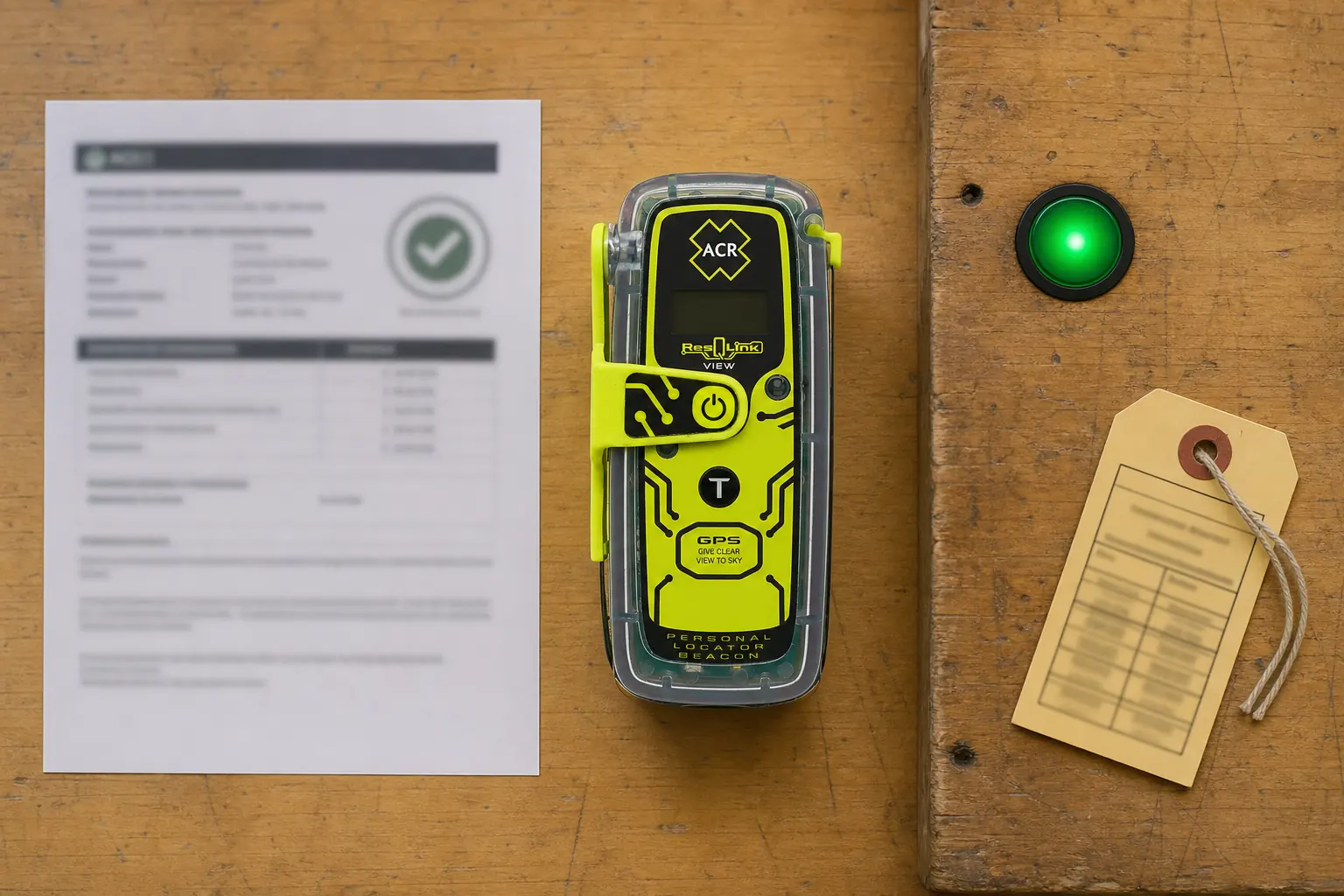
A dormant PLB has three independent readiness duties. Registration tells authorities who owns it, self-tests show whether defined electronics are working, and authorized service protects the long-duration emergency battery reserve.
Registration
Record the beacon identifier, owner, use, and reachable emergency contacts with the appropriate national authority. Update the record after a move, contact change, sale, or material change in use.
Routine self-test
Follow the current manual's interval and interpret the LCD result. A pass is useful evidence about specified electronics, not a promise against future damage.
GNSS self-test
Use the position test only as the manual allows because it consumes more battery and has a lifetime allowance.
Battery service
Arrange authorized replacement after five years or emergency use under current ACR guidance. The service technician also checks beacon function.
In the United States, NOAA manages 406 MHz beacon registration. Owners elsewhere must use the authority responsible for the beacon's national coding and should not assume that a U.S. web process applies.
Registration does not automatically include a live itinerary. Leave a separate trip plan with a reliable contact so the registered beacon identity can be connected to today's route, party, vehicle, expected return, and contingency plan.
Never activate a live distress alert as a casual test. Use only the self-test procedures defined by the manufacturer, stop relying on a unit that displays a failure, and seek authorized support.
The five-year service interval is easy to forget because the beacon may spend years untouched. Put the replacement date in a calendar well before a major trip and inspect the label each time the equipment is reassigned.
Should you choose the View, ResQLink 400, or a two-way messenger?
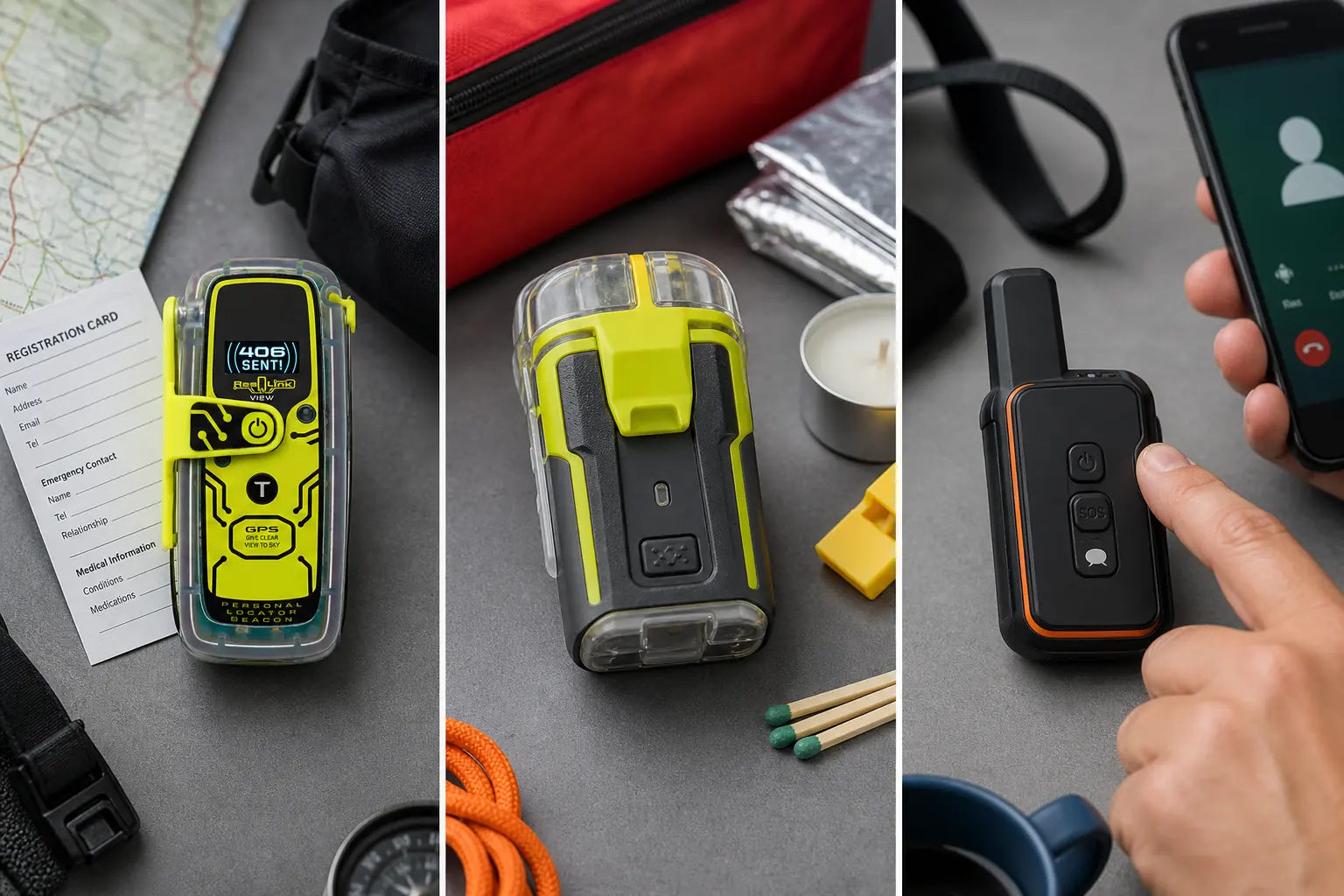
The View and ResQLink 400 perform the same broad PLB job. Both are dedicated one-way emergency beacons, while the View adds an LCD that makes local test and activation status easier to read.
The screenless ResQLink 400 can be the cleaner choice when you accept indicator patterns and prefer the simpler, lighter package. The View earns its place when the screen reduces a meaningful human-factor risk for you.
| Decision | ResQLink View | ResQLink 400 | Two-way satellite messenger |
|---|---|---|---|
| Emergency alert role | 406 MHz PLB | 406 MHz PLB | Commercial satellite service and response partner |
| On-device status | LCD plus indicators | Indicators without a full status screen | Varies by model, often a screen or phone app |
| Incoming rescue text | No | No | Usually supported with an active service and working interface |
| Routine check-ins | No | No | Common |
| Tracking and weather | No | No | Common under compatible services |
| Commercial messaging subscription | Not required | Not required | Usually required |
| Power model | Sealed long-life battery with authorized service | Sealed long-life battery with authorized service | Rechargeable battery used during routine operation |
| Best fit | PLB buyer who values readable local status | PLB buyer comfortable with indicator-only feedback | Traveler who needs ongoing communication or rescue dialogue |
Choose a two-way satellite messenger when routine contact, changing plans, weather requests, or detailed rescue communication matters. The extra capability brings its own account, plan, charging, interface, and sometimes phone dependencies.
Some groups carry a communicator and a PLB because their failure modes differ. That can be reasonable for a high-consequence trip, but it is a risk decision rather than a universal requirement.
How do you prove the ResQLink View is ready before a trip?
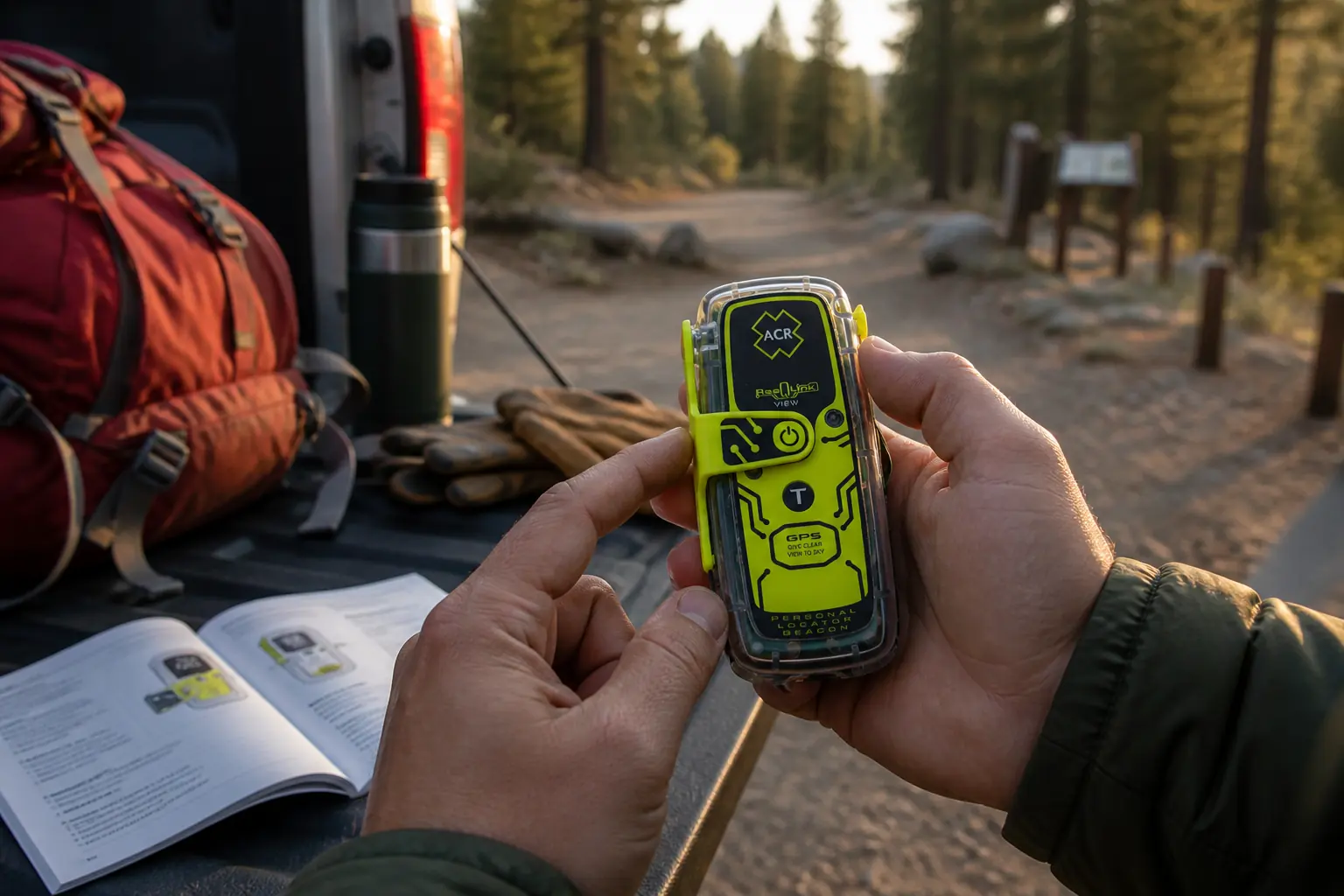
A unit that powers on has not completed a preflight. You need current identity, permitted electronic checks, physical integrity, an accessible carry position, and a rehearsed deployment method.
- Inspect the case, antenna, cover, tether, and service dateDamage, missing parts, or an expired date stops the preflight before electronic testing.
- Confirm the registration recordMatch the carried hexadecimal identifier with current owner and emergency contacts in the correct national system.
- Review today's trip planGive a contact the route, party, vehicle, return time, and escalation instructions separately from beacon registration.
- Run the routine self-testFollow the current ACR manual and read the LCD result without improvising extra tests.
- Run a GNSS self-test only when dueUse open sky and stay within the manual's frequency and lifetime allowance.
- Rehearse carry access and antenna deploymentPractice with the control protected so the beacon can be reached and positioned under stress.
- Stop on any unresolved failureAn expired, damaged, unregistered, or failed beacon is not a working backup.
The screen makes the test result easier to interpret, but it does not replace the manual. Photographing or recording the result can help a group track maintenance without increasing the test frequency.
Review false-alert instructions before departure. If accidental activation occurs, switch off the unit when safe and contact the responsible authority immediately rather than hoping the alert disappeared.
Who should buy the ACR ResQLink View?
Buy the ResQLink View when you want a subscription-free emergency PLB, will maintain its registration and service date, and value a readable account of the beacon's own stages.
It is particularly sensible for infrequent remote travelers who do not need ordinary satellite conversations.
Compare the ResQLink 400 when the LCD does not change your confidence or actions. The screenless model owns the simpler version of the same one-way rescue job.
Choose a two-way communicator when reassurance, custom incident detail, route changes, check-ins, tracking, or weather would materially improve the trip plan. The View cannot grow into those roles after purchase.
Pros
- LCD reports beacon stages and test status
- 406 MHz Cospas-Sarsat alert with GNSS position
- 121.5 MHz homing plus visible and infrared strobes
- No commercial messaging subscription
- Built-in buoyancy
Cons
- No custom text, check-ins, tracking, weather, or incoming reply
- Larger and heavier than some screenless PLBs
- National registration and periodic battery service remain mandatory
- The user must deploy the antenna and choose a safe sky view correctly
The final reason to buy is disciplined simplicity. You carry one tool for a grave emergency, know exactly what its screen can and cannot prove, and maintain the quiet obligations that keep it ready.
Sources
ACR's current ResQLink View product page, PLB-425 specification sheet, and PLB product guide were used to verify the model role, signal technologies, display, buoyancy, operating duration, and service interval on September 1, 2026.
Independent purchase questions and usability observations were compared across OutdoorGearLab, HikingGuy, Yachting World, and Panbo. Operational and safety claims use manufacturer and government guidance rather than unsupported reviewer claims.