
Garmin inReach Messenger Plus Review: Are Photo and Voice Worth It?
A media-capable satellite communicator for trips where richer context changes decisions.
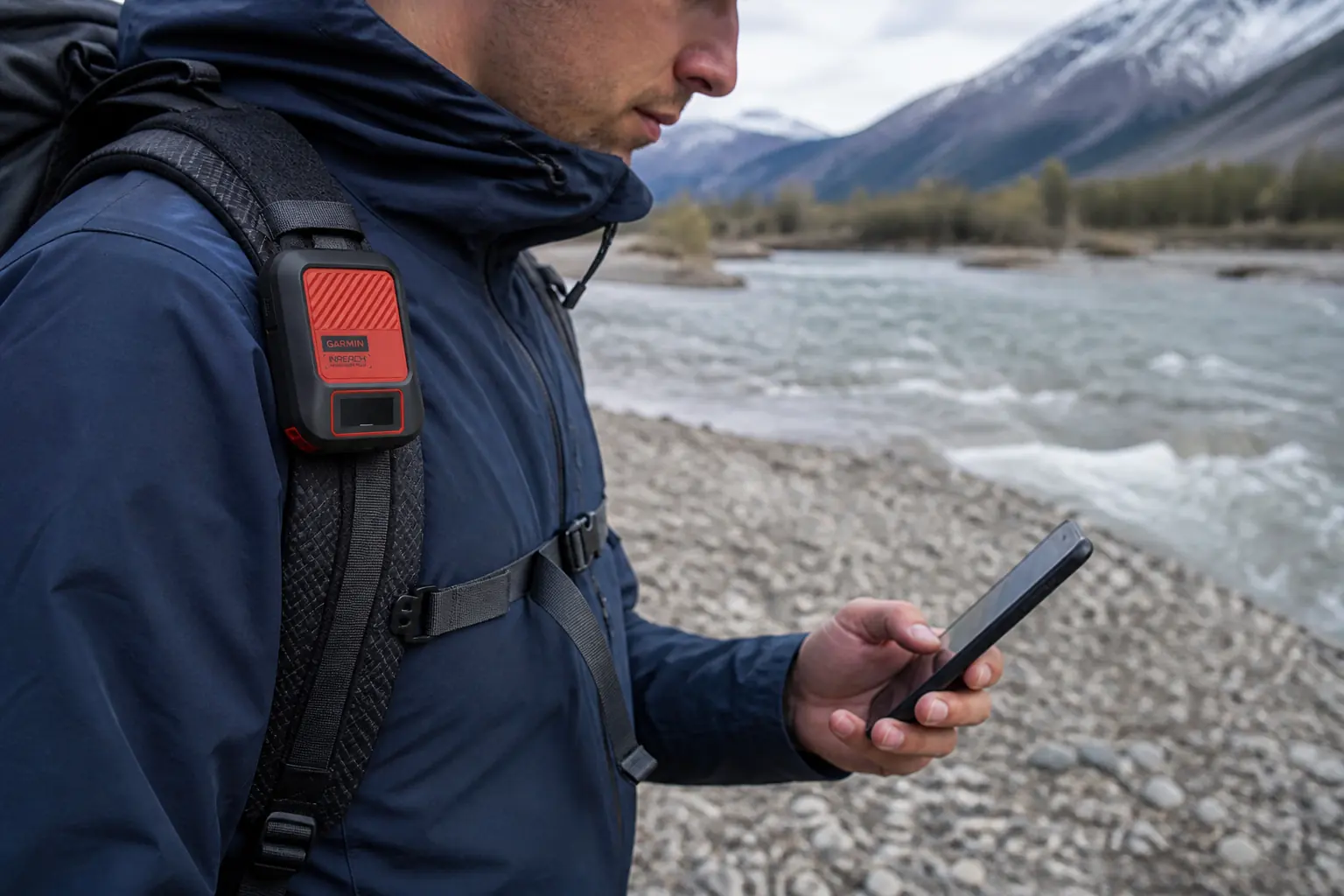
The Garmin inReach Messenger Plus adds photo and voice messaging to a compact satellite communicator built around the Garmin Messenger app.
Garmin inReach Messenger Plus is worth its premium when a photo, a short voice recording, or a longer text can help someone make a better off-grid decision. It keeps the two-way messaging and interactive SOS role of a satellite communicator, then adds richer satellite messages through the Garmin Messenger app.
The premium is harder to justify if you only send a few short check-ins. Photo and voice messaging need a compatible charged phone, can take longer to transfer than plain text, and use a service whose current terms must be checked before every trip season.
KnowOutdoor has not field-tested this device. This review uses Garmin's current product page, owner manual, service documentation, and independent product evaluations as evidence.
Is Garmin inReach Messenger Plus worth it?
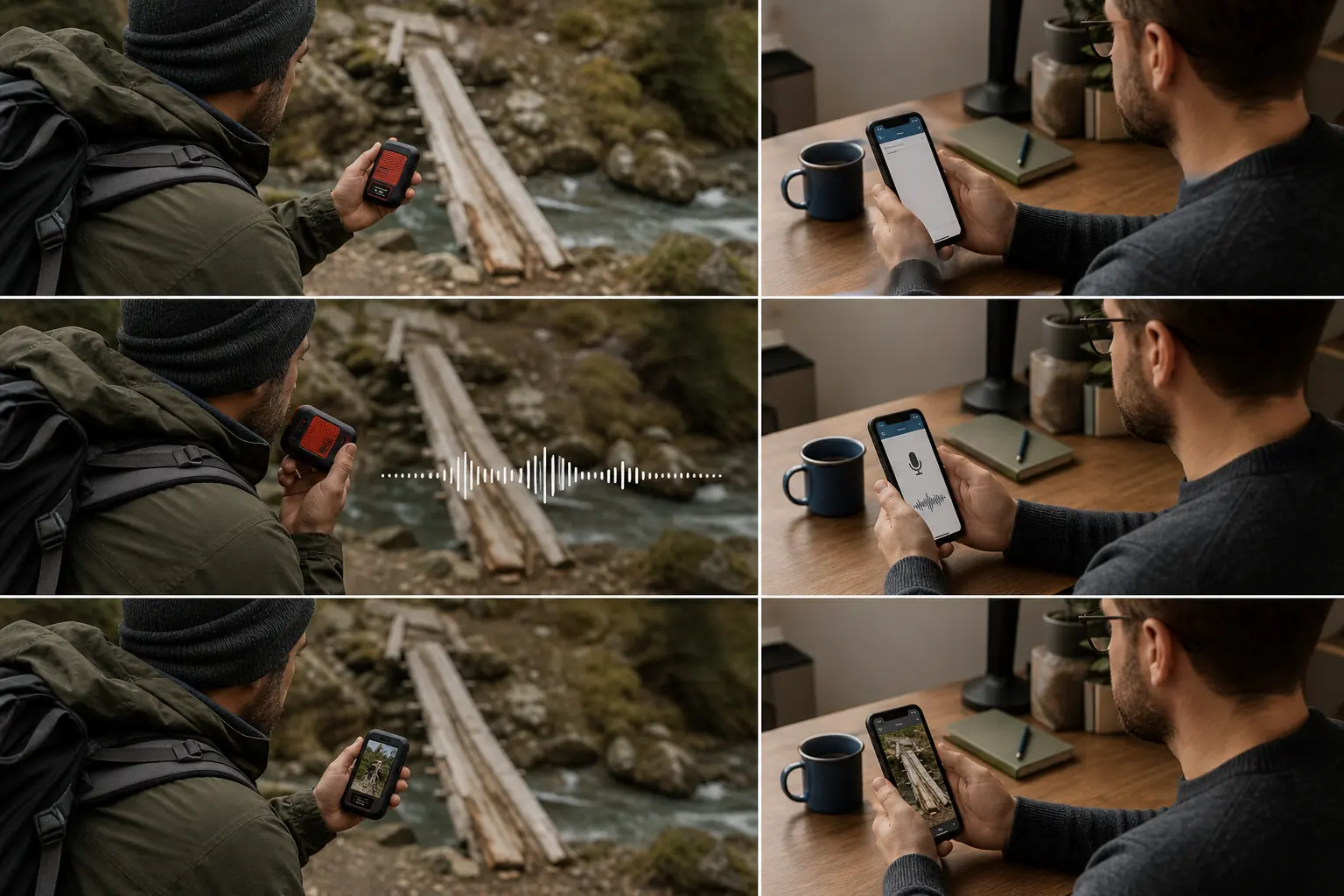
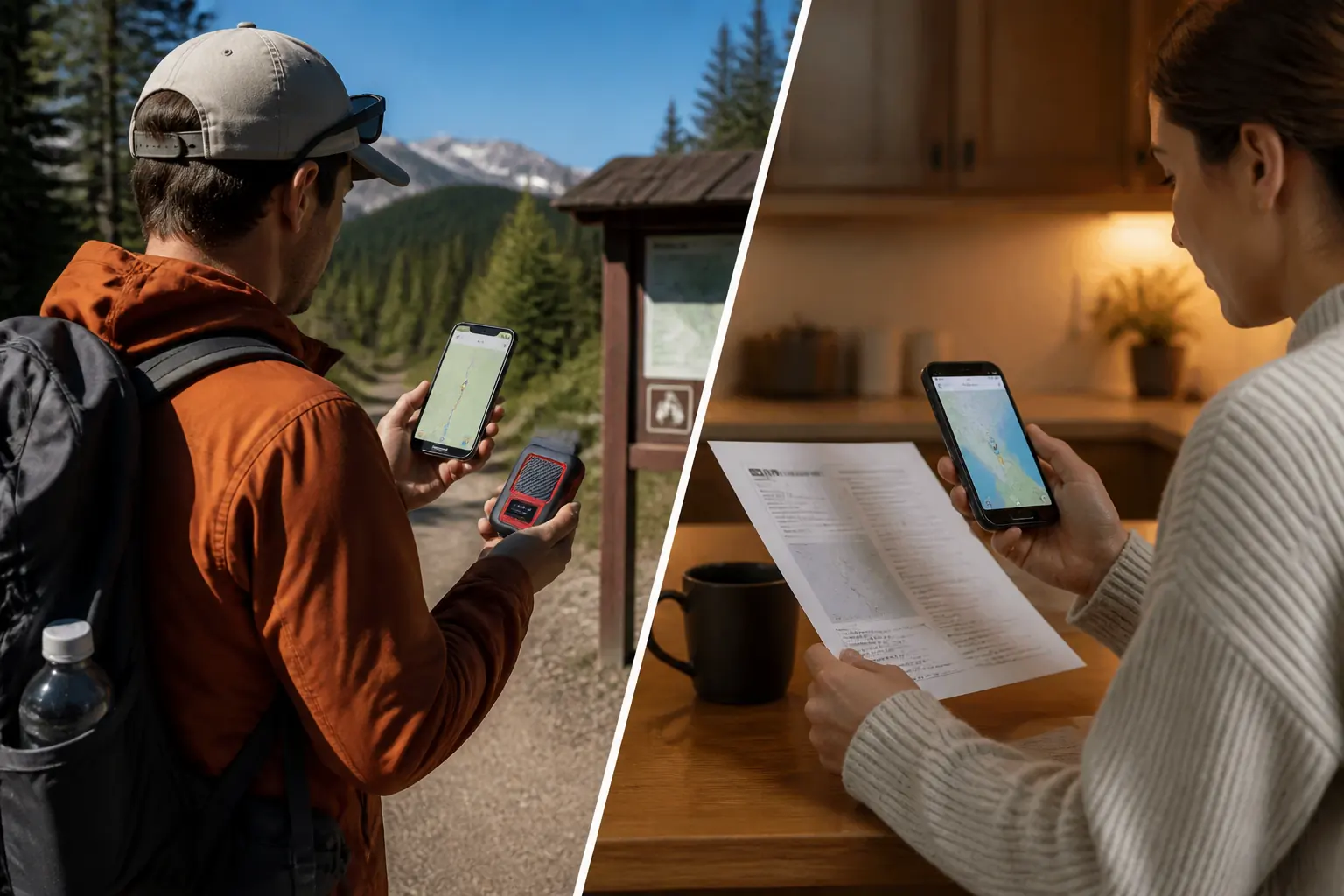
Yes, for users whose contacts need more than a safe or delayed status. A trail crew can show a damaged bridge, a guide can send a concise spoken update while wearing gloves, and a remote worker can provide visual context that would take many text messages to describe.
Richer context
Send photos, voice messages, and longer texts through the Garmin Messenger app when ordinary internet service is unavailable.
Device fallback
Use the communicator's own controls for core text, check-in, tracking, weather, TracBack, and interactive SOS functions when the phone is unavailable.
Long reserve
Choose a messaging mode and tracking behavior that can support a multi-day itinerary, then protect energy for a delayed return.
System overhead
Maintain the communicator, phone, app, account, subscription, contacts, cable, sky view, and recipient workflow as one communication system.
Those are communication jobs rather than entertainment extras. Richer context earns the premium when it changes a route, pickup, repair, medical, weather, or family decision.
The Messenger Plus still has value without media. It provides global Iridium messaging with an active subscription, interactive SOS through Garmin Response, tracking, weather requests, check-ins, and a compact physical interface.
Its shape favors communication and battery over map navigation. You do not get the larger color map experience of a GPS handheld, and the most comfortable way to create enhanced messages remains the phone app.
If your normal message is “camped safely,” compare a simpler communicator before buying. The strongest reason to choose Messenger Plus is not that it has more features, but that you can name a recurring moment when visual or spoken information changes what another person does.
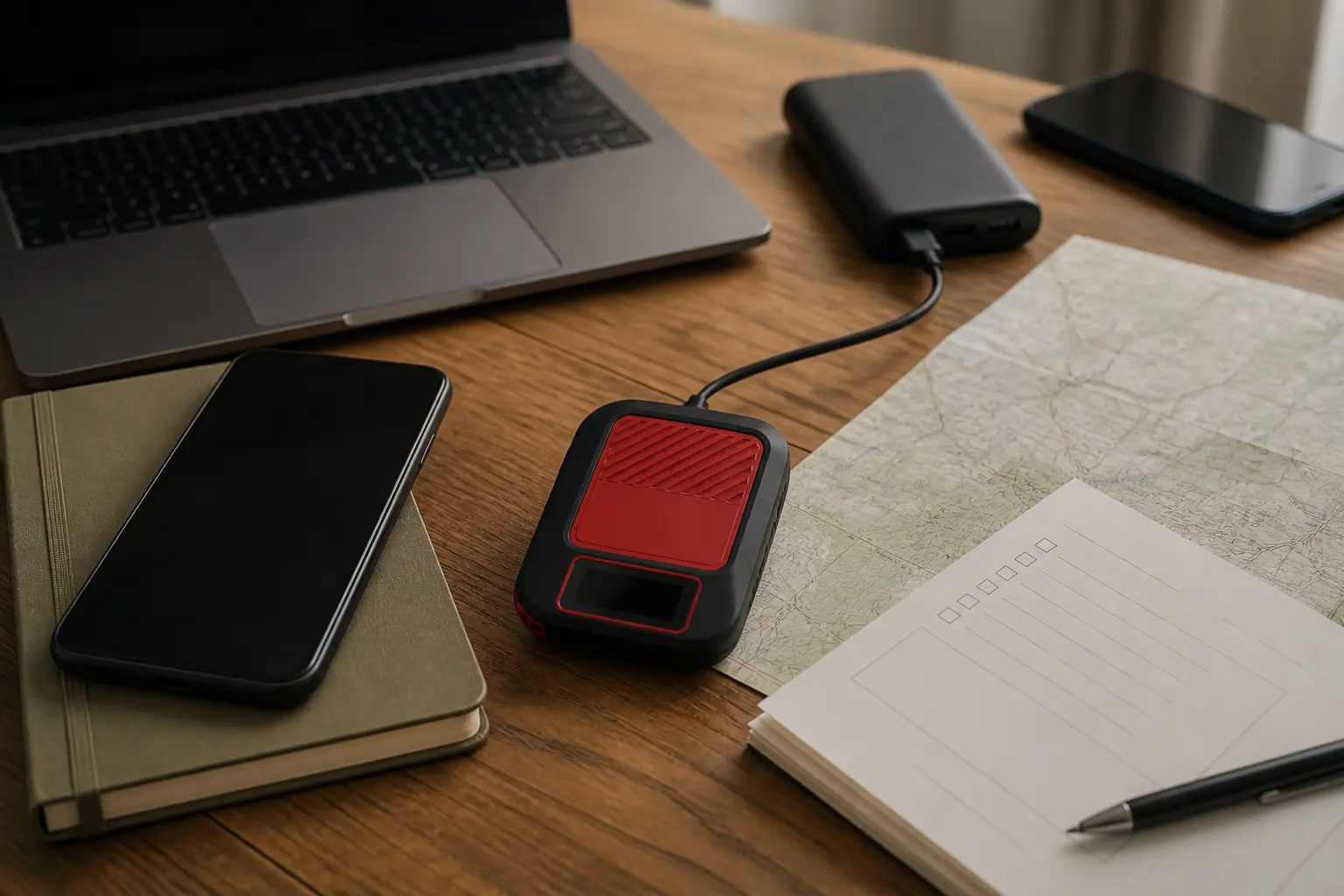
What changes when you can send photos and voice messages by satellite?
Text is efficient when the information is already clear. “Delayed two hours, same route” gives a contact a decision without spending time on a larger transfer.
A photo becomes valuable when the receiver needs to see condition, scale, or damage. A washed-out crossing, a cracked equipment mount, an unexpected snow line, or a patient's visible swelling can be difficult to describe accurately with a small keyboard.
Voice helps when hands are cold, injured, occupied, or gloved. Garmin currently limits satellite voice recordings to 30 seconds, which encourages a short structured update rather than a long story.
| Message form | Best information job | Main dependency | Good field discipline |
|---|---|---|---|
| Check-in | Expected safe status | Preset contact and active service | Agree beforehand what the check-in means |
| Short text | Delay, route change, simple question | Device or phone interface | Put the decision in the first sentence |
| Longer text | Medical, mechanical, or logistical context | Message allowance and transfer time | Separate facts, requested action, and next update |
| Voice | Nuance when typing is difficult | Compatible phone, app, microphone, and recipient playback | State location, condition, request, and next contact time |
| Photo | Visible condition, damage, terrain, or identification | Compatible phone, app, camera, larger transfer | Frame one useful subject and remove decorative images |
The media type should match the question. A clear text may be more reliable and easier to interpret than a dark photograph, while a photograph can prevent a contact from imagining the wrong obstacle.
Compose before seeking the radio path when conditions allow. That keeps the phone interaction short once the communicator is positioned under a better sky view.
Do not assume photo delivery is immediate. A larger message may remain queued while the device waits for a usable connection, especially under canopy or beside steep terrain.
What can Messenger Plus do without your phone?
Messenger Plus is not an app-only puck.
The hardware has a screen and controls that preserve meaningful inReach functions when the phone is dead, broken, wet, or separated from the user.
- Interactive SOS
- Can be initiated and managed from the device interface
- Two-way text
- Available on the device, though composition is slower than on a phone
- Check-in messages
- Available through physical controls after setup
- Tracking
- Can be started and stopped on the communicator
- Weather
- Forecast requests and results can be handled on the device
- TracBack
- Provides a limited return path rather than full map navigation
- Photo and voice
- Require the compatible Garmin Messenger phone app
The hardware fallback is a real advantage over devices that only expose SOS and check-in buttons. You can still read replies and add custom text, though a small interface makes a long conversation slow.
The phone remains practically important for group threads, contact management, photos, voice, and comfortable typing. It also provides a larger context for maps and trip information even though the communicator supplies the satellite transport.
Plan for partial independence rather than total independence. Save concise presets, know the physical menus, protect the communicator outside the pack, and keep essential route and emergency information available without the phone.
If the phone fails, stop spending communicator power trying to restore optional convenience. Use the hardware for the smallest message that changes the contact's action, and preserve energy for updates or SOS.
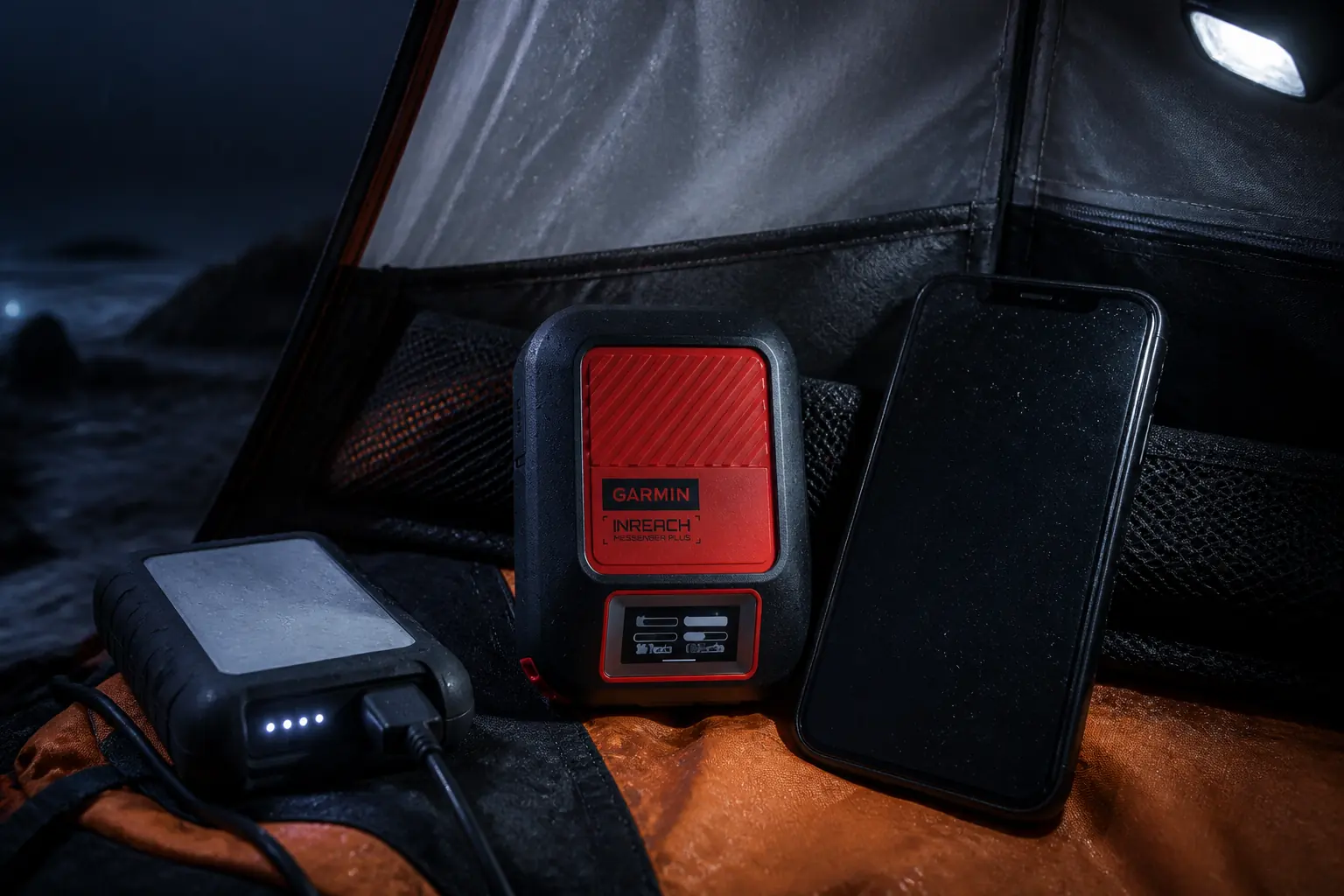
How does Messenger Plus route and deliver messages?
The Garmin Messenger app can use Wi-Fi or cellular data when an internet path is available. Outside ordinary coverage, the paired Messenger Plus provides the Iridium satellite path.
That switching can reduce unnecessary satellite use, but it does not make every send instant. The communicator still needs a usable portion of sky, and messages can remain queued while satellite geometry changes.
From composition to a returned reply
- ComposeCreate text on the device or use the phone for text, photo, or voiceThe message enters the Garmin Messenger workflow
- Choose transportThe system uses an available internet path or the paired satellite communicatorSatellite service is used when ordinary connectivity is unavailable
- Establish sky viewKeep the communicator oriented with the clearest safe sky availableObstruction can extend the queue
- Confirm send stateWatch the device or app status rather than assuming a button press completed deliveryThe sender knows whether to wait or reposition
- Recipient deliveryThe contact receives the message through the supported app or phone routeTheir reply must travel back through the available path
- Round-trip proofRead the returned reply on the app or deviceBoth sides have evidence that the communication chain worked
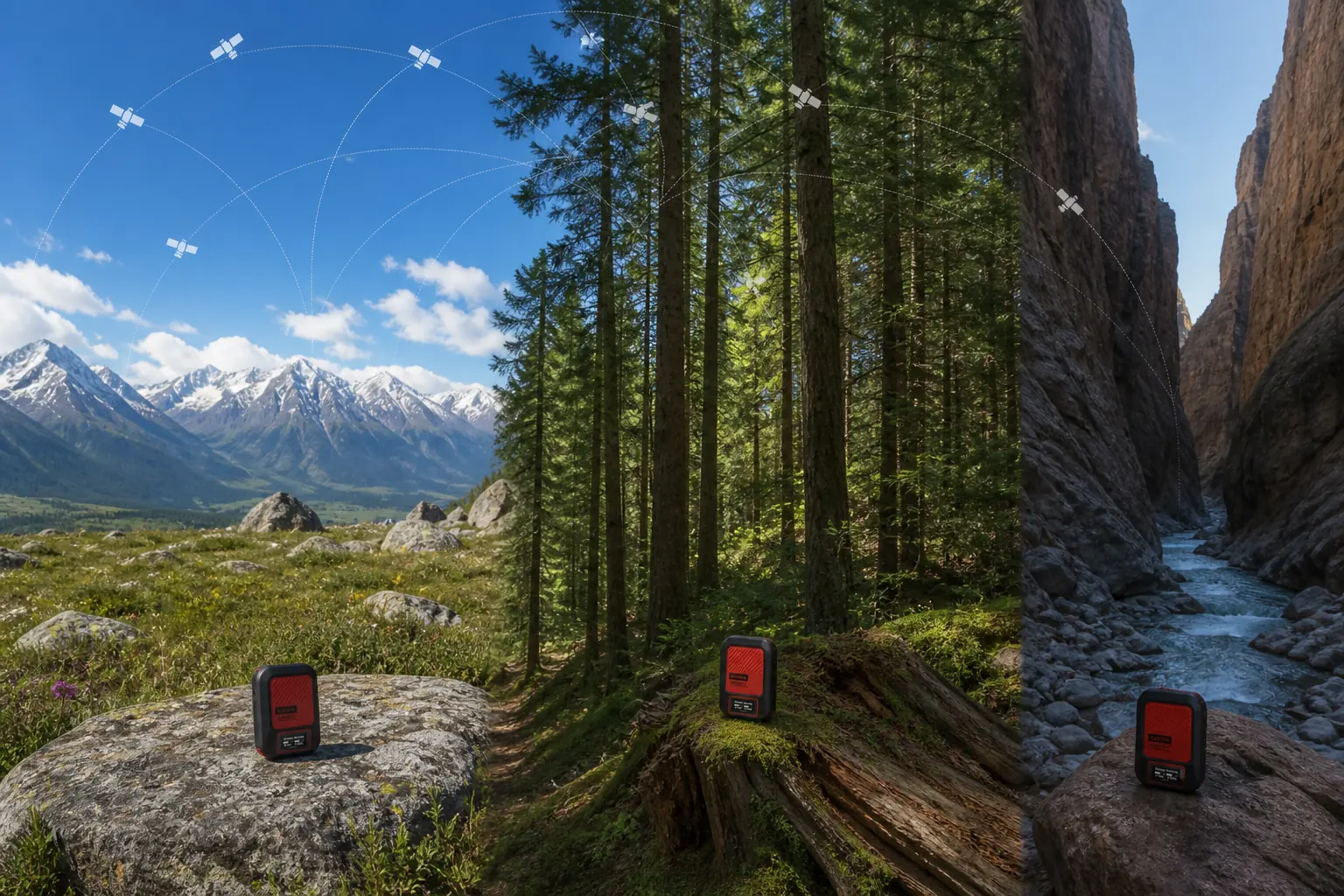
Open ground, a forest gap, and a canyon mouth create different radio geometry. Use the largest safe view rather than climbing an exposed point, leaving an injured person, or stepping into moving water.
Keep the communicator outside dense gear while it sends. A device trapped under a body, inside a metal vehicle, or deep below food and electronics has a poorer view than one placed high and clear.
One returned message provides stronger proof than a local “sent” assumption. For important route changes, ask the recipient to answer with the exact action they understood.
How does interactive SOS work on Messenger Plus?
An intentional SOS contacts Garmin Response, a staffed emergency response coordination service.
The two-way link allows the coordinator to ask about the incident, patient, party, equipment, and changing conditions.
The communicator can initiate SOS without the phone. If the phone works, the larger app interface can make a detailed conversation easier, but the emergency control does not depend on the phone remaining healthy.
- Activate deliberatelyOpen the protected control and follow the device prompts only for a real emergency requiring outside assistance.
- Improve sky view safelyPosition the communicator with a practical view of the sky without exposing the patient or rescuer to a second hazard.
- Answer the coordinatorState location, injury or problem, party size, immediate threats, shelter, equipment, and any planned movement.
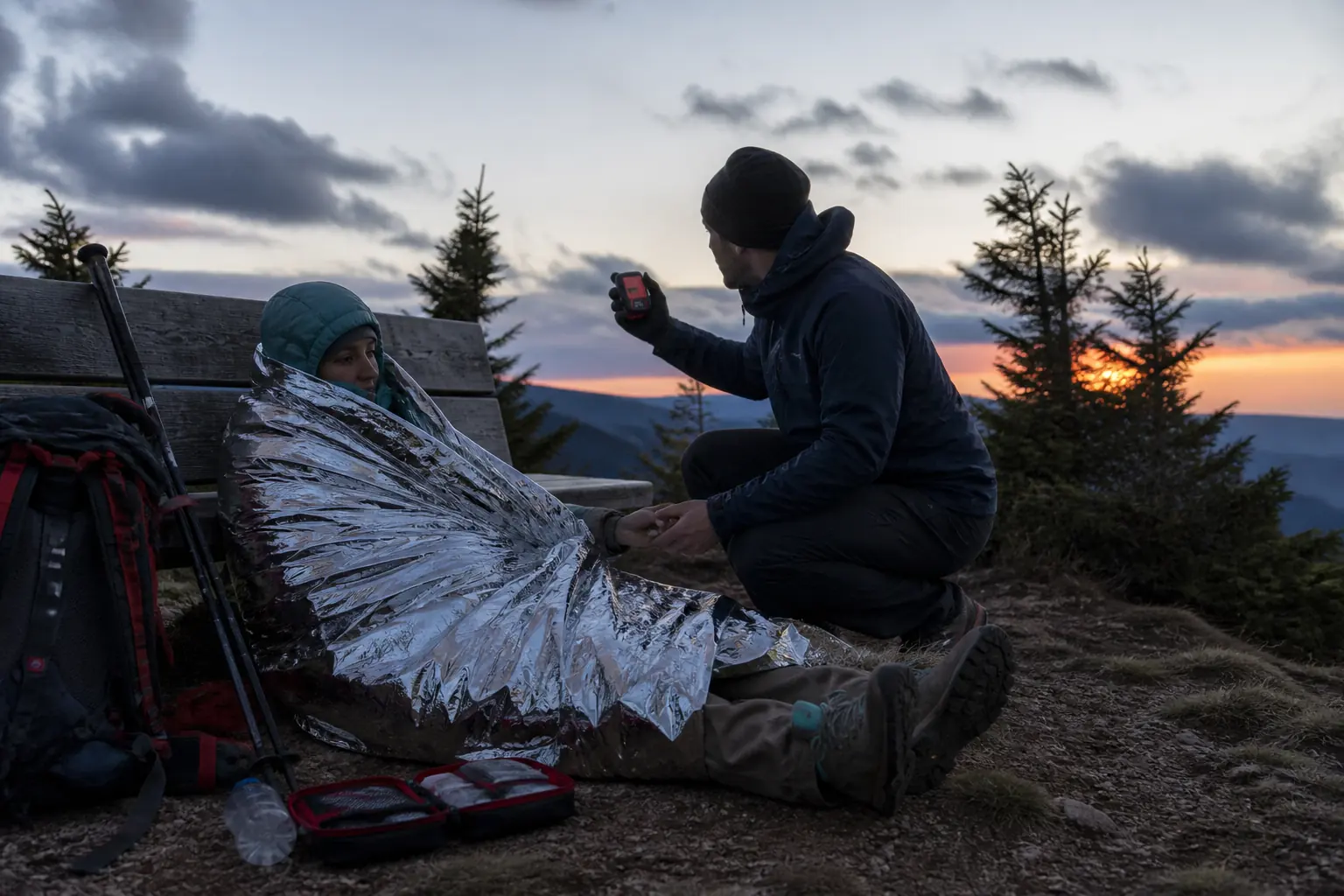
- Continue local careControl bleeding, insulate the patient, build shelter, manage water, and monitor changes while communication continues.
- Remain findableStay near the reported position and keep the device powered unless the site becomes dangerous.
- Cancel only when the emergency is resolvedExplain the change through the available interface and follow coordinator instructions.
Interactive text reduces uncertainty, but it does not guarantee transport. The coordinator still works with local authorities whose timing depends on weather, terrain, distance, aviation, staffing, and the incident itself.
Use the conversation to provide changes rather than repeat the same message. New breathing difficulty, loss of consciousness, rising water, worsening weather, or a necessary movement can change the response plan.
The device cannot perform patient care. Carry and practice wilderness first aid, emergency shelter, signaling, and navigation skills that keep the group stable while outside help is organized.
How long does Messenger Plus battery life really need to last?
Garmin publishes different battery figures for performance messaging and low-power messaging. Those modes describe operating assumptions, not a promise for every trip.
Current official operating context
- Up to 70 hoursPerformance messaging modeFrequent location or text activity under Garmin's stated basis
- Up to 120 hoursLow-power messaging modeA text or location sent every two minutes under the stated basis
- IPX7Water ratingIncidental immersion protection under the IEC test, not permission to neglect ports and damage
- -10°C to 60°COperating rangeCold still affects batteries and hands even inside the specified range
Message frequency, media transfers, tracking interval, display time, Bluetooth use, obstructed sky, and temperature all change energy use. The paired phone creates a second battery budget with its own screen, camera, app, and cold-weather load.
Build the power plan from the itinerary. Count travel days, expected messages, tracking behavior, cold camps, likely delays, and the need to keep a reserve after the scheduled return.
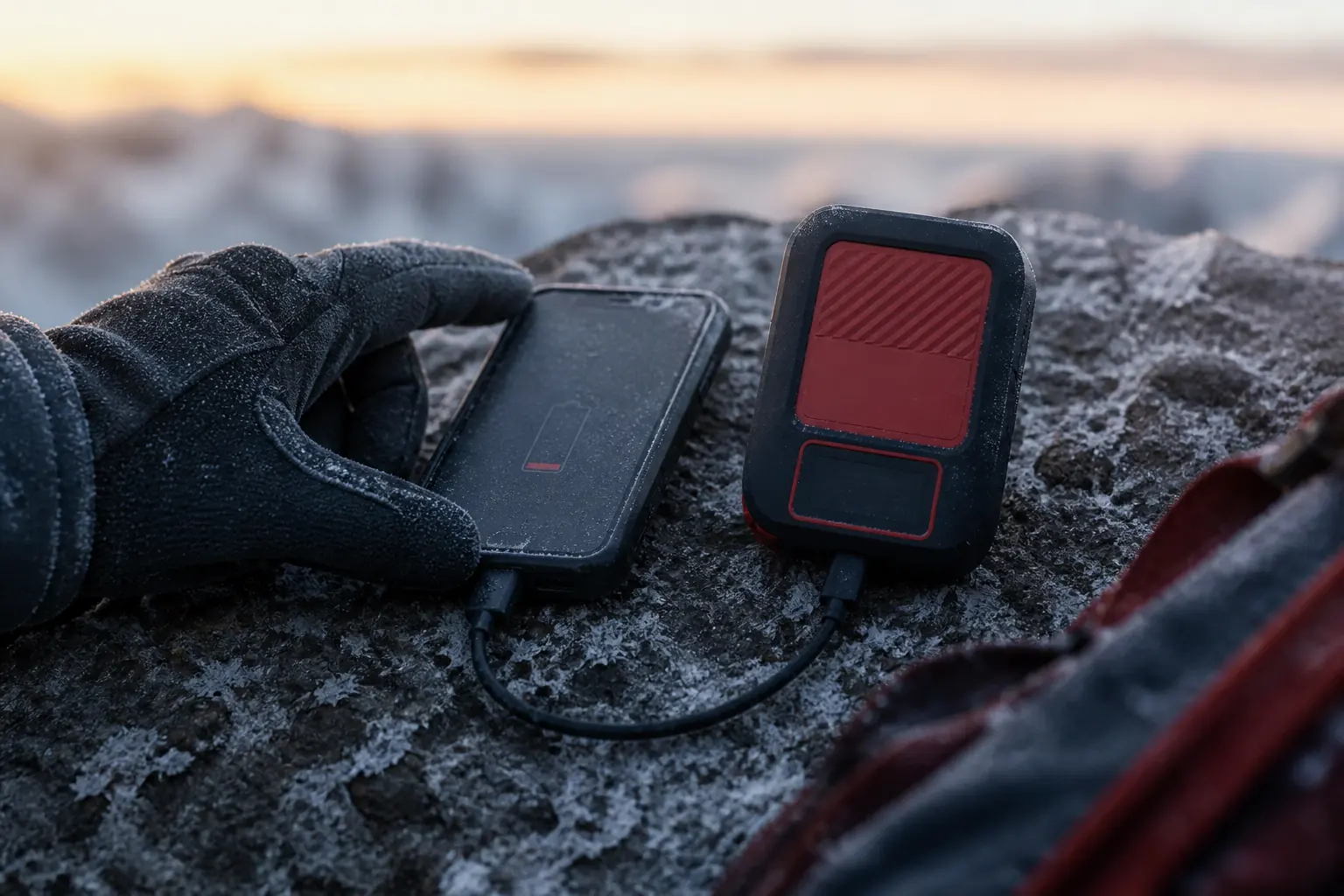
For a short weekend, starting both devices full may be enough. A long trip or winter route may justify a protected battery bank, short cable, warmer battery storage, and a rule that limits nonessential media.
Battery percentage is not the only readiness signal. Inspect the case and port, update firmware before departure, test the actual cable, and confirm that the phone does not aggressively suspend the Messenger app.
When is reverse charging useful?
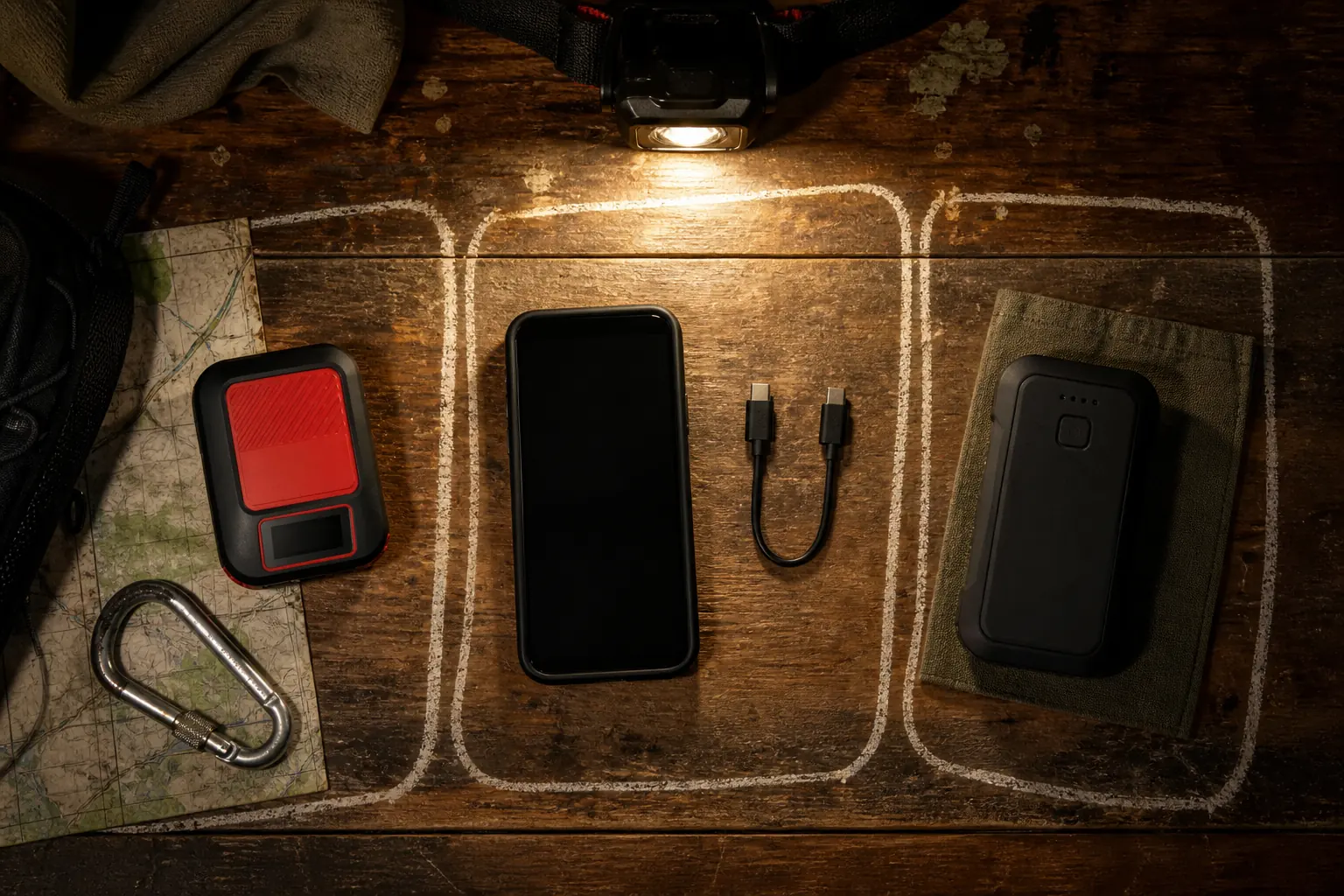
Reverse charging lets the Messenger Plus transfer energy to a phone through a cable. It is most useful when a small amount of phone power restores one essential function such as composing a detailed message, reading a reply, checking an offline map, or using the camera.
This is a contingency rather than a normal power-bank role. Charging a phone for entertainment or general convenience can turn a helpful feature into a weakened emergency reserve.
Carry a tested cable that supports the required direction. A reverse-charge feature is useless when the connector is missing, damaged, or stored in luggage separated from the communicator.
The decision changes during an emergency. If the phone adds crucial incident detail, a bounded transfer may improve the rescue conversation, but the communicator must retain enough reserve for continuing messages and tracking.
How should you choose an inReach plan for Messenger Plus?
Choose a plan from expected behavior rather than from its marketing name.
Count routine texts, tracking points, weather requests, photos, voice messages, group conversations, and the months when the device must remain active.
| Use pattern | Traffic that matters | Plan question to verify |
|---|---|---|
| Emergency-only carry | Rare routine traffic but continuous readiness | What activation, monthly access, and emergency use require |
| Weekend check-ins | Predictable short messages and occasional weather | How included messages and overage are counted |
| Family media updates | Photos, voice, longer text, and replies | How enhanced messages consume allowances |
| Continuous tracking | Repeated location points at a chosen interval | Which intervals and track points are included or charged |
| Seasonal ownership | Active trips separated by unused months | Current suspension, reactivation, and account-continuity rules |
| Group communication | Multiple recipients and conversation replies | How group messages and inbound attempts are counted |
Do not freeze a plan choice from an old review. Garmin can change plan names, allowances, activation conditions, or treatment of message types, so verify current official terms when activating and before a major trip.
The cheapest hardware-plus-plan combination can change with behavior. A higher monthly option may cost less during a message-heavy expedition, while a lighter plan can suit infrequent check-ins.
Make one realistic trip ledger. If the plan only looks affordable after removing the tracking, media, or family updates you bought Messenger Plus to use, the product and plan do not fit together.
How do you test Messenger Plus before a trip?
Bluetooth pairing alone is not an end-to-end test.
A complete preflight proves the account, service, communicator, exact phone, app, satellite path, recipients, tracking page, media workflow, and power equipment.
- Activate the current plan and verify the account status while internet support is available
- Install current communicator firmware and the current Garmin Messenger app
- Pair the exact phone that will travel rather than a convenient spare
- Send a plain text by satellite from open sky and wait for the recipient's reply
- Send one representative photo or voice message when enhanced media is part of the trip plan
- Start and stop tracking, then open the shared page from the contact's device
- Confirm check-in recipients and the agreed meaning of each preset
- Open essential offline maps and trip information with cellular data disabled
- Review SOS controls and cancellation steps without activating a live emergency
- Charge the communicator, phone, and reserve battery with the exact trip cables
Ask the recipient to describe what arrived and when. That catches a wrong phone number, blocked app notification, misunderstood preset, or inaccessible shared page that the sender cannot see.
Run the satellite test outdoors rather than from a window. The objective is to prove the radio path and the recipient workflow under a realistic but safe sky view.
Repair every failed layer while support and ordinary connectivity remain available. A device that works only after repeated improvisation at home is not ready for a high-consequence trip.
Should you choose Messenger Plus, Mini 2, ZOLEO, or a PLB?
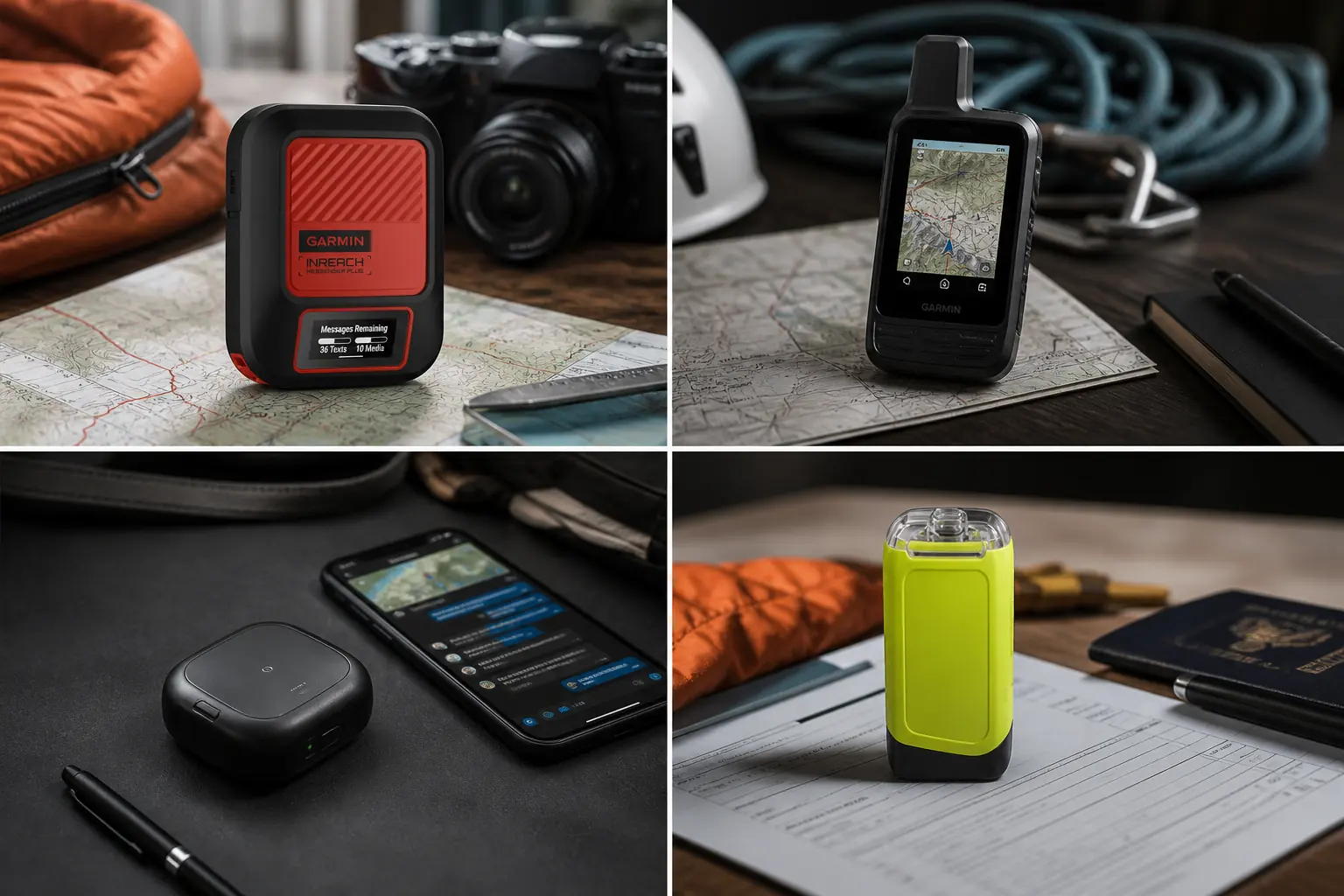
Start with the information that must cross the boundary. If contacts need photos or spoken context, Messenger Plus has the clearest reason to exist.
If you need compact on-device navigation and physical controls more than media, Garmin inReach Mini 2 can be a better match. Its TracBack and compass role is broader, while its text interface remains small.
ZOLEO emphasizes a dedicated contact identity and an approachable app conversation. Its physical hardware keeps SOS and check-in available, but ordinary custom messaging is more phone-dependent.
A personal locator beacon removes routine messaging and commercial plan management. It serves a dedicated one-way emergency role through Cospas-Sarsat rather than a daily conversation.
| Primary need | Strong candidate | Main reason to compare another device |
|---|---|---|
| Photo or voice context | Messenger Plus | Enhanced media requires the phone and uses more service data |
| Compact physical messaging plus basic navigation | inReach Mini 2 | No photo or voice satellite workflow |
| Dedicated inbound contact identity and app simplicity | ZOLEO | Limited device-only interface |
| Preset-only outbound status and replaceable AAA power | SPOT Gen4 | No incoming reply or custom field text |
| Subscription-free emergency alert | Personal locator beacon | No routine communication or rescue conversation |
Phone-native satellite services can reduce carried hardware for compatible devices, regions, and plans. They also concentrate navigation, messaging, camera, battery, and emergency access in one object, so the redundancy decision deserves more than a sticker-price comparison.
Who should buy Garmin inReach Messenger Plus?
Buy Messenger Plus when richer off-grid information changes decisions for your family, team, clients, or emergency contacts. It is especially useful for remote work, guiding, expeditions, and complex trips where a photo or voice update can prevent a bad assumption.
Compare a simpler communicator when most messages are short and predictable. Paying for enhanced media that never leaves the app is a poor trade, even if the device looks more future-proof.
Skip it for a subscription-free emergency-only role. A PLB has fewer communication features because it solves a narrower problem with a different network and battery model.
Pros
- Sends photos and voice messages through the Garmin Messenger app outside cellular coverage
- Supports longer text and group conversations
- Retains core on-device messaging, tracking, weather, TracBack, and SOS controls
- Long stated battery life in documented messaging modes
- Can transfer emergency energy to a phone through reverse charging
Cons
- Enhanced media depends on a compatible phone and app
- Larger messages can take time under limited sky
- Hardware and ongoing service cost more than a simple text-first setup
- No full on-device mapping interface
- The user must protect power for both communicator and phone
The strongest owner treats Messenger Plus as a five-layer system. The communicator, phone, app, plan, and sky view all receive a preflight, and the recipient knows what each message requires them to do.
Sources
Garmin's current inReach Messenger Plus product page, owner manual, and device selection guide were used to verify enhanced messaging, device functions, reverse charging, environmental specifications, and current lineup context on September 1, 2026.
Independent purchase questions and observed tradeoffs were compared across Backpacking Light, HikingGuy, OutdoorGearLab, and RECOIL Offgrid. Operational and safety claims use Garmin documentation rather than unsupported reviewer claims.