
ZOLEO Satellite Communicator Review: App-First Messaging Explained
An app-first communicator with a dedicated contact identity, two-way SOS, and limited device-only controls.
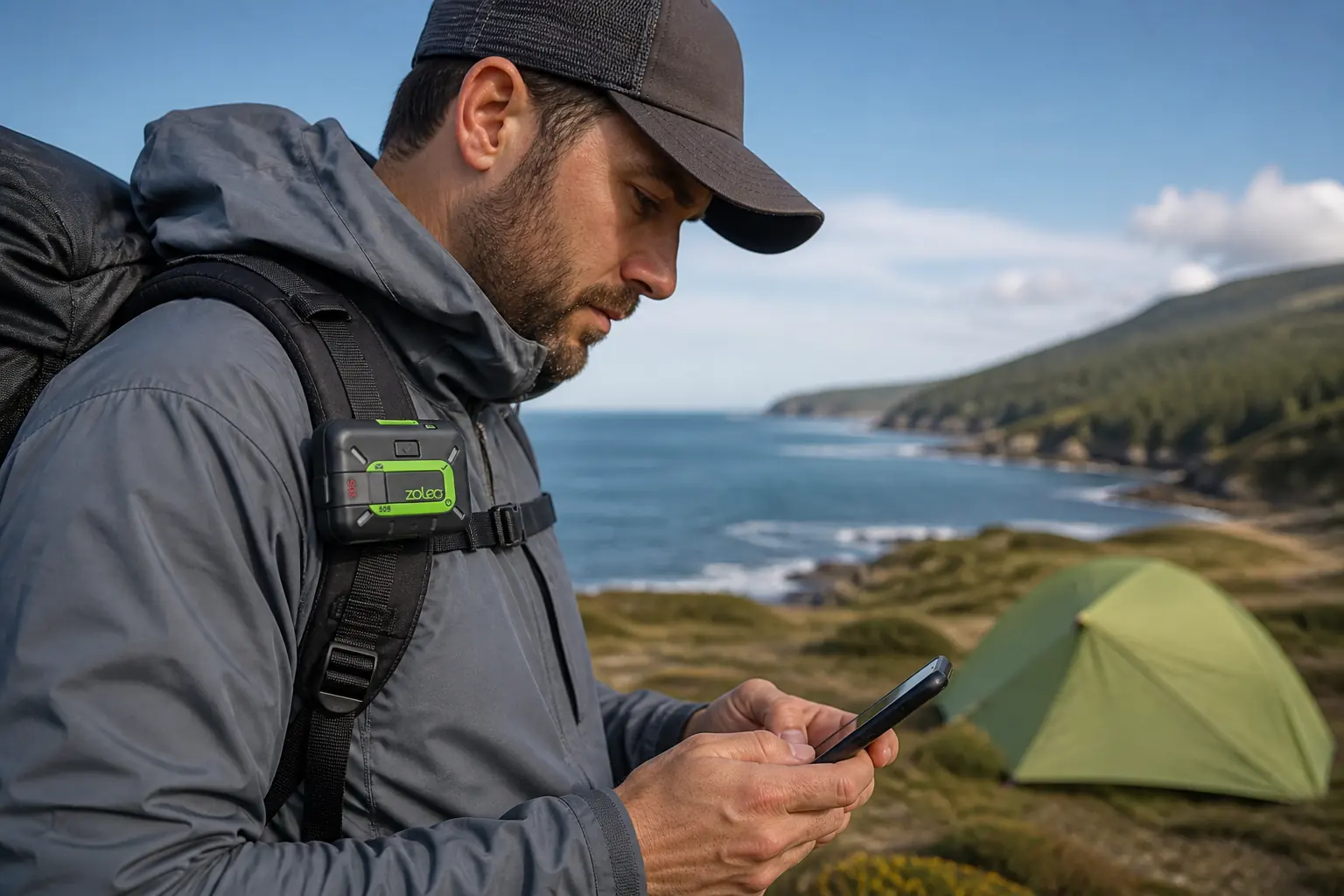
The ZOLEO Satellite Communicator pairs app-first two-way messaging with a dedicated contact identity, check-in button, location sharing, weather, and monitored SOS.
ZOLEO is a strong satellite communicator for people who want a familiar app conversation with a dedicated contact identity rather than a miniature GPS interface. The system can move messages across Wi-Fi, cellular data, and Iridium while keeping the same conversation available to the traveler and contacts.
Its strengths belong to the whole system. Most custom two-way messaging needs the paired phone and app, while the physical device keeps check-in and SOS available when the phone fails.
KnowOutdoor has not field-tested ZOLEO. This review uses the current ZL1500 product page, user manual, support documentation, service information, and independent evaluations as evidence.
Is ZOLEO a good satellite communicator?
Yes, when the phone remains the preferred interface and the recipient experience matters. A family member can contact the traveler through a stable ZOLEO identity without learning satellite addresses for each trip or waiting for the traveler to start every thread.
| Function | Physical ZOLEO device | Paired ZOLEO app | Service or add-on |
|---|---|---|---|
| Check-in | Yes, through the device button | Yes, with message context and options | Active service required for satellite delivery |
| SOS | Yes, through the covered button | Yes, with two-way text context | Emergency coordination service |
| Custom two-way text | No screen or keyboard | Yes | Uses internet or Iridium according to availability |
| Read incoming messages | Audible and LED notification only | Full message thread | Dedicated address and supported phone number route |
| Manual location attachment | Coordinates can accompany check-in | Coordinates can be attached to messages | Base feature under current documentation |
| Automatic location sharing | Device supplies position | App starts, stops, and manages sharing | Location Share+ optional add-on |
| Weather and offline maps | No display | Available through supported app features | Current plan and add-on rules apply |
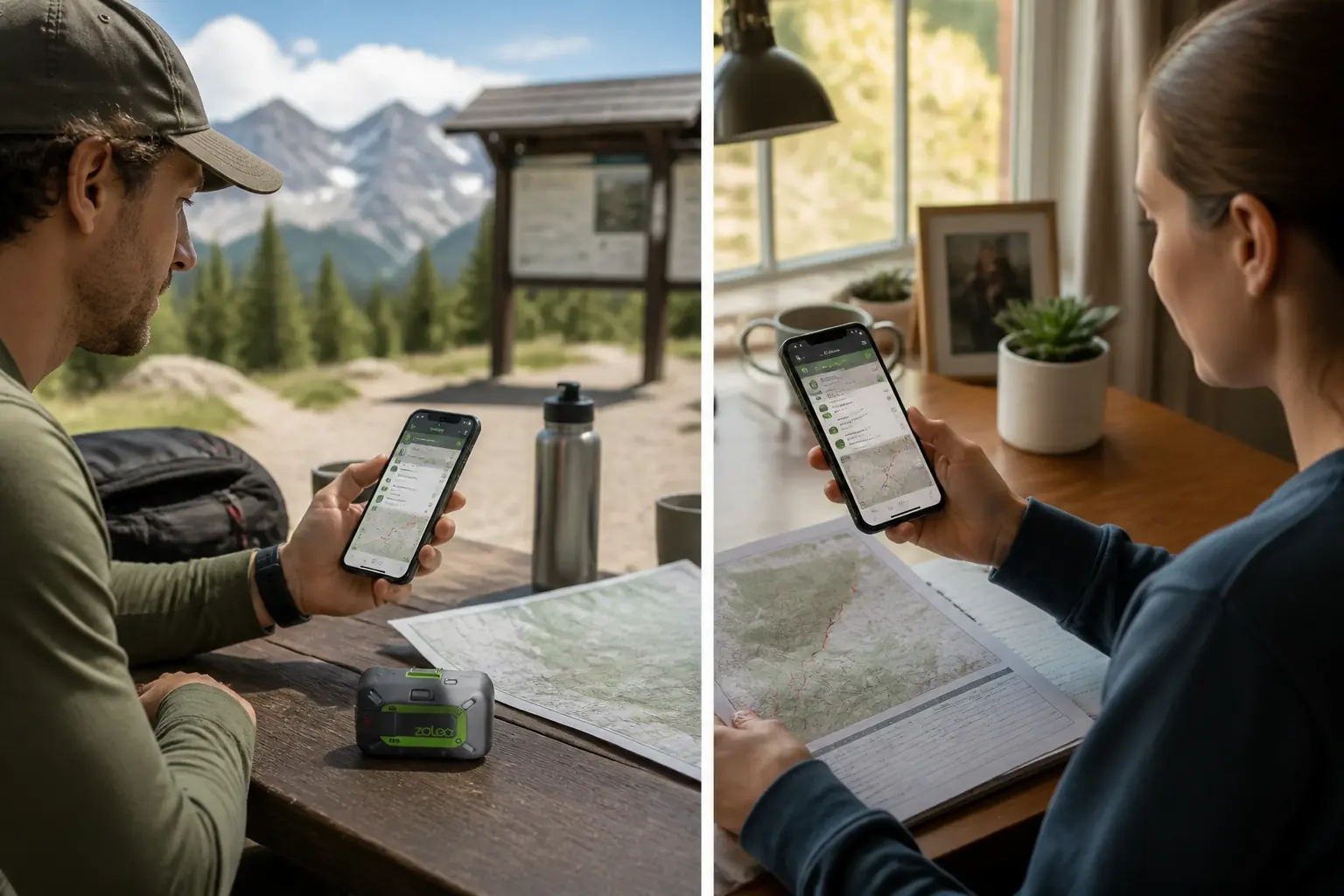
The app feels closer to ordinary messaging than a tiny device menu. It organizes conversations, contacts, weather, location sharing, and SOS context while the puck handles the satellite radio and physical fallback controls.
The tradeoff is app-first rather than device-first. If the phone fails, you retain check-in and SOS, but you cannot read a reply or compose a custom message on the ZOLEO hardware.
The device is rugged and has a strong official battery claim, yet an active service remains part of readiness. Account status, the dedicated identity, optional location sharing, and satellite access all belong to the ownership model.
You should choose ZOLEO when the recipient and app workflow solve a real problem. Do not choose it simply because the hardware price looks low before adding the service and phone dependency.
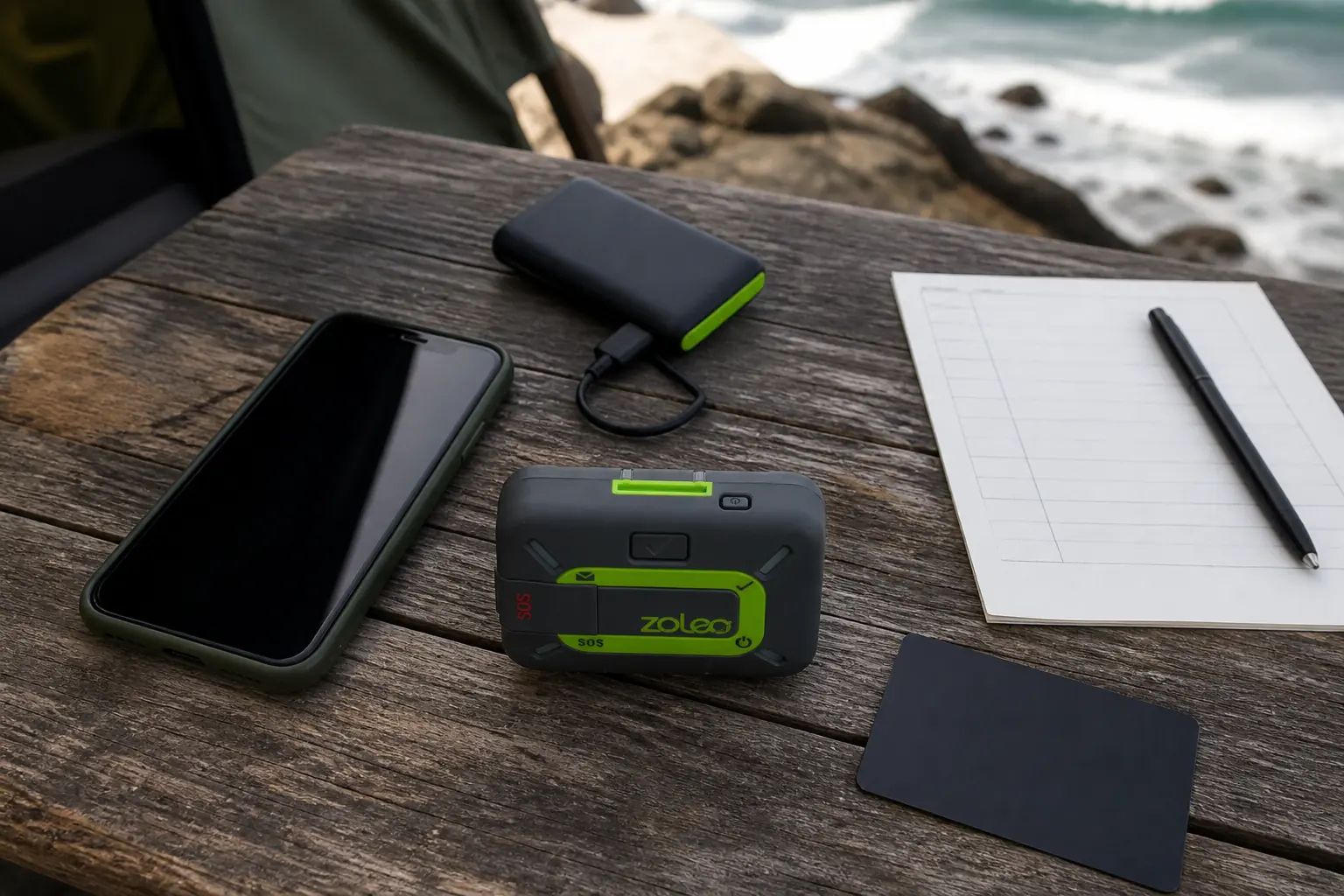
Why does ZOLEO's dedicated number and address matter?
Many satellite messengers work best after the traveler starts a conversation. ZOLEO's dedicated address and, in supported markets, phone number give contacts a stable route for initiating messages.
A route change can begin at home. A family member can report a wildfire closure, hospital event, delayed pickup, or urgent decision without waiting for the next check-in.
Traveler
One contact identity follows the trip as the transport changes from internet to satellite.
Family contact
A recipient can save a familiar address or number and initiate a message through the supported route.
Group
Participants can continue one thread rather than rebuilding context around separate devices and networks.
Account owner
Service status and profile continuity protect the identity that everyone has been told to use.
The dedicated identity also creates an ownership duty. Suspending, canceling, transferring, or changing service can affect reachability and number retention under current terms.
Verify the rule before making an account change. A number printed on an emergency card is dangerous if the service state later releases or disables it.
Contacts still need an escalation plan. A message that receives no reply may be queued under poor sky, sitting on a silent phone, or addressed to an inactive account, so the itinerary and overdue procedure remain separate evidence.
Number availability and routing can vary by country. Use the current regional ZOLEO documentation instead of assuming that every market provides the same SMS path.
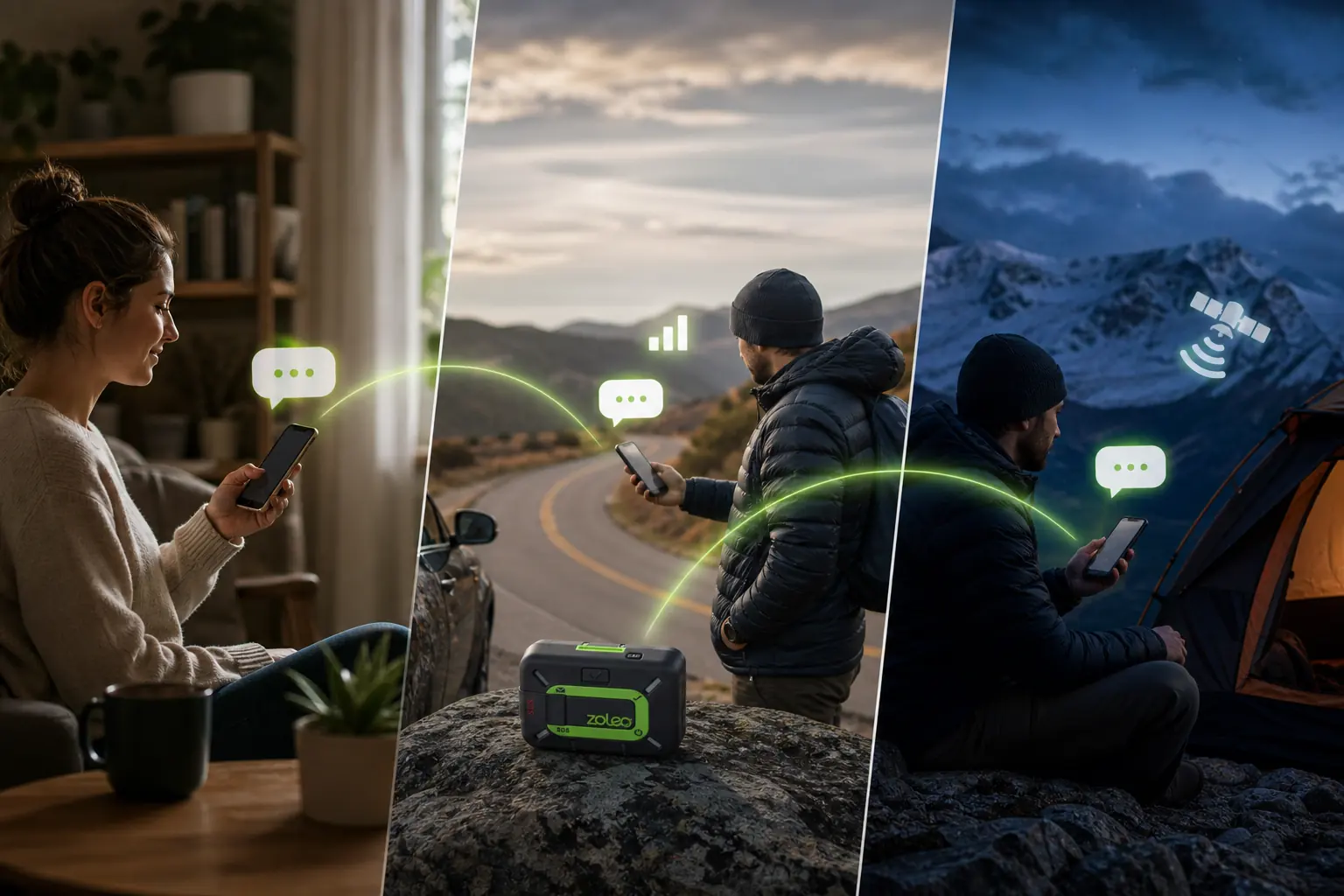
How does ZOLEO switch between Wi-Fi, cellular, and satellite?
The app uses an available internet connection when Wi-Fi or cellular data can carry the conversation. When ordinary connectivity disappears, the paired ZOLEO device provides the Iridium path.
The contact identity and thread can remain consistent even though the transport changes. That continuity is the system's most elegant feature because the recipient focuses on the conversation rather than the network.
One conversation across three transports
- Internet availableThe phone app reaches Wi-Fi or cellular dataMessages use ordinary connectivity without needing the satellite radio path
- Coverage edgeThe phone remains paired to the ZOLEO deviceThe system prepares to use Iridium when internet transport is unavailable
- Satellite queueThe communicator needs a usable portion of skyA message may wait while local obstruction and satellite geometry change
- Recipient deliveryThe message reaches the supported app, SMS, or email routeThe contact can read the same conversation identity
- Reply returnThe response travels over the best available path back to the travelerA received reply proves the end-to-end chain
Automatic routing reduces the number of transport choices the user has to make, but it does not guarantee speed. A satellite message remains a store-and-forward transmission that can wait under canopy, beside a canyon wall, or inside a vehicle.
Keep the phone and communicator within Bluetooth range and confirm the paired state before expecting satellite transport. A composed app message cannot use the puck when the devices are disconnected.
Watch message and device status instead of assuming that leaving cellular coverage automatically completed a satellite send. For a critical update, stay under the best safe sky until the state changes or the recipient replies.
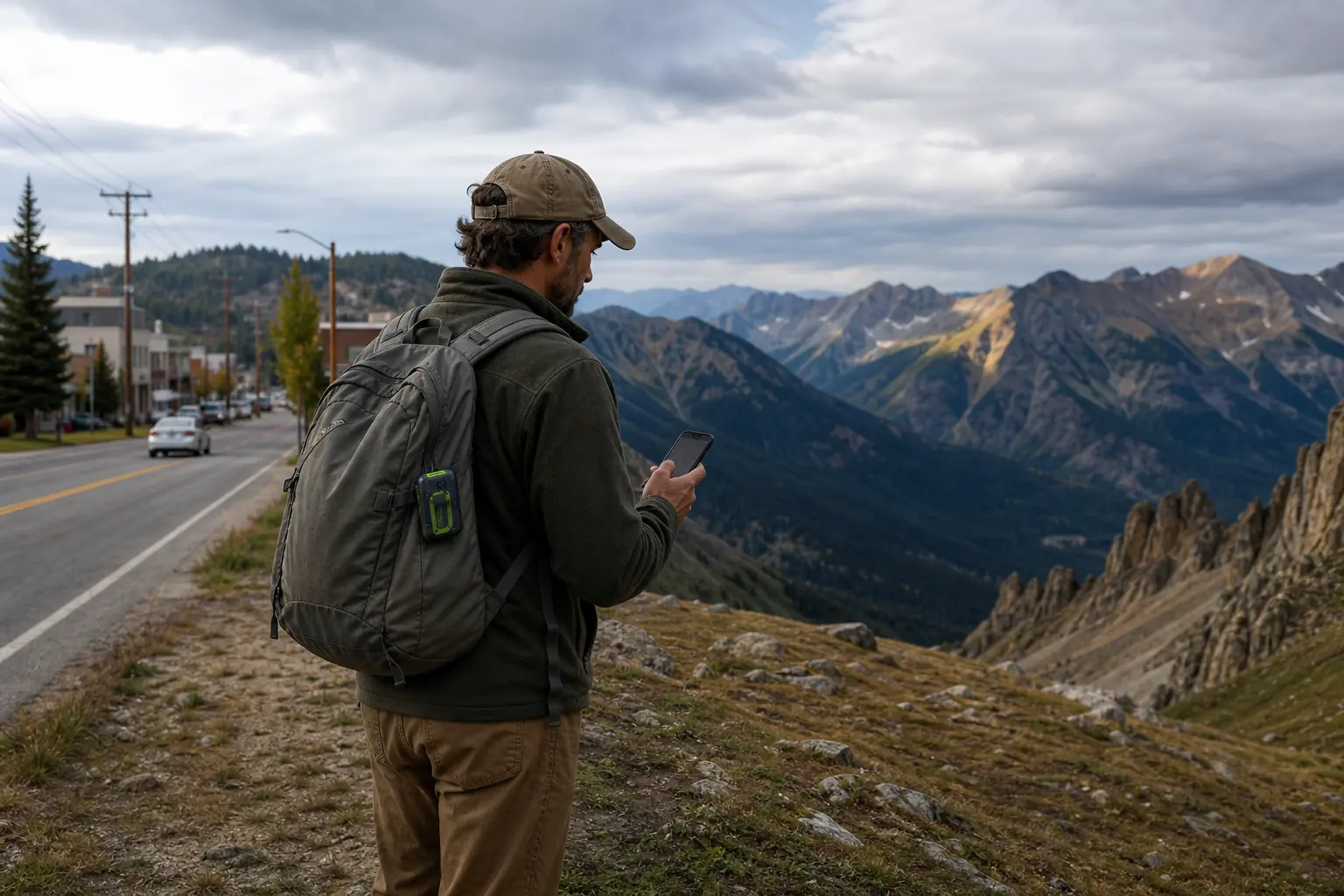
What can ZOLEO do if your phone fails?
The physical device keeps two important outbound actions.
You can send the configured check-in and activate SOS through the covered control without typing on a phone.
Check-in can include location under the configured workflow, so a contact receives more than a generic safe signal. The message and recipient list must be prepared while the app and account are available.
The physical SOS button preserves emergency activation. If the phone later returns, the app can add detailed two-way context, but the initial request does not require the phone to be healthy.
Ordinary conversations stop at the device boundary. You cannot read a family reply, type a route change, request weather through a screen, inspect a map, or manage contacts from the puck alone.
Protect the phone as part of the communication system. Use a waterproof case, downloaded information, restrained battery use, a tested cable, and a separate power reserve rather than treating the phone as a disposable convenience.
The fallback is strong for “safe” and “emergency,” but weak for everything between them. Travelers who need detailed device-only communication should compare a screened inReach model.
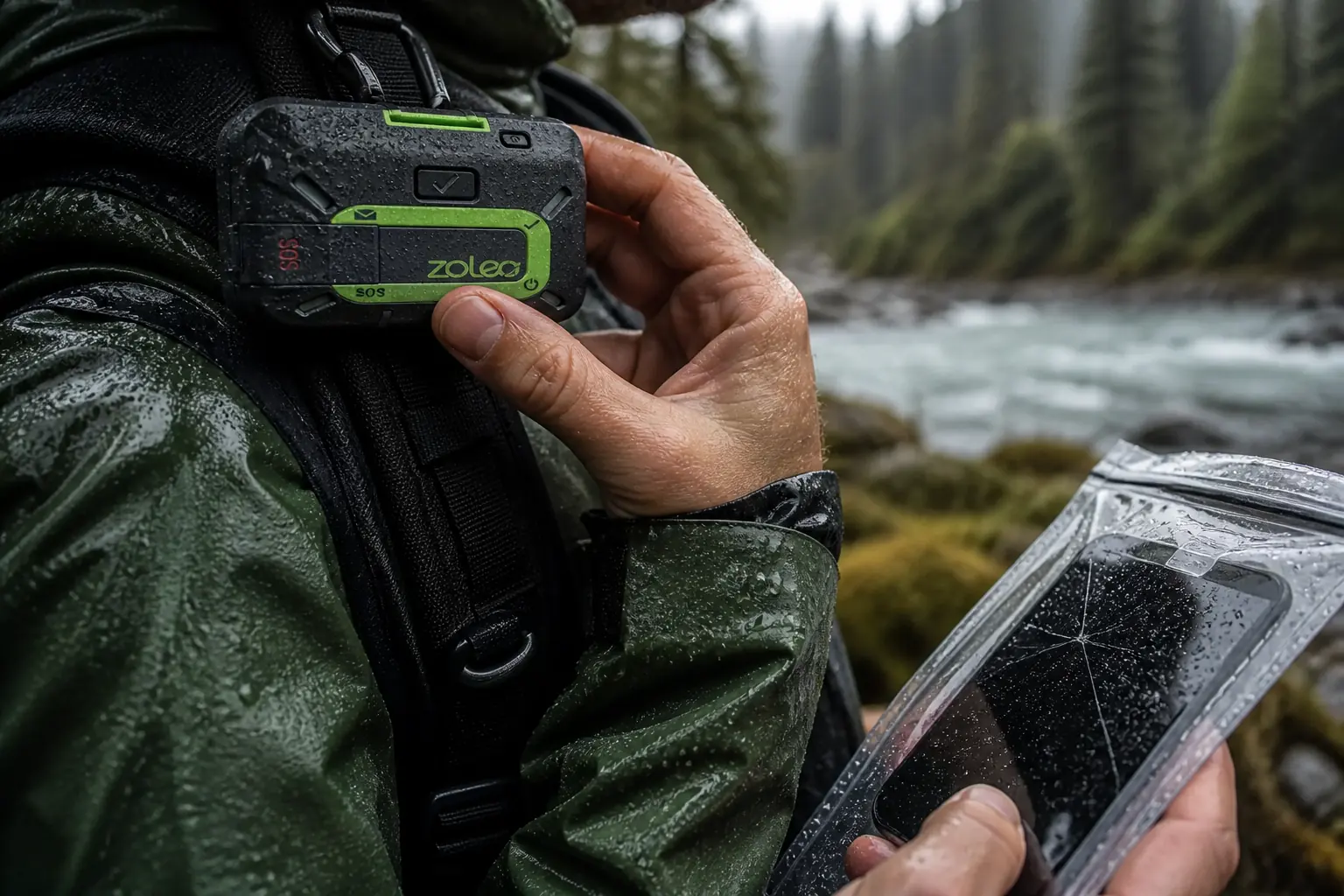
How do check-ins and Location Share+ differ?
A check-in is a deliberate event. You press the device button or use the app to tell selected contacts that a defined condition is true at one location.
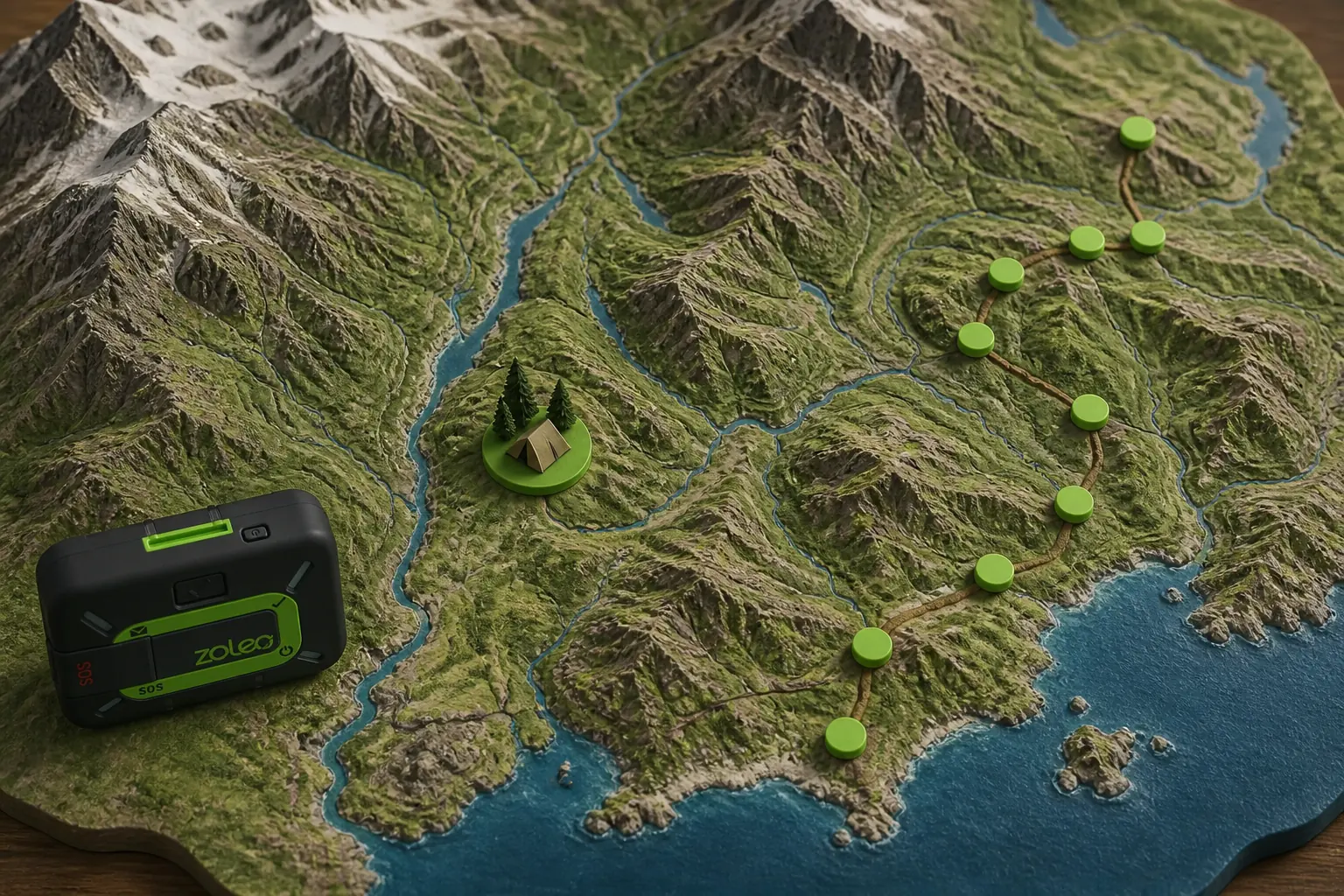
Location Share+ automatically sends position at a chosen interval and creates a shared map for contacts. ZOLEO currently documents intervals from six minutes to four hours, with the feature offered as an optional add-on.
| Location function | Trigger | What contacts learn | Main limitation |
|---|---|---|---|
| Physical check-in | Traveler presses the device button | The agreed status and current coordinates | One point does not show the route between events |
| App check-in | Traveler uses the app | Status, location, and app context | Depends on the phone interface |
| Location attached to a message | Traveler chooses to include coordinates | Where the message was sent | Still a single event |
| Location Share+ | Traveler starts automatic interval sharing | A sequence of positions on a shared map | Optional add-on, battery and traffic depend on interval |
| Navigation | Traveler follows terrain and route information | Helps the traveler choose a path | ZOLEO location sharing does not navigate the traveler |
Automatic sharing earns its cost when contacts need to watch progress without asking for messages. A guide office, overland team, paddling contact, or family following a long solo route may use the pattern to spot an overdue change.
It is not a medical monitor or a continuous live guarantee. Gaps can result from terrain, power, device state, Bluetooth, service, or interval choice.
The shortest interval is not automatically safer. Frequent points use more energy and data, can encourage over-monitoring, and may add little on a slow or predictable route.
Choose the interval from the decision contacts must make. A six-minute series can matter for fast vehicle travel, while a longer interval may suit a multi-day walking route with a separate check-in schedule.
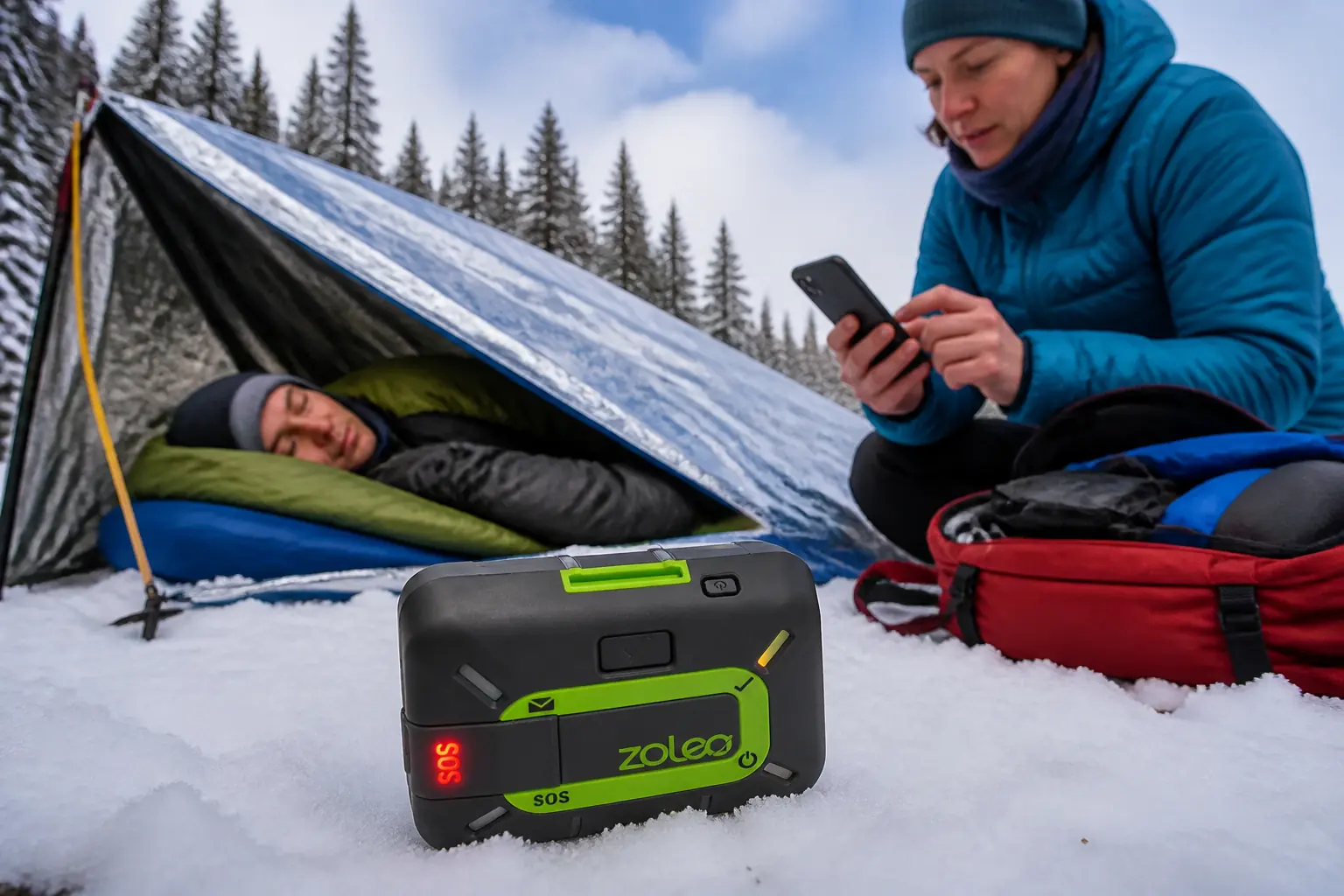
How does two-way SOS work on ZOLEO?
ZOLEO lets you start SOS from the physical device or the linked app under its current workflow. The covered button protects the fallback, while the app provides the stronger interface for explaining the incident.
- Activate deliberatelyUse the covered device button or supported app control only for a real emergency requiring outside assistance.
- Seek a safe sky viewPosition the communicator so it can reach Iridium without moving the patient into danger.
- Use the app when availableSend patient condition, party size, equipment, shelter, hazards, and any necessary movement.
- Answer the coordinatorKeep the phone and puck powered and paired so questions and updates can continue.
- Maintain local careTreat injuries, control exposure, manage water, and preserve visibility while response is organized.
- Cancel only when resolvedExplain the changed situation through the supported workflow and follow coordinator guidance.
Two-way context can help a response center understand whether the incident is an injury, fire, medical change, vehicle problem, or environmental hazard. It can also stop a response after a safe resolution when communication remains available.
No communicator guarantees arrival time. Local authorities, terrain, distance, aviation, weather, and the condition of the scene control what resources can reach the user.
Keep the device attached and remain near the reported position unless the site becomes unsafe. Moving without telling the coordinator can separate the party from the latest location information.
The phone improves dialogue but does not replace patient care. Wilderness first aid, shelter, signaling, water, and navigation remain active responsibilities.
How reliable is ZOLEO messaging under trees and canyon walls?
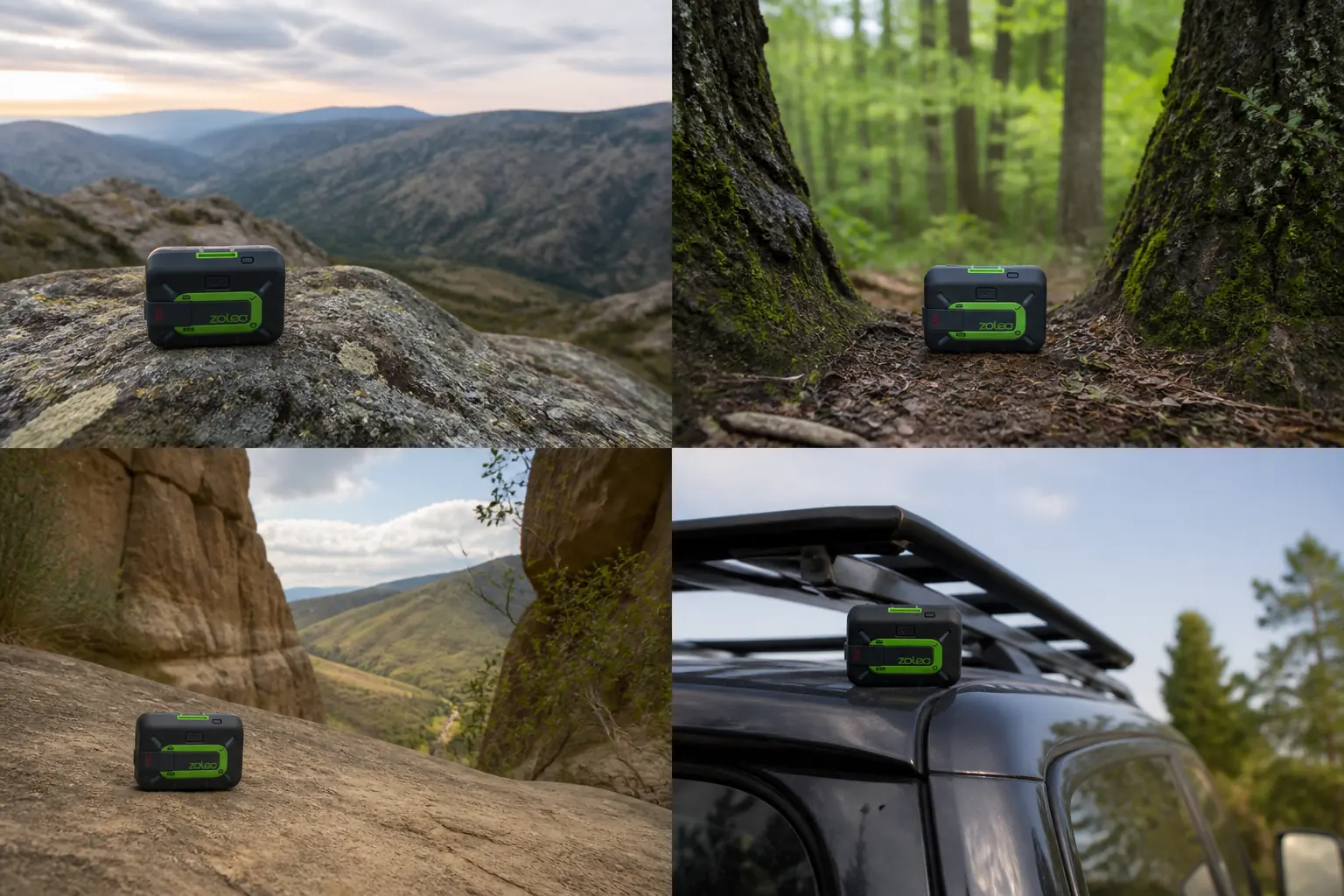
Iridium provides a global satellite network, but the device still needs a usable local sky view. Canopy, canyon walls, buildings, vehicle roofs, the body, and dense gear can obstruct or delay the path.
Open ridge
Broad sky supports the radio, but lightning, wind, exposure, and fall risk can make the best-looking location unsafe.
Forest gap
A clearing can improve geometry without abandoning cover or patient care.
Canyon mouth
A wider horizon may be more useful than staying deep between walls, provided movement is safe.
Vehicle exterior
Metal roofs and cabins obstruct the path, so use the mounting and placement guidance for a clearer view.
ZOLEO uses audible and LED cues to report local device states. Learn them before the trip because the puck has no text display that explains a queue in full sentences.
Keep the communicator high and clear while it sends rather than buried under food, electronics, or the user's body. A shoulder-strap or external mount can protect Bluetooth range and sky view together.
Do not chase a perfect signal into a second emergency. A safe partial sky view is better than an exposed ridge during lightning or a slippery scramble with an injured person, and visible signals that help may still assist nearby searchers.
A returned message is the best routine proof because it includes recipient delivery and the path back. For important changes, ask the contact to restate the agreed action.
What do ZOLEO's battery and durability specs mean in the field?
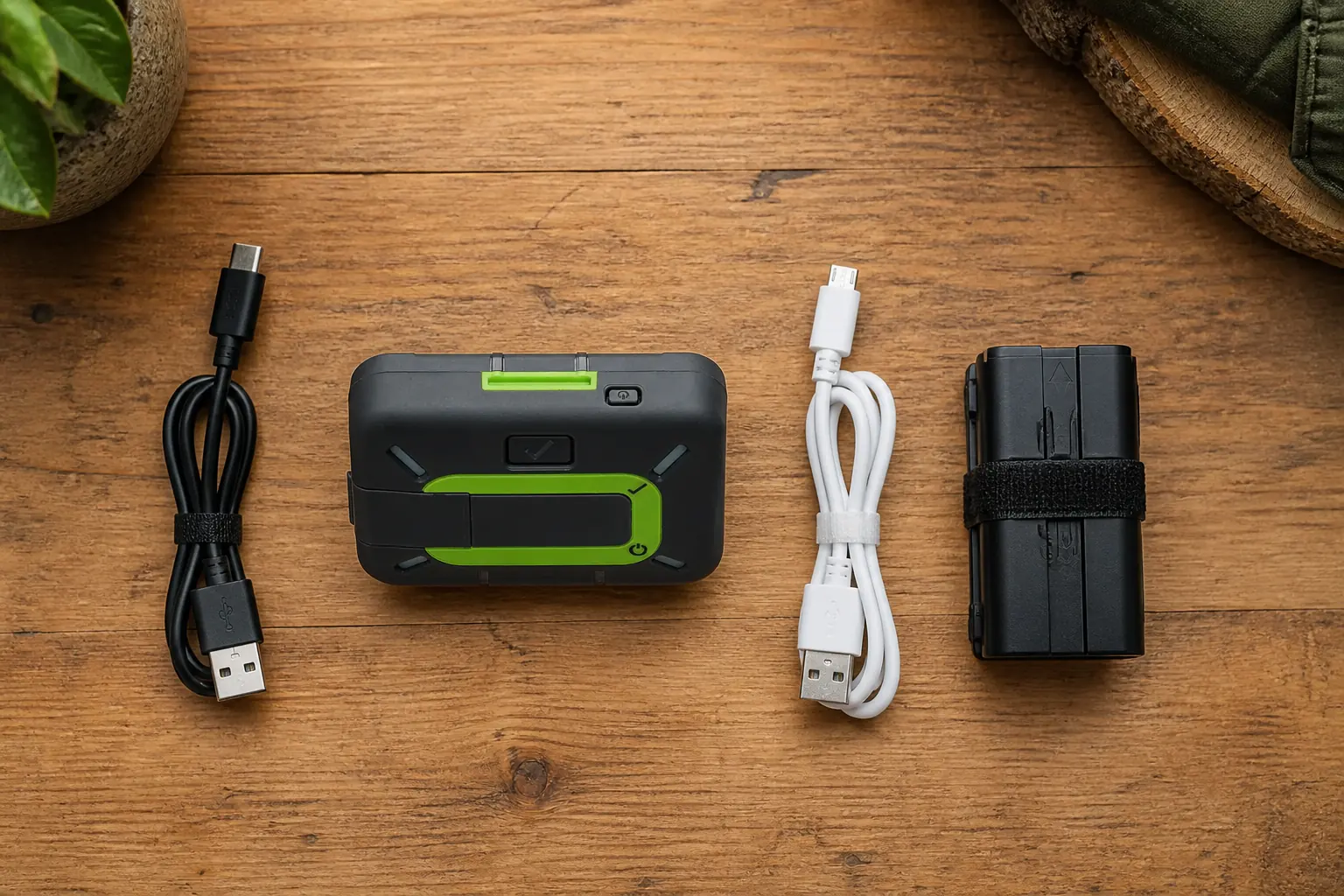
Identify the hardware revision before following charging advice.
The current ZL1500 product documentation lists USB-C, while older ZL1000 support material lists Micro USB Type-B.
Current ZL1500 specification context
- 200+ hoursStated battery lifeOfficial standby basis with satellite coverage, not a universal trip guarantee
- 150 gDevice weightIncludes the communicator, not the phone or power reserve
- IP68Dust and water resistanceRated to 1.5 m for 30 minutes under the stated test
- MIL-STD 810GShock-resistance claimDoes not make a damaged case or port safe to ignore
- USB-CCurrent ZL1500 chargingVerify the owned model and cable before departure
The more-than-200-hour claim describes a particular standby and message-check basis. Frequent messages, automatic location sharing, obstructed sky, Bluetooth behavior, cold, and age can reduce useful runtime.
The IP68 water-resistance rating applies to an intact current model under its stated test, so it supports bad-weather use without making a damaged port or case irrelevant. Check the exact hardware revision because the ZL1500 and older ZL1000 also require different charging cables.
Build a power plan for the puck and phone separately. A functioning communicator with a dead phone keeps check-in and SOS, while a charged phone with a dead communicator loses the off-grid satellite path.
Carry the exact cable for the owned model. A household USB-C assumption can fail for an older ZL1000, and a forgotten Micro USB cable can make a perfectly healthy battery impossible to recharge.
Inspect the case, charging port, cover, lanyard, and mount after an impact or immersion. A published rating applies to an intact unit under its test conditions.
How should you choose and maintain a ZOLEO plan?
An active service is part of the device's satellite function. Choose from message behavior, automatic sharing, trip schedule, and identity continuity rather than from the lowest advertised monthly number.
| Use pattern | Cost driver to inspect | Continuity question |
|---|---|---|
| Emergency-only carry | Required base access and activation | Is the account fully active before departure? |
| Family conversations | Outbound and inbound message volume | How are app, SMS, email, and satellite attempts counted? |
| Automatic route visibility | Location Share+ and chosen interval | Is the add-on active for the correct dates? |
| Seasonal trips | Suspension and reactivation rules | Does changing service affect the dedicated number or address? |
| Device transfer | Account, owner, emergency contacts, and hardware association | Has the old owner removed access and have contacts received the new identity? |
Prices and rules can change, so verify current official terms at activation and before pausing service. An old review cannot safely tell you what happens to a dedicated number today.
Count the behavior you bought the product to use. If family conversations, incoming messages, and automatic location sharing make the plan expensive, compare the total system rather than pretending they are optional extras.
Seasonal suspension may reduce cost, but it also creates a reactivation task and may affect identity continuity. Put the service check beside firmware and charging in the pre-trip calendar.
Keep emergency contacts current in the account. A paid plan with an old phone number and outdated trip profile leaves the response system with avoidable uncertainty.
How do you test ZOLEO before a trip?
App pairing alone is not enough.
A complete preflight proves the account, service, model, firmware, exact phone, Bluetooth link, satellite path, dedicated identity, recipients, check-in, shared map, SOS knowledge, and power.
- Identify ZL1500 or ZL1000 and pack the correct charging cable
- Confirm active service, current account owner, emergency contacts, and dedicated identity
- Update the ZOLEO app and available communicator firmware while internet access remains
- Pair the exact phone that will travel and verify Bluetooth reconnection
- Send a satellite message outdoors, then wait for the contact's reply
- Ask the contact to initiate a new message through the saved ZOLEO identity
- Press physical check-in and confirm its location, recipients, and agreed meaning
- Start Location Share+ when it is part of the plan, then open the map from the contact side
- Review physical and app SOS controls without activating a live emergency
- Charge the device, phone, and reserve battery with the exact trip cables
Test outside ordinary coverage or through the documented test process so the satellite layer is actually involved. A conversation completed entirely over Wi-Fi does not prove the Iridium path.
Ask the recipient what they saw. This catches blocked notifications, a wrong number, confusing message identity, an inaccessible shared link, or a check-in that nobody knows how to interpret.
Repair failures while support and internet remain available. A puck that appears powered but cannot complete a round trip is not ready for a remote trip.
Should you choose ZOLEO, Garmin, or a PLB?
Choose ZOLEO when a dedicated inbound contact identity and an approachable phone conversation are central. Its hardware fallback is strongest for check-in and SOS rather than detailed device-only messaging.
Choose Garmin inReach Mini 2 when you want a small screen, custom device text, compass heading, and TracBack. The interface is slower than a phone, but more information remains accessible after phone failure.
Choose Garmin inReach Messenger Plus when photos and voice messages can change a remote decision. The richer workflow adds cost and phone dependence that plain-text users may not need.
Choose a personal locator beacon for a subscription-free one-way emergency alert through Cospas-Sarsat. It has no routine message thread, automatic location sharing, or rescue conversation.
| Primary job | ZOLEO | inReach Mini 2 | Messenger Plus | Personal locator beacon |
|---|---|---|---|---|
| Dedicated inbound identity | Core strength | Standard inReach workflow | Standard inReach workflow | None |
| Physical custom text | No | Yes, with small controls | Yes, with small controls | No |
| Photo and voice | No | No | Yes through phone app | No |
| Basic navigation | Phone app context | TracBack, compass, courses, and waypoints | TracBack without full maps | None |
| Phone-loss fallback | Check-in and SOS | Core messaging, tracking, weather, navigation, and SOS | Core messaging, tracking, weather, and SOS | Full emergency-only role |
| Commercial service | Required | Required | Required | No messaging subscription |
Phone-native satellite services can reduce hardware for compatible phones, countries, and plans. They also place maps, camera, messages, contacts, and emergency access on one battery, which may weaken redundancy.
The best device is the one whose failure boundaries fit the trip. A user who never practices physical fallback has less redundancy than the feature table suggests.
Who should buy the ZOLEO Satellite Communicator?
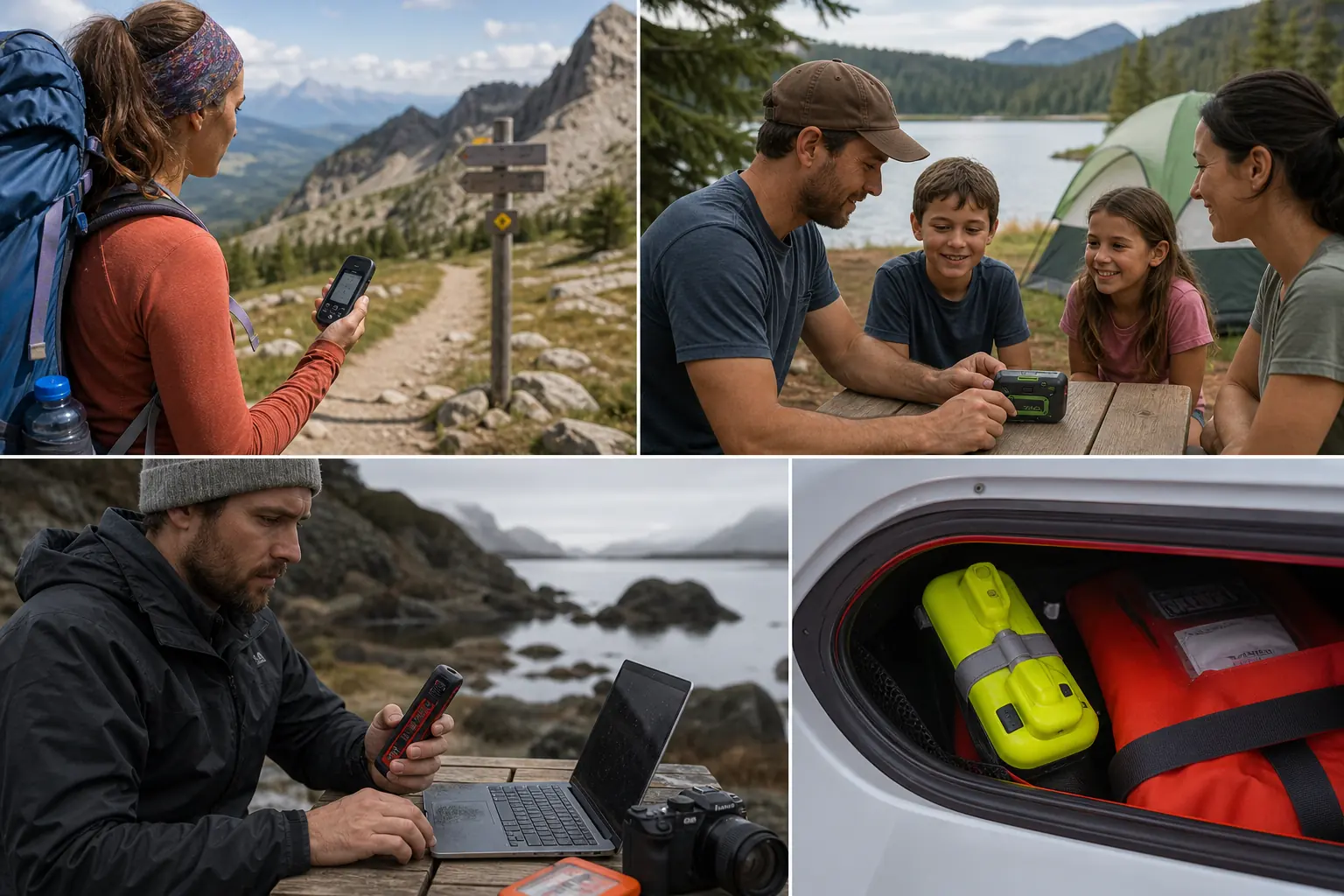
Buy ZOLEO when your family or team values a stable way to initiate and continue an off-grid conversation, and you are comfortable protecting the phone, app, account, and service. It suits users who prefer a familiar thread over a miniature device interface.
Compare Mini 2 when device-only text and navigation matter. Compare Messenger Plus when photos or voice would materially improve remote decisions.
Choose a PLB when the role is a dedicated emergency alert without routine contact or a commercial messaging plan. ZOLEO's recurring service pays for a much broader communication system.
Pros
- Dedicated ZOLEO address and supported SMS number simplify inbound contact
- App routes conversations across Wi-Fi, cellular, and Iridium
- Physical check-in and covered SOS remain after phone failure
- Iridium network and two-way emergency coordination
- More than 200 hours of stated battery life under the current basis
- Current ZL1500 uses USB-C and carries IP68 plus MIL-STD 810G claims
Cons
- Custom two-way messaging and reading replies need the phone app
- No screen, keyboard, compass, or on-device map
- Active service is required for satellite functions
- Automatic Location Share+ is an optional paid feature
- Account changes can affect the identity contacts use
The strongest ZOLEO owner thinks from the recipient backward. Contacts save the right identity, understand check-in, can open the shared map, know the overdue plan, and have completed a real satellite round trip before the trip begins.
Sources
ZOLEO's current Satellite Communicator product page, current product listing, user manual, and technical-document index were used to verify the current ZL1500 role, app and device boundary, Iridium connection, physical controls, dimensions, weight, IP68 rating, battery claim, and model-specific charging on September 1, 2026.
Independent purchase questions and field observations were compared across Yachting World, Adventure Alan, Trail4Runner, and Practical Motoring. Operational and safety claims use current ZOLEO documentation rather than unsupported reviewer claims.