
Garmin inReach Mini 2 Review: Is It Still Worth Buying in 2026?
Compact two-way hardware with phone-independent controls, TracBack, and an aging value equation.
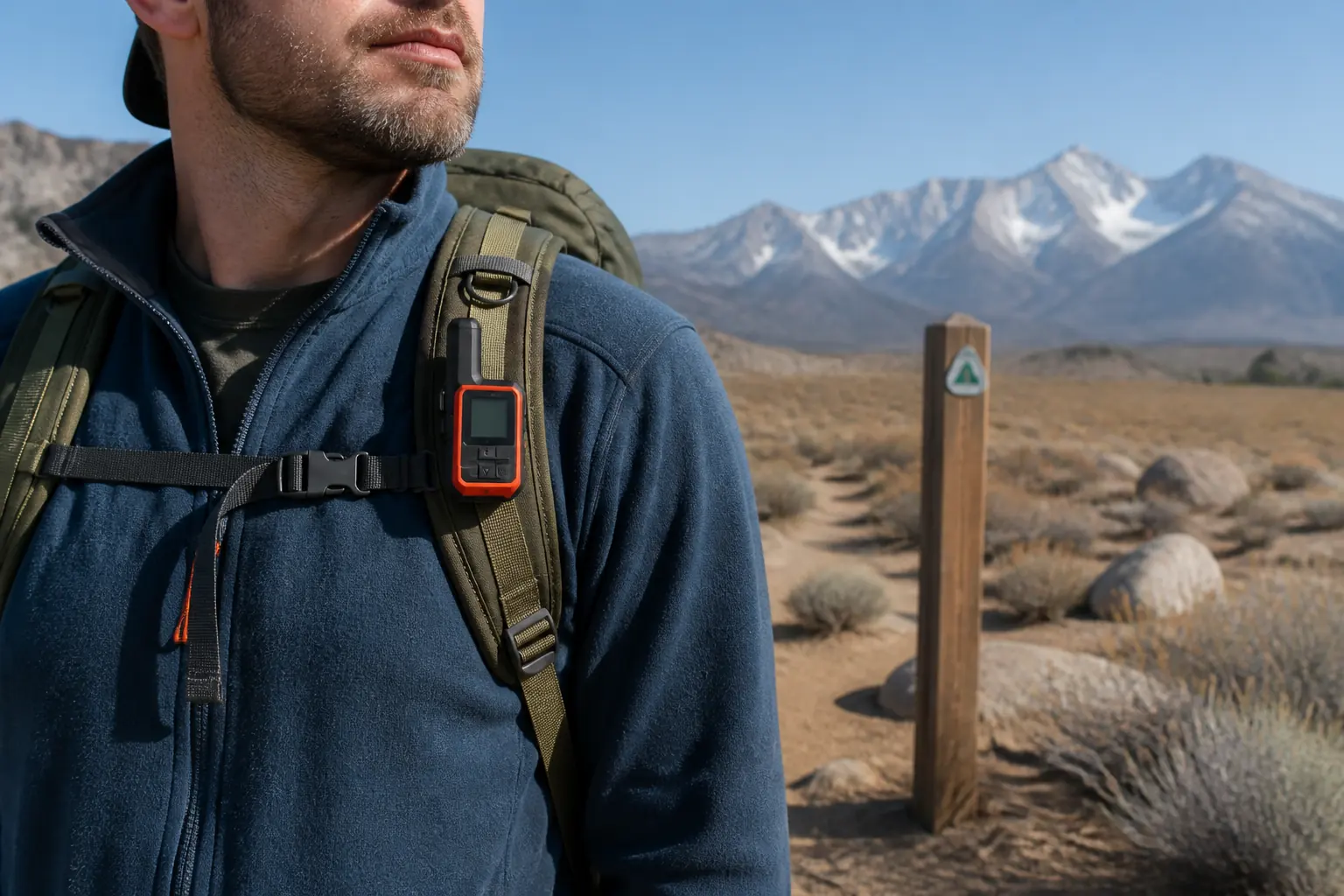
The Garmin inReach Mini 2 remains a compact two-way satellite communicator with device controls, TracBack, weather requests, and app-assisted messaging.
Garmin inReach Mini 2 is still a capable satellite communicator in 2026. It gives you two-way text, interactive SOS, tracking, weather, a digital compass, and TracBack in a 3.5-ounce device with meaningful controls that work without a phone.
The purchase case now depends on value rather than novelty. Mini 2 makes sense when its actual price is clearly below newer alternatives and you care more about compact physical fallback and basic navigation than photos, voice messages, or a newer display.
KnowOutdoor has not field-tested this device. This current-market review uses Garmin's product page, owner manual, lineup guidance, and independent evaluations as evidence.
Is Garmin inReach Mini 2 still worth buying?
Yes, when you get a meaningful discount and its exact capability mix matches the trip. The device remains small, rugged, globally connected through Iridium, and less dependent on a phone than an app-only communicator.
- Weight
- 3.5 oz or 100 g
- Water rating
- IPX7
- Default tracking claim
- Up to 14 days at a 10-minute interval with full sky
- Moderate tree-cover claim
- Up to 4 days under Garmin's default scenario
- Network
- Iridium for messaging and SOS with an active subscription
- Navigation
- TracBack, digital compass, courses, and waypoints without full maps
Age alone does not remove those strengths. Physical controls and a readable monochrome screen still support two-way text, tracking, weather, compass heading, and TracBack outside cellular coverage.
The value weakens when a seller asks close to the cost of a newer model. Newer inReach devices can add a better interface, richer messages, or updated features, so the price gap must compensate for what you give up.
Use a simple rule. Identify one newer capability you would use, identify one Mini 2 strength you still need, then compare the real out-the-door hardware and service cost rather than the original list price.
The best reason to buy is physical fallback in a tiny package. The weakest reason is that it used to be the default recommendation when the current market now offers more choices.
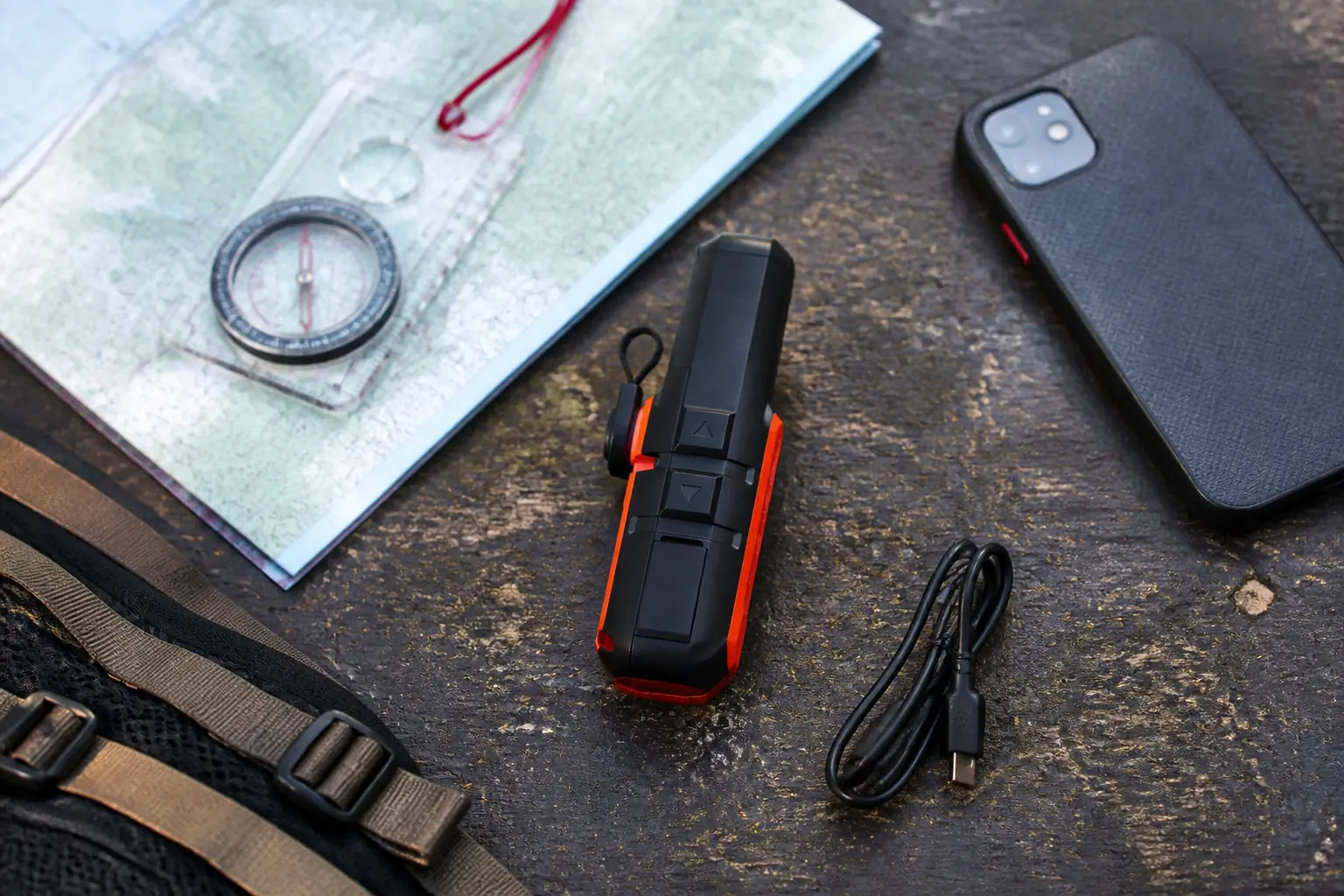
What can inReach Mini 2 do without a phone?
Mini 2 preserves its core functions after phone failure. You can use the device to send and receive text, trigger interactive SOS, send check-ins, manage tracking, request weather, follow TracBack, inspect waypoints, and view compass heading.
Communicate
Send check-ins and two-way text from the physical controls, accepting slower composition on the small interface.
Share location
Start tracking and expose the route through the configured MapShare workflow.
Orient
Use the digital compass, waypoints, courses, and TracBack breadcrumb when the outbound activity was recorded.
Monitor
Read device status and request supported weather information without the phone display.
The phone makes those functions easier rather than creating all of them. A larger keyboard, contact list, map, and conversation thread can save time during routine use.
Photo and voice messaging are not part of the Mini 2 feature set. If richer media is central, compare Messenger Plus rather than treating the Mini 2 app as a hidden path to unsupported capability.
Without the phone, information density drops. You can perform a navigation or communication task, but you lose the broad map and familiar keyboard that help you interpret and compose quickly.
Practice the hardware menus before departure. A fallback is only useful when you can operate it under stress, with cold hands and limited attention.
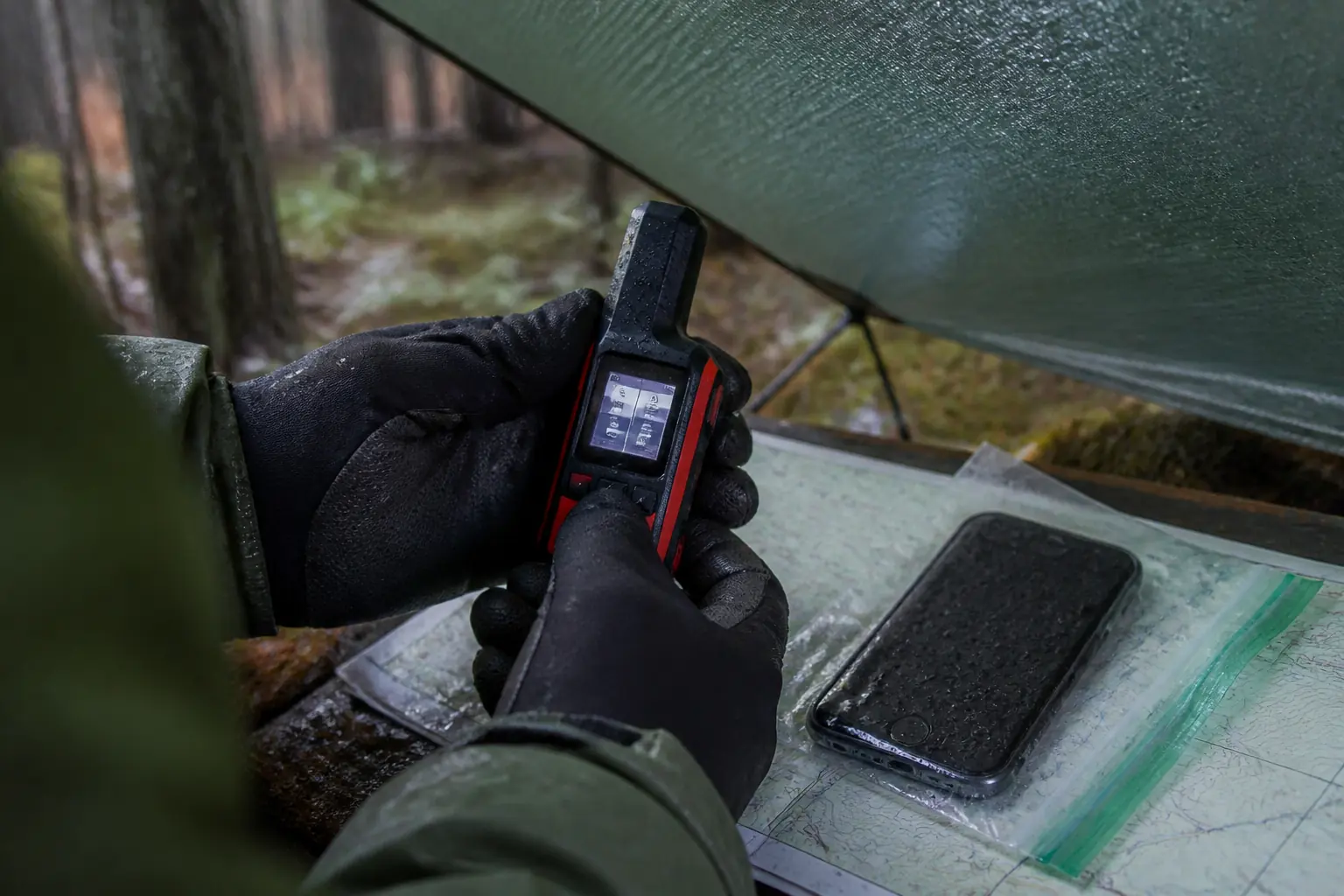
How usable is messaging on the Mini 2?
Messaging is efficient when you prepare short, meaningful updates. Check-ins and preset messages avoid unnecessary typing, while custom text handles details that could not be known before the trip.
The physical interface can create a message, but button-based character entry is slow. That matters during a changing incident, a long logistical exchange, or any conversation that involves several recipients.
| Communication need | Best Mini 2 method | Why |
|---|---|---|
| Routine safe status | Check-in | Fast, repeatable, and agreed with contacts beforehand |
| Expected route change | Preset or short custom text | Gives the decision early without a long thread |
| Simple question | Short custom text | Lets the contact provide a targeted answer |
| Complex injury or equipment problem | Paired phone when available | Larger keyboard improves speed and accuracy |
| Phone failure | Device text with concise facts | Preserves two-way communication despite slower input |
| Ongoing emergency dialogue | Device or phone, whichever remains usable | Replies from Garmin Response can update the plan |
Write for decisions. “Knee injury, stable, sheltering at lake, need pickup at north trailhead tomorrow” communicates more than several vague updates.
Satellite delivery is store and forward rather than an instant cellular chat. Keep the Mini 2 high and clear, watch its status, and allow time for a usable satellite path.
Ask contacts to confirm the action they understood. A returned message proves more of the chain and catches an ambiguous pickup point before it becomes a missed rescue or unnecessary escalation.
Preset does not mean generic. A good preset names what the contact should infer, such as safe at camp, delayed on the planned route, or starting the expected return leg.
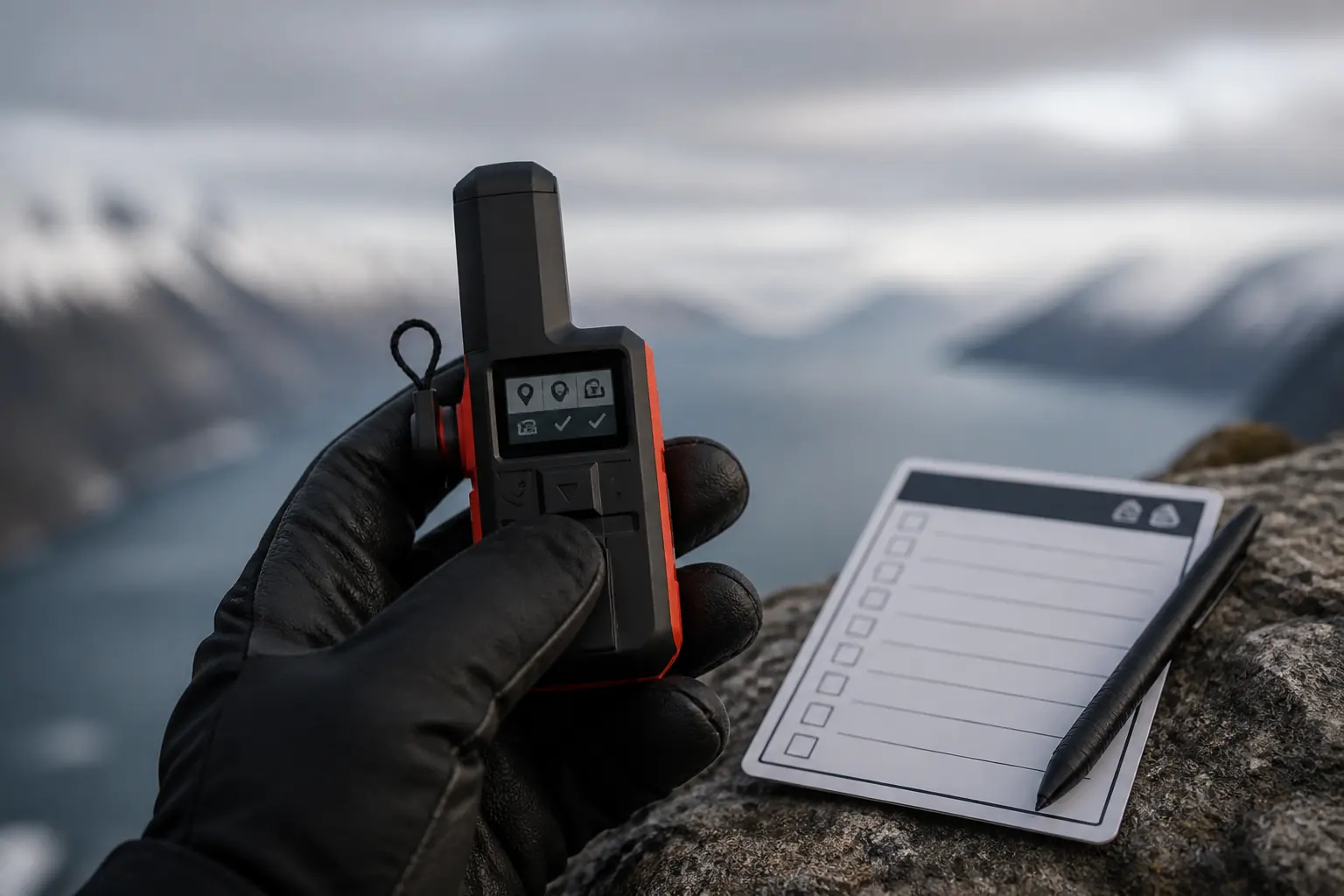
Can TracBack replace a map and compass?
No. TracBack can guide you along a recorded activity, but it does not show the terrain, hazards, water, legal access, alternate trails, or contour detail that a map provides.
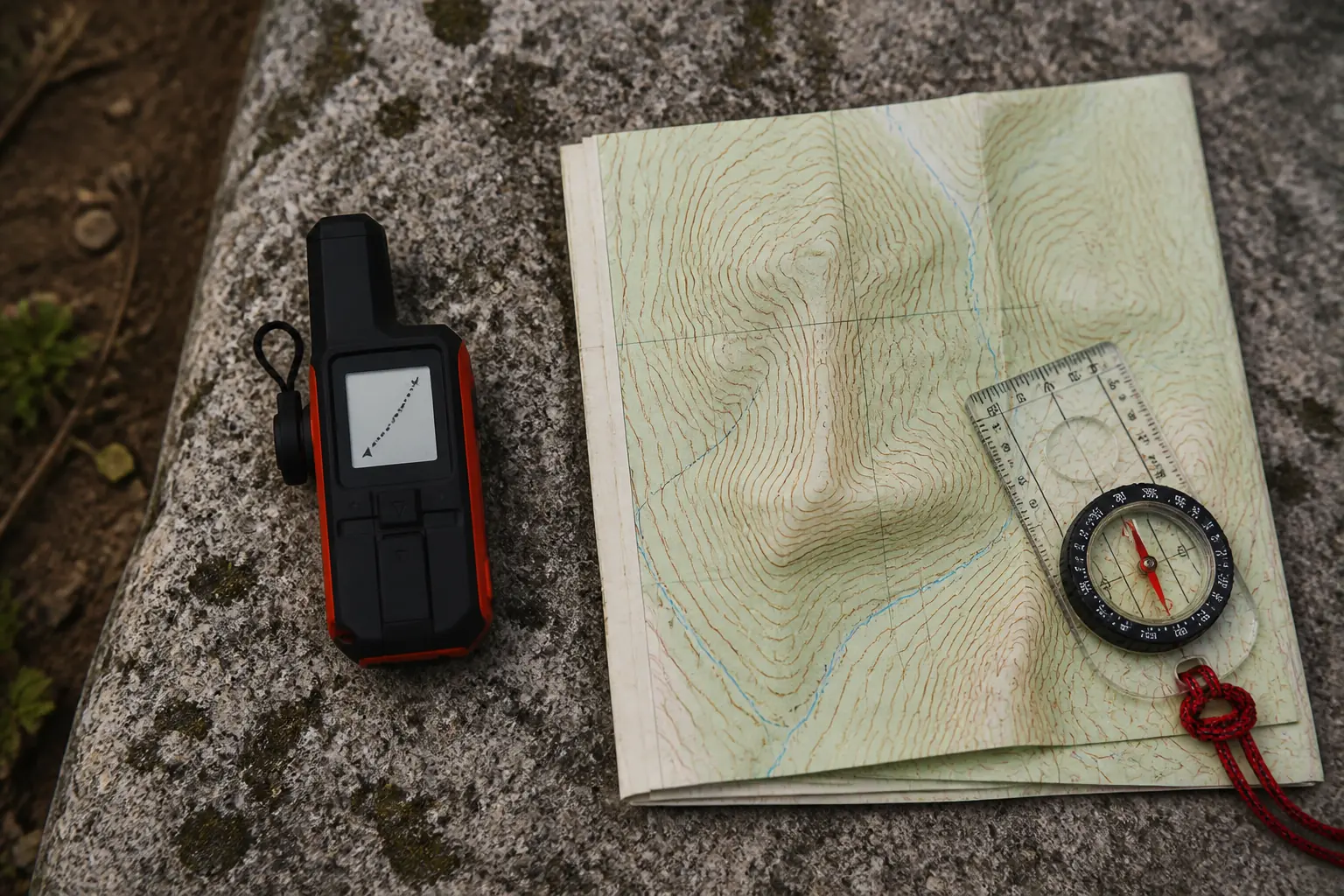
The digital compass remains useful because it can show heading while you are stationary. Waypoints and courses can support a prepared route, but the small screen still limits spatial context.
Layer navigation tools. Carry an appropriate topographic map, know how to use a compass, store the route offline on a protected phone when useful, and treat Mini 2 as an independent breadcrumb and communication layer.
TracBack also needs power and a recorded activity. Starting the trip with tracking off, clearing history, or exhausting the battery can remove the breadcrumb at the moment you expected it.
If the original path becomes dangerous, stop following the line blindly. Use terrain, map information, weather, physical condition, and the communication link to choose a safer response.
How does SOS work on the inReach Mini 2?
The protected SOS control begins an interactive emergency request through Garmin Response. The coordinator can exchange text, ask for incident details, contact local authorities, and keep the user updated when the satellite path remains available.
Interactive SOS on Mini 2
- ActivateOpen the protective cover and follow the device prompts for a real emergencyThe communicator starts the SOS request
- Establish contactKeep the device under the clearest safe sky availableGarmin Response can acknowledge and ask questions
- Describe the incidentSend patient condition, party size, shelter, equipment, hazards, and planned movementCoordinators can give local responders better context
- Continue local careTreat injuries, control exposure, conserve power, and maintain signalsThe party remains stable and findable while help is organized
- Update changesReport deterioration, movement, new hazards, or resolved needThe response plan can adapt
The phone can make the text conversation easier, but the Mini 2 hardware can start and manage SOS itself. That physical independence is one of its strongest safety arguments.
Interactive confirmation does not guarantee a fast arrival. Weather, terrain, distance, aircraft restrictions, staffing, and the incident determine what local responders can do.
Continue first aid and shelter while communicating. The device sends information and location, but it cannot stop bleeding, warm a patient, purify water, or make a hazardous route safe.
Never press SOS as an informal test. Use Garmin's supported test-message process and review the emergency controls without creating a real alert.

How long does the inReach Mini 2 battery last?
Garmin's current specification shows why one headline number is misleading.
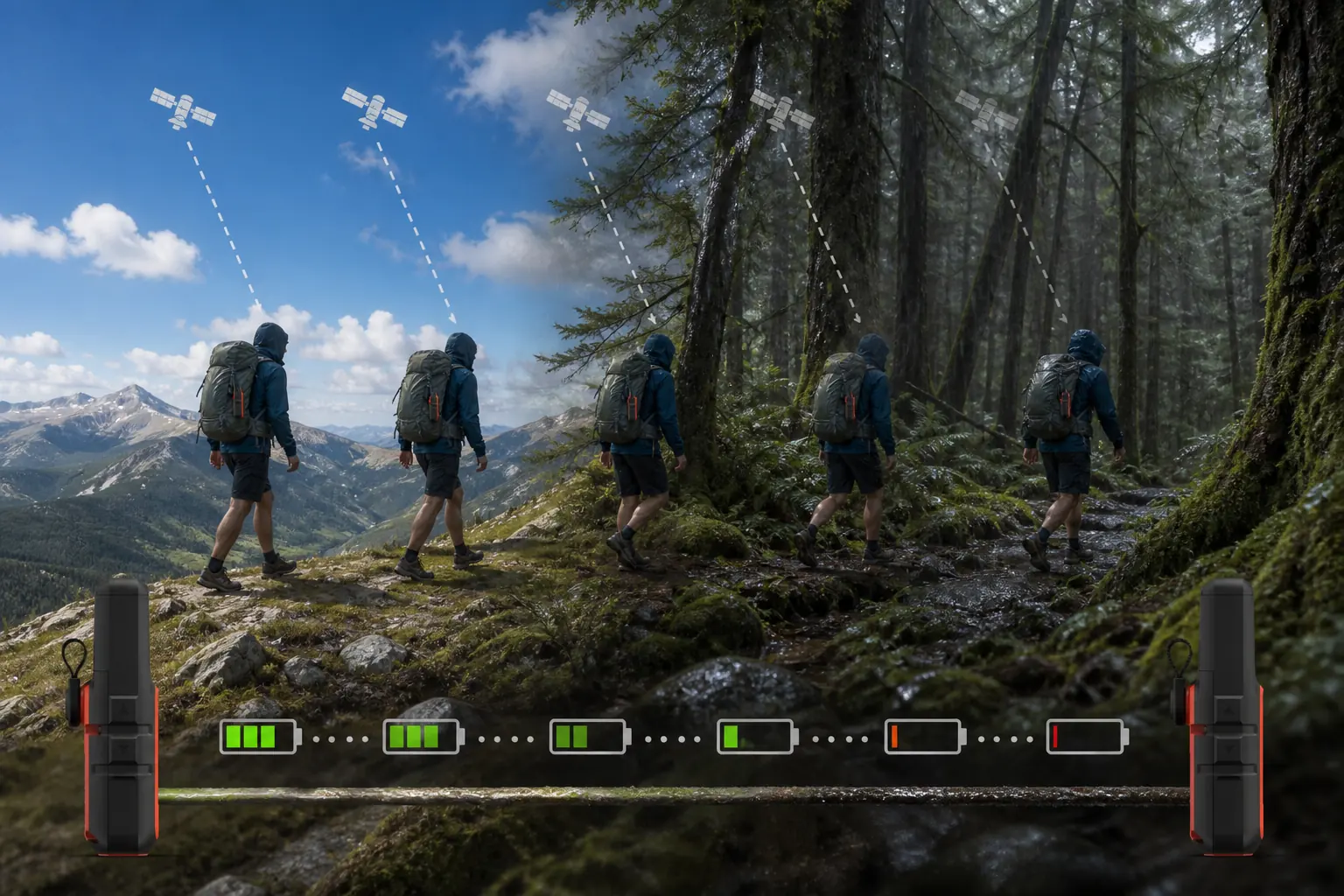
The company lists up to 14 days at the default 10-minute tracking interval with full sky, but up to 4 days for the same default behavior under moderate tree cover.
Battery claims need their conditions
- Up to 14 daysDefault 10-minute trackingFull sky with standard activity recording
- Up to 4 daysDefault 10-minute trackingModerate tree cover under Garmin's stated scenario
- Up to 30 daysPower-save modeReduced activity under the official basis
- USB-CCharging interfaceUse a tested trip cable and protected power source
The difference comes from radio work and operating behavior. Canopy, canyon walls, detailed activity recording, frequent messages, weather requests, display use, Bluetooth, and cold can all shorten runtime.
Build a trip budget rather than copying the maximum. Include travel days, tracking interval, expected messages, cold nights, likely delays, a possible SOS conversation, and the power needed after the scheduled return.
A power bank can support longer trips, but protect it from water and cold and test the exact USB-C cable. Carrying unused capacity does not help when the cable only charges another connector.
The paired phone has a separate budget. Airplane mode, downloaded maps, restrained screen use, and warm storage can preserve the keyboard and map interface without affecting the Mini 2's core hardware fallback.
How do you set up and test Mini 2 before a trip?
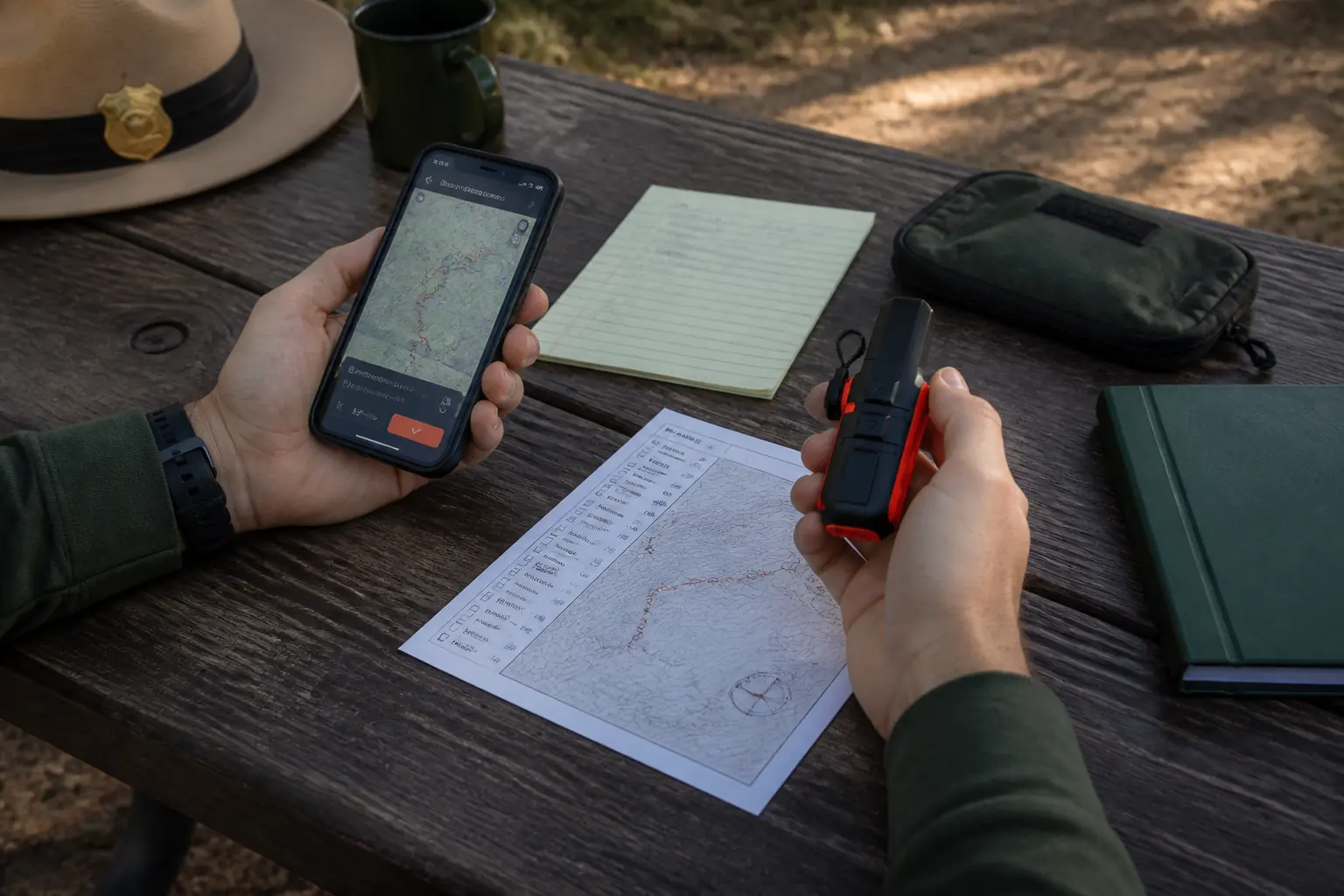
A successful Bluetooth connection proves only one layer. The preflight should produce evidence from the account, subscription, device, satellite network, exact phone, contacts, tracking page, route, and power equipment.
- Activate the subscription and update firmwareComplete account and software work while ordinary internet and support are available.
- Pair the exact trip phoneConfirm the Garmin Messenger and Explore workflows on the device that will travel.
- Send a test message outdoorsUse a clear sky and wait for a real recipient reply rather than stopping at a local sent state.
- Confirm check-ins and contactsAsk each contact what the preset means and what action they will take after a missed return.
- Start and stop trackingOpen MapShare from another device so the recipient-side view is proven.
- Load the route and inspect waypointsVerify the intended course, key exits, trailheads, and TracBack recording behavior.
- Open offline navigation with cellular data disabledProve the phone map layer does not disappear outside coverage.
- Review SOS and cancellation controlsLearn the physical sequence without activating a live emergency.
- Charge and inspect the hardwareCheck the case, port, tether, cable, phone, and reserve battery.
The satellite round trip is the most useful routine proof because it crosses more layers than a self-contained menu check. If a reply never returns, investigate the account, recipient, sky view, device status, and app before departure.
Give contacts a written itinerary and escalation plan. Tracking can support that plan, but a missing point does not by itself explain whether the device is obstructed, powered off, delayed, or attached to a traveler who needs help.
Stop on unresolved failure. A communicator that cannot complete the intended message, tracking, or route workflow at the trailhead is not ready for a more remote setting.
Should you buy Mini 2 or a newer satellite option?
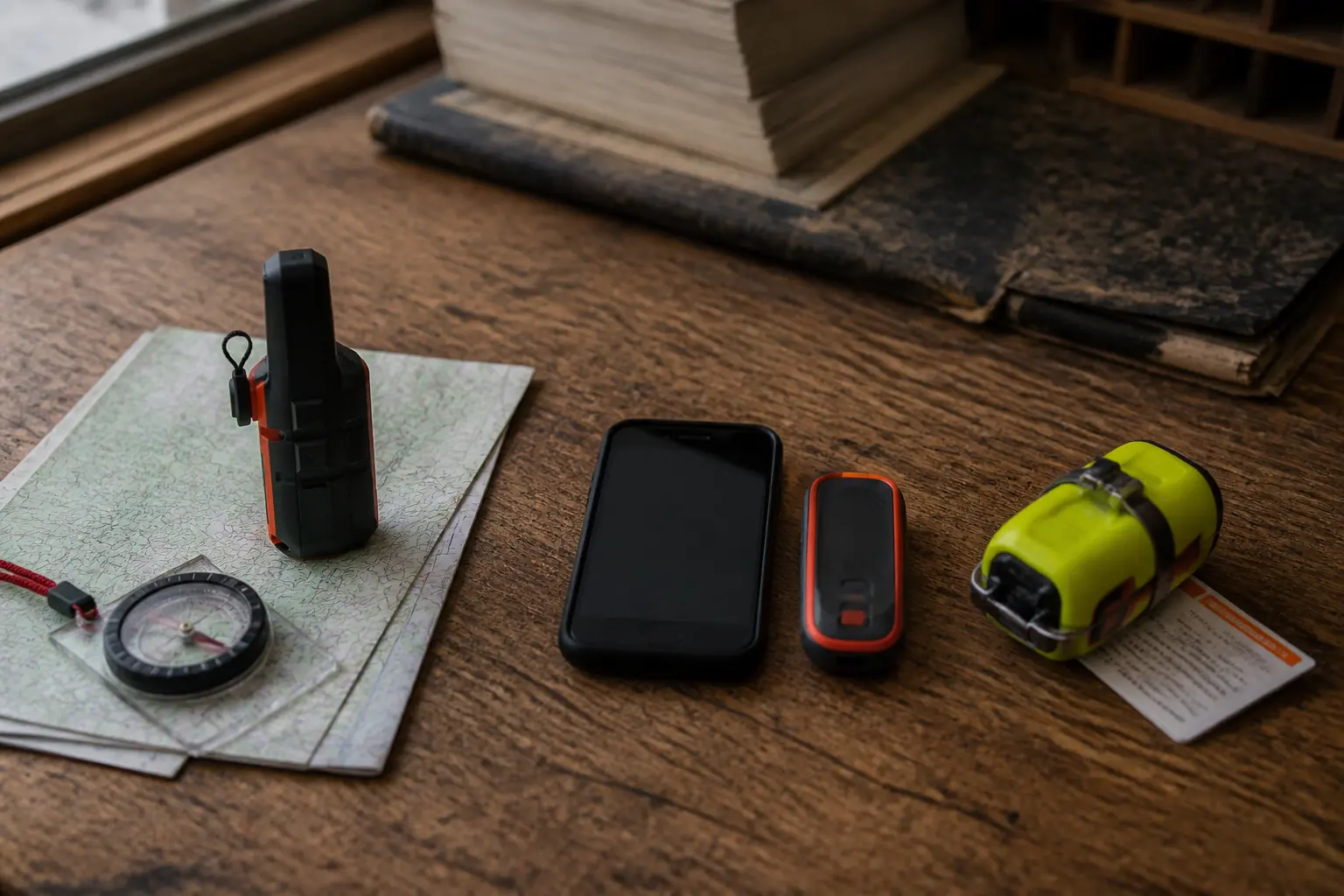
Choose Mini 2 when compact physical controls and basic navigation matter, and when its real price leaves enough room to accept the older interface. A small discount does not compensate for a newer capability you will use on every trip.
Messenger Plus is stronger when photos, voice recordings, longer text, and very long messaging endurance matter more than Mini 2's navigation-oriented form. The enhanced workflow increases phone and service dependence.
ZOLEO can suit a family that values a dedicated contact identity and a familiar app thread. Its physical puck offers SOS and check-in fallback, but ordinary custom messaging is more dependent on the phone.
A personal locator beacon serves a narrower subscription-free emergency role. It cannot replace Mini 2's check-ins, tracking, weather, two-way text, or rescue conversation.
| Primary decision | Mini 2 | Strong alternative |
|---|---|---|
| Physical two-way fallback | Screen and controls support core messages and SOS | Compare only if another device offers enough device-only interaction |
| Basic return navigation | TracBack, compass, courses, and waypoints | Mapping handheld when full terrain context is required |
| Photo and voice context | Not supported | Messenger Plus |
| Dedicated app contact identity | Standard inReach messaging workflow | ZOLEO |
| Emergency-only without commercial messaging | More capability and ongoing service | Personal locator beacon |
| No separate hardware | Dedicated redundancy remains the Mini 2 benefit | Compatible phone satellite service when region and plan fit |
Phone-native satellite features deserve a redundancy review. One phone may now own maps, camera, messages, battery, contacts, and emergency access, while a Mini 2 keeps a separate radio, battery, controls, and tether.
Do not pay for redundancy you will not maintain. An uncharged Mini 2 with an inactive account is only extra weight.
Who should buy Garmin inReach Mini 2?
Buy Mini 2 if you want compact two-way hardware with useful standalone controls, value TracBack and compass heading, and find it at a price that reflects the older design.
It remains a strong fit for hikers and backpackers who send text-first updates and practice the physical interface.
Compare newer hardware when the price gap is small, the display frustrates you, or richer media would materially improve communication. The newest device is not automatically better, but unused savings are not value either.
Choose ZOLEO when recipient identity and app simplicity dominate. Choose Messenger Plus when photos and voice matter, and choose a PLB when the mission is a dedicated one-way emergency alert without routine contact.
Pros
- Compact 3.5-ounce device with physical screen and controls
- Two-way text and interactive SOS without relying on cellular coverage
- Core functions remain available when the paired phone fails
- TracBack and a digital compass add a useful navigation backup
- Strong documented battery life under specified modes
Cons
- Tiny controls make long text entry slow
- No full on-device maps
- No photo or voice satellite messages
- Active subscription remains required for inReach communication
- Current value depends on the discount versus newer models
Mini 2 has aged well because its core jobs remain concrete. The current purchase succeeds when you buy those jobs deliberately rather than buying an old recommendation by habit.
Sources
Garmin's current inReach Mini 2 product page, launch and specification release, and owner manual were used to verify messaging, SOS, navigation, dimensions, water rating, and condition-specific battery claims on September 1, 2026.
Current lineup context was checked against Garmin's inReach device selection guide. Independent purchase questions and usability observations were compared across HikingGuy, OutdoorGearLab, Advnture, and The Great Outdoors.