
ACR Bivy Stick Review: A Phone-Centered Satellite Messenger
Two-way Iridium communication in compact hardware, with a phone, app, plan, and power reserve as essential dependencies.

The ACR Bivy Stick makes sense when you want two-way satellite messaging and are willing to manage the whole phone-based system.
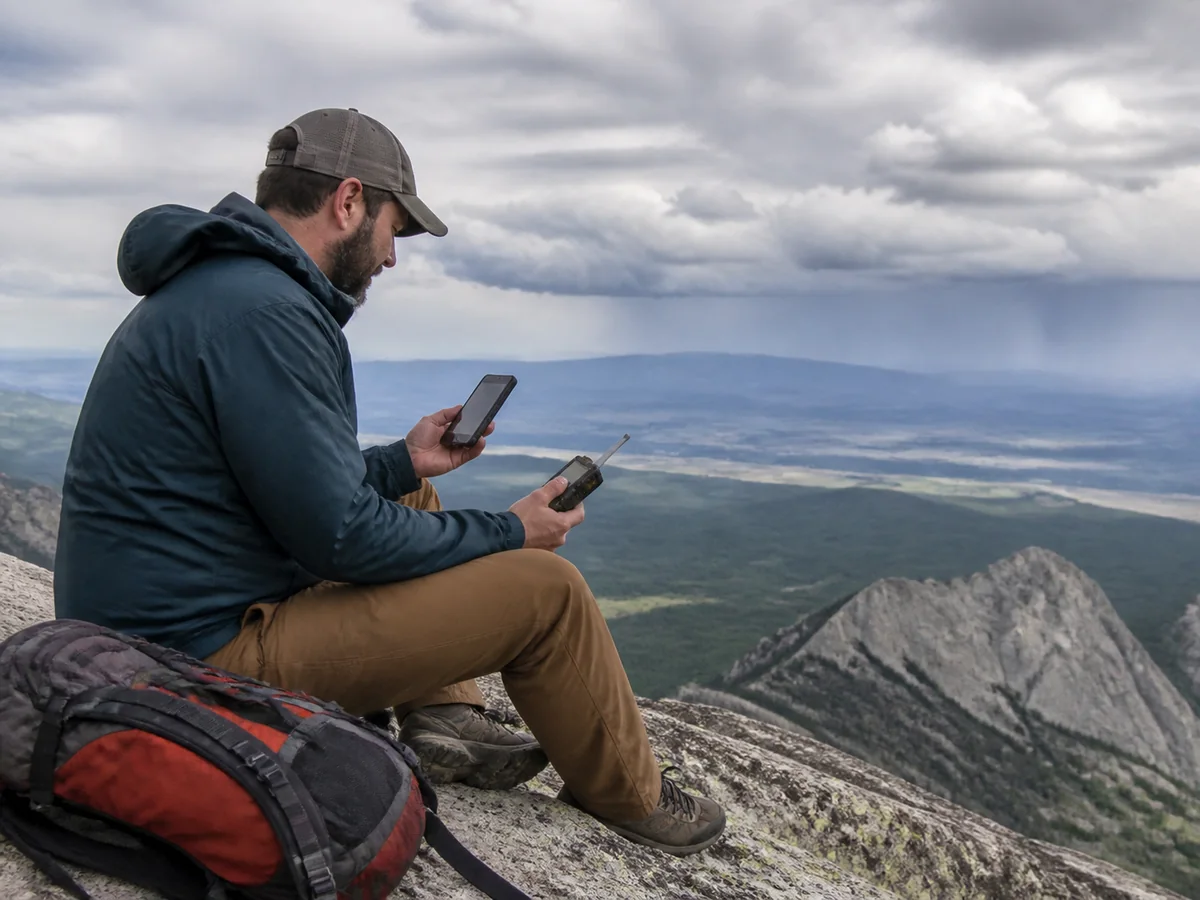
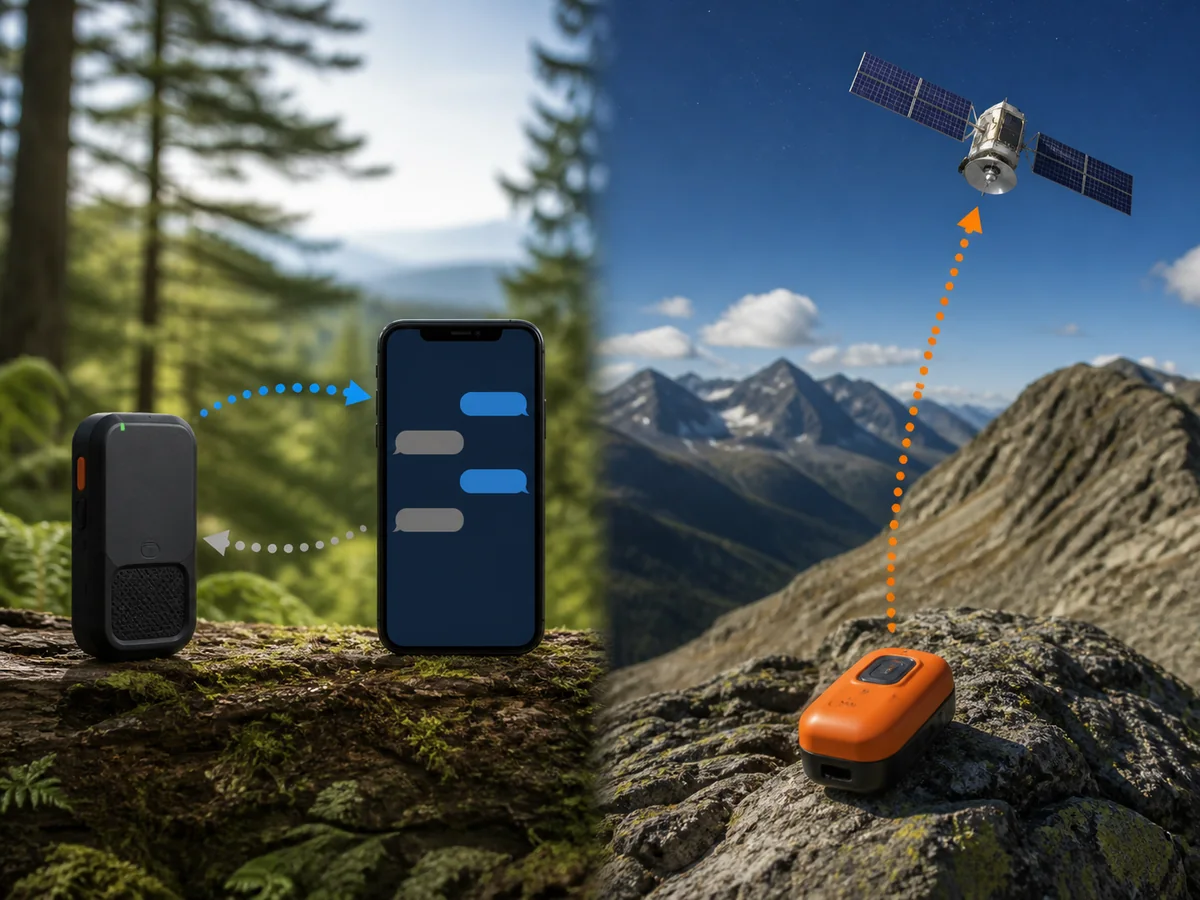
The ACR Bivy Stick is a compact two-way satellite communicator for people who are comfortable treating the phone, app, service plan, and Stick as one system. It can send an SOS and a preset check-in from physical controls, but a phone is needed to compose and read ordinary messages, use maps, request weather, and manage most features.
That division is the central tradeoff. It keeps the hardware simple, yet it gives a phone failure more consequence than it has with a communicator that includes a screen and keyboard controls.
KnowOutdoor has not conducted a hands-on test of the Bivy Stick. This editorial review uses the current ACR product page and user guide, then compares them with independent field evaluations without adopting their test results as our own.
Is the ACR Bivy Stick a good satellite messenger?
It is a capable choice for users who want two-way Iridium messaging in compact hardware and already manage a phone carefully outdoors. It is a weaker choice for someone who wants to read an incoming rescue message after the phone is broken, frozen, lost, or empty.
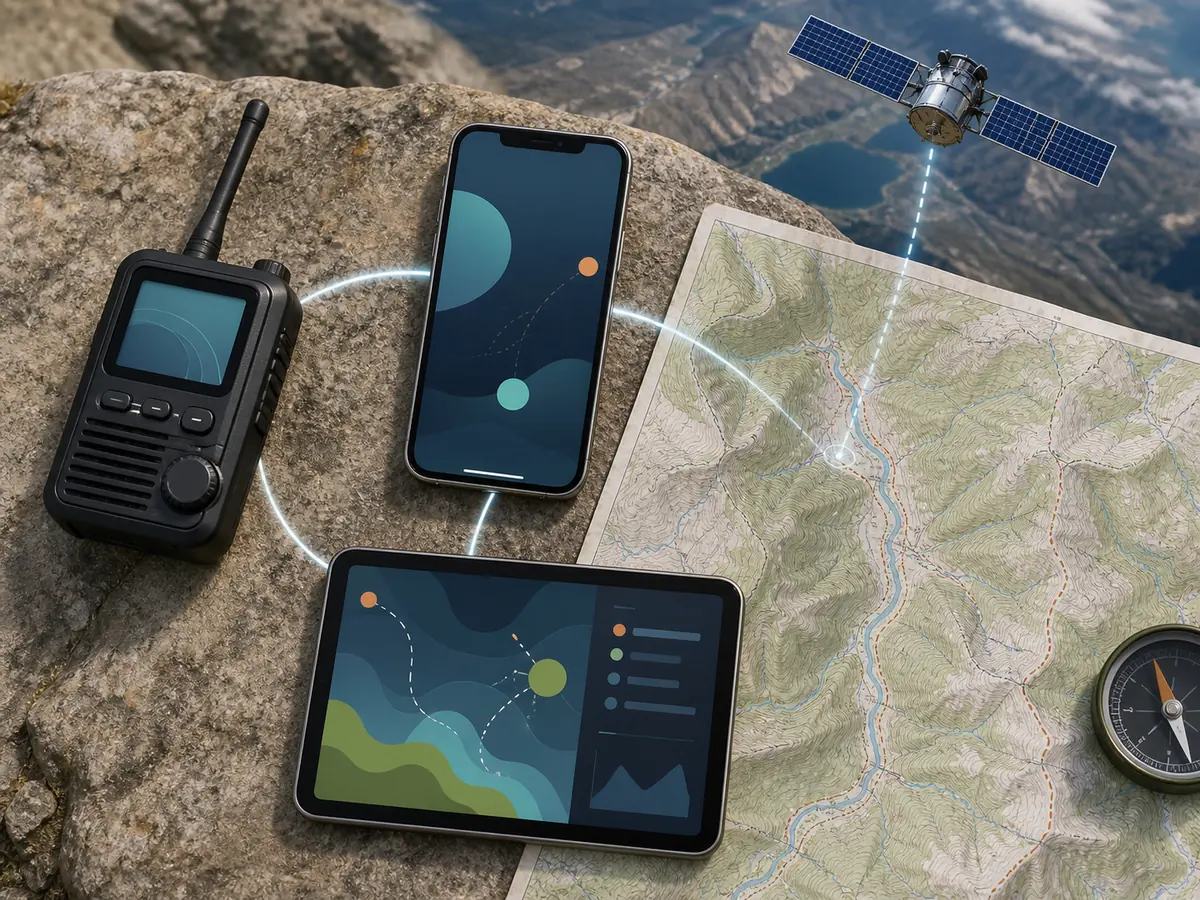
| Layer | What it contributes | What failure removes |
|---|---|---|
| Bivy Stick | Satellite radio, position, physical SOS, preset Check In, battery | Every satellite function |
| Phone | Screen, keyboard, local interface, its own battery | Composing and reading custom messages, maps, and most controls |
| Bivy app | Account access, contacts, message threads, weather, tracking controls | Normal user interface even if both devices have power |
| Service and Iridium | Message allowance, routing, and satellite connection | Transmission beyond any functions allowed without an active plan |
Buy the complete system, not the plastic device. A low hardware weight does not reduce the need to charge, update, pair, configure, and test every layer before leaving coverage.
What can you do without the phone?
The physical controls are an emergency fallback, not a replacement interface. The current user guide documents power, SOS, and Check In controls on the Stick itself.
- SOS
- Can be initiated from the protected physical SOS control
- Check In
- A preset check-in can be sent with the device button after recipients are configured
- Power and status
- Basic operation and indicator feedback remain on the device
- Custom message
- Requires the paired phone and Bivy app
- Incoming message
- Requires the app to read and reply with normal context
- Maps and weather
- Phone and app functions rather than standalone screen functions
The Check In button is only useful when the account and recipients were configured while connectivity and the app were available. Pressing a button cannot invent a destination contact after the phone has failed.
Incoming rescue communication creates the harder limit. You may be able to trigger SOS from the Stick, but you need the working phone and app to read questions and explain the injury, party size, shelter, or changing danger.
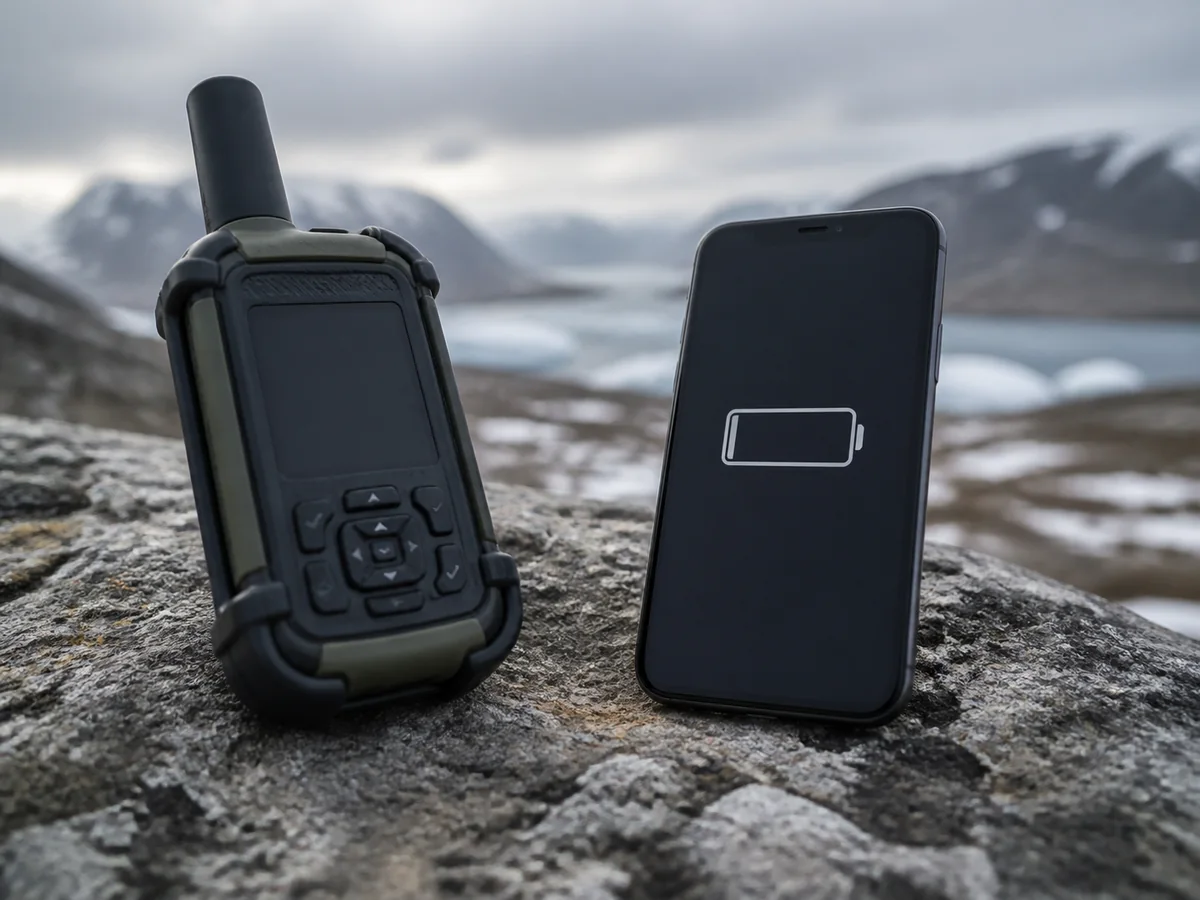
For a solo trip, decide whether that failure model is acceptable while planning solo backpacking check-ins. A second device is not automatically required, but a paper contact plan and disciplined power reserve cost very little.
How reliable is two-way messaging under open and obstructed sky?
Iridium satellites move across the sky, and the Bivy Stick needs enough sky view to establish a radio path. A broad open ridge usually offers better geometry than a narrow canyon, dense canopy, or a device buried under wet gear.
Satellite messages use store-and-forward behavior. The app can queue a message while the device searches, so a queued message is not yet delivered.
From draft to confirmed message
- ComposeWrite the message and choose the contact in the paired appThe phone has prepared data but nothing has reached a satellite
- QueueThe Stick waits for a usable satellite pathKeep the device positioned with sky view
- TransmitThe radio sends during an available passTerrain and orientation can extend the wait
- Confirm or retryRead the actual delivery stateDo not leave the location or promise a check-in until confirmation appears
A branch, pack lid, or body can obstruct part of the sky even in generally open terrain. Place the device outside the pack with the orientation shown in the current manual, then let it work instead of repeatedly changing position.
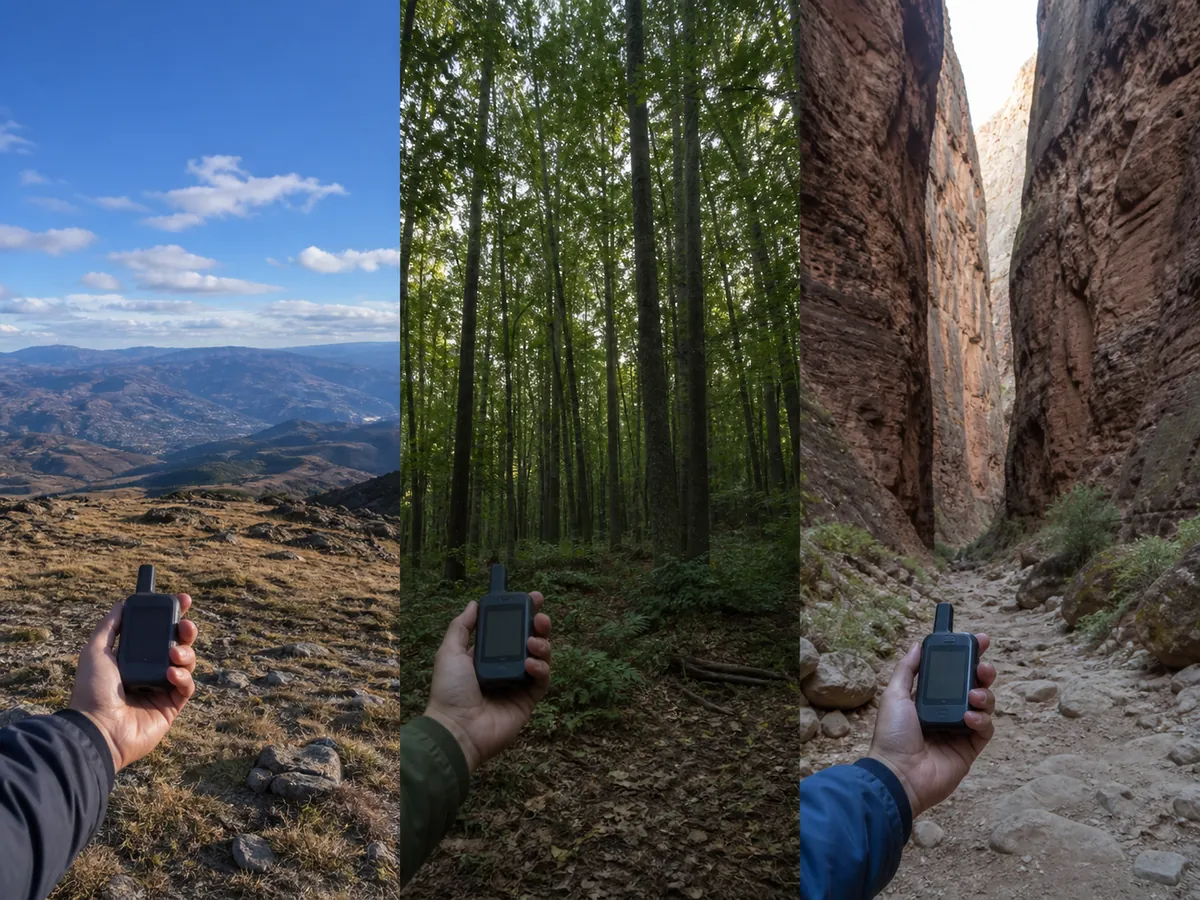
No honest review can promise a universal send time. Satellite position, terrain, vegetation, device placement, weather, and network state change the result, so wait for a confirmed status.
How does SOS work on the Bivy Stick?
An SOS begins an emergency coordination process.
It does not guarantee an immediate aircraft, a particular agency response, or a fixed rescue time.
The current ACR documentation identifies Global Rescue as the emergency coordination partner. Verify that relationship and the active service terms again before travel because providers and plan arrangements can change.
- Move to the best safe sky viewDo not create a fall, lightning, or exposure hazard simply to reach an open point.
- Activate SOSUse the protected control and follow the indicator sequence in the current manual.
- Confirm the emergency stateKeep the phone paired if it works so you can see and answer the coordination thread.
- Describe the problemSend injury, party, shelter, terrain, and immediate hazard details when two-way communication is available.
- Remain locatableConserve power, keep the device positioned, and avoid unnecessary movement after sharing a location.
- Cancel only when appropriateIf activation was accidental, follow the official cancellation and false-alert instructions rather than simply turning everything off.
Use ordinary wilderness first aid while communication proceeds. The device can request help, but it cannot control bleeding, protect an airway, warm a cold patient, or decide whether the site itself remains dangerous.
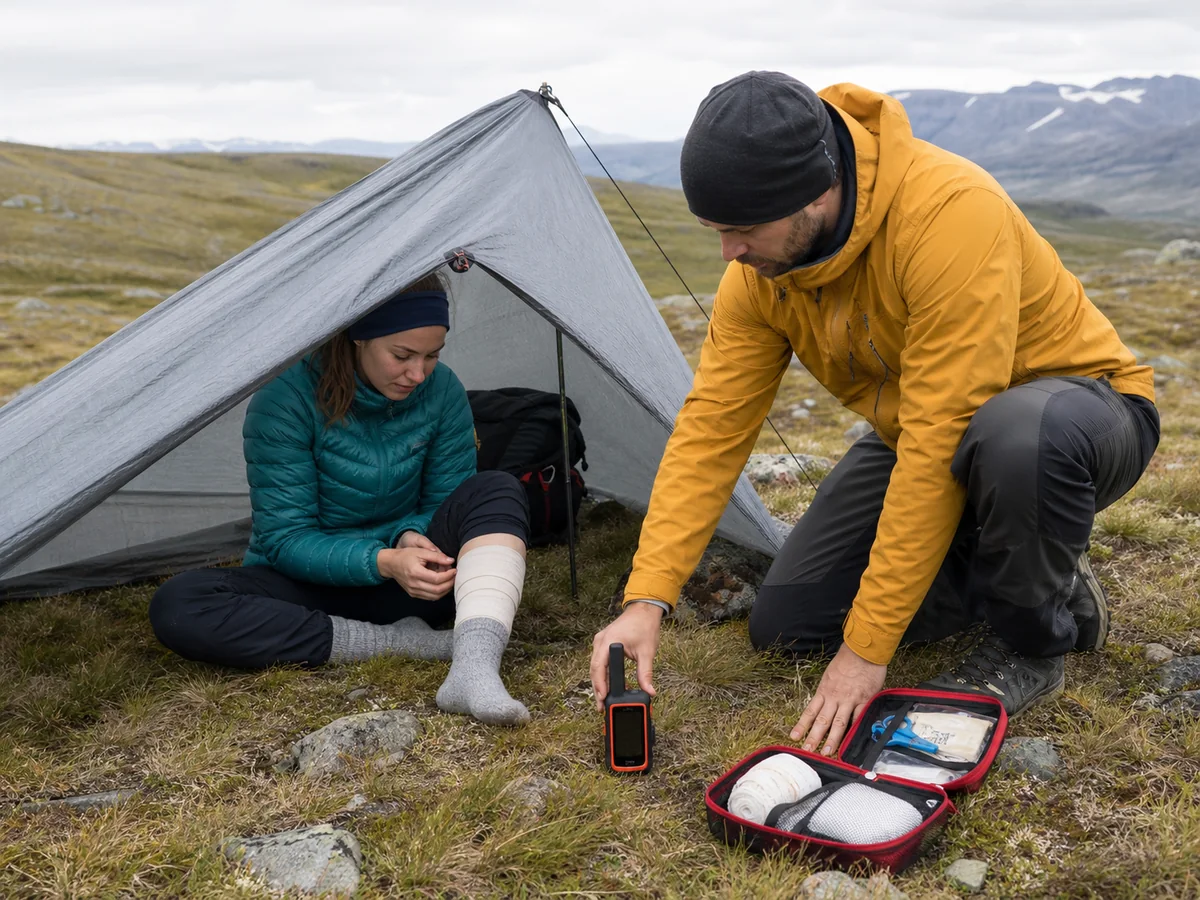
If the party is lost but not yet in immediate danger, use the decision process in the first hour after getting lost before aimless movement makes the location harder to explain. If an emergency requires attracting nearby searchers, satellite communication works alongside visible and audible ways to signal for help.
Which Bivy Stick plan makes sense for your trip pattern?
Plans are part of the product and are also the fastest-changing evidence in this review. Check the official Bivy or ACR plan page on the day you activate service rather than relying on an old price quoted by a review.
Message credits, tracking points, weather requests, activation terms, overage, and rollover rules can each affect cost. A plan that looks inexpensive for emergency-only carry can become costly when frequent tracking consumes units throughout the day.
| Use pattern | What consumes service | Question to verify before subscribing |
|---|---|---|
| Emergency-only carry | Activation and the minimum active service | Can the plan remain dormant or seasonal without losing readiness? |
| Weekend check-ins | Preset and custom messages to a few contacts | How are sent and received messages counted? |
| Frequent tracking | Repeated location points over many hours | Does each tracking point use a credit and what is the overage? |
| Weather-dependent trip | Forecast requests plus messages | Which forecast products consume credits? |
| Group use | GroupTrack, messages, and location sharing among users | Which participants need active Bivy hardware and plans? |
ACR currently promotes GroupTrack for messaging and tracking up to 12 Bivy Stick users. That feature is relevant to guides and organized groups, but it should not be purchased on the assumption that ordinary phone contacts receive the same group interface.
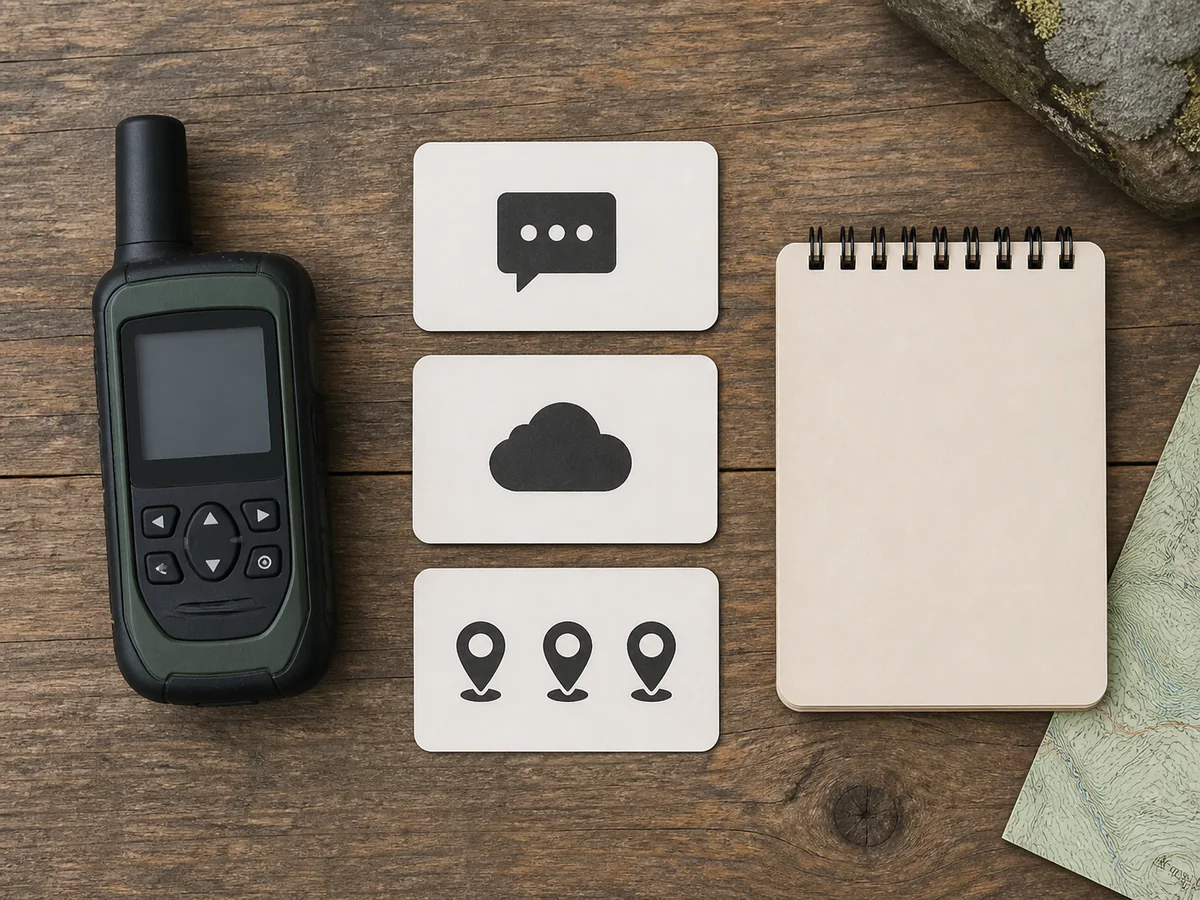
Do not choose a plan only by its included credit number. Price the usage pattern by translating your trip into daily actions under the current terms.
Will the battery cover a multi-day trip?
Manufacturer battery claims are measured under stated assumptions and should be treated as planning inputs, not guarantees. Tracking frequency, message attempts, cold, weak sky view, Bluetooth use, and repeated phone interaction can all change real consumption.
The phone needs its own reserve. A fully charged Stick paired with an empty phone preserves physical SOS and preset Check In, but it loses the interface that makes two-way communication valuable.
Power questions to verify on the current specification
- Battery capacityHardware energy reserveConfirm the current Bivy Stick model rather than an older orange or blue version
- Claimed operating timeManufacturer scenarioCheck the tracking interval and test assumptions behind the figure
- Charging connectionField recharge methodCarry the exact cable and confirm it seats under a protective case
- Environmental limitsApproved operating rangeCold can reduce available energy even inside the stated range
Build a trip budget from the longest interval between charging opportunities, then preserve a reserve for delay. A three-day itinerary can become four days after weather, injury, a missed crossing, or a route change.
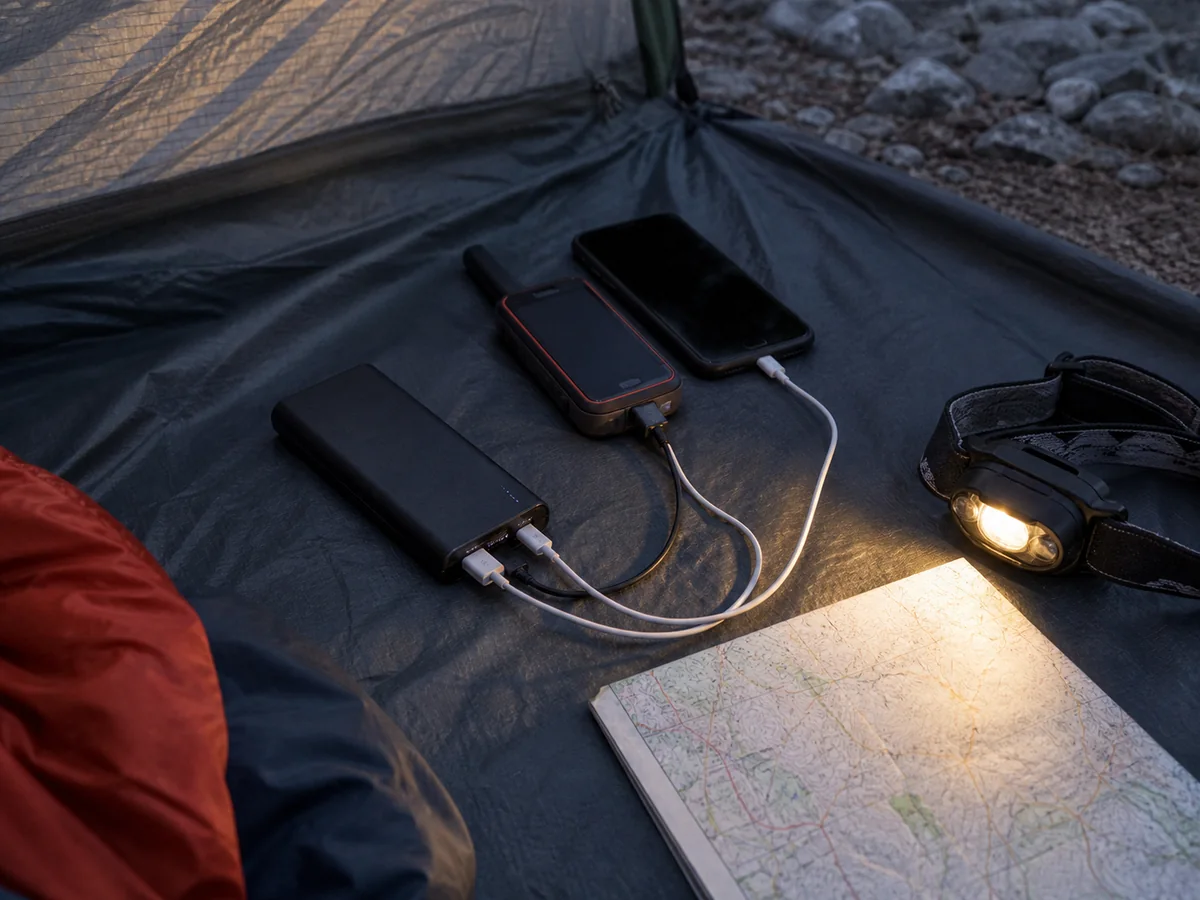
An emergency shelter can reduce the energy spent keeping a person warm while waiting, especially when a delayed exit turns into an unplanned night. Power planning and body-temperature planning solve different parts of the same delay.
How do you prove the Bivy Stick system is ready before leaving cell coverage?
Powering on both devices proves very little.
A useful preflight must prove the full chain from the active Bivy account and exact paired phone to a returned satellite message, visible track, stored map, and separate power reserves.
Complete account setup and pairing while you still have mobile service or Wi-Fi, as the current user guide requires.
Then move to a safe outdoor location with usable sky view for the satellite message and tracking checks.
Never activate a live SOS as a routine test.
Read the current manual, locate the protected control, learn the indicator sequence, and make sure your contacts understand that an actual SOS is reserved for a real emergency.
- Confirm the app shows the intended account, active service plan, renewal state, and available usage
- Install the current Bivy app and any available firmware update on the exact trip phone
- Pair that phone with the Stick, then verify the app displays device battery and satellite status
- Configure the preset Check In message and recipients, then send a normal test from the physical button
- Send a custom satellite message, wait for delivery, and have the contact reply to the same thread
- Start and stop tracking, then ask the intended contact to open the shared page and see the new location
- Download the route map, disable mobile data, and open the saved area again
- Review physical and app SOS controls without triggering an emergency alert
- Charge the Stick, phone, and reserve battery with the exact cables that will travel
A successful outbound message is only half of the test.
The reply proves the incoming thread, while the opened tracking page proves that the person monitoring the trip can see what you intended to share.
Give contacts a separate written rule for a missed check-in. They need to know the route, expected window, delay margin, and whom to call rather than interpreting one late message in isolation.
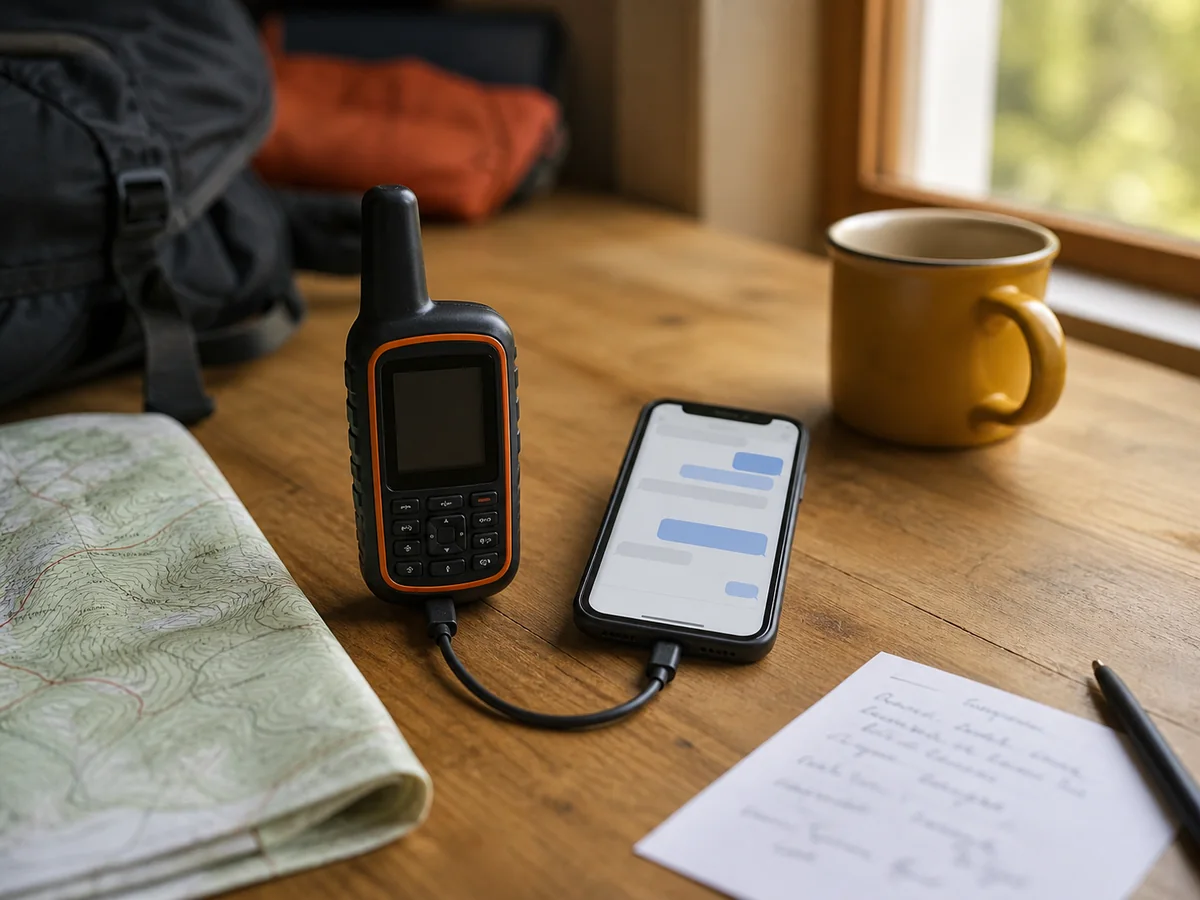
Downloaded maps and a satellite communicator solve different problems.
Use GPS navigation skills to keep location awareness from depending on the messaging app alone, and repair any failed preflight step before the trip rather than accepting an unexplained warning or queue.
Should you choose the Bivy Stick or a personal locator beacon?
Choose the Bivy Stick when routine check-ins, custom messages, tracking, weather, and two-way emergency details justify an active service plan. Choose a PLB when you want a dormant one-way distress beacon with no ordinary messaging role.
| Decision | Bivy Stick communicator | 406 MHz personal locator beacon |
|---|---|---|
| Two-way messaging | Yes, through the paired phone and app | No custom messages or reply channel |
| Everyday check-ins | Supported under the active service | Not supported |
| Subscription | Required for communication service | No commercial messaging subscription |
| Phone dependence | Most functions require it | No phone required for distress activation |
| Battery model | Rechargeable and used during normal communication | Long-life service battery reserved for emergency use |
| Registration | Account and service setup | National beacon registration is central to identification |
A PLB is not a fee-free version of the same product. It contacts a different system for a narrower purpose, while the Bivy Stick earns its ongoing cost by supporting communication before an emergency.
Who should buy the ACR Bivy Stick?
Buy it if its phone-centered ownership model fits the way you already carry, protect, and charge electronics, and you want two-way Iridium communication badly enough to manage the active plan.
It also suits groups that can make real use of the current GroupTrack system after confirming every participant's requirements.
Pros
- Two-way custom messaging through the phone app
- Physical SOS and preset Check In offer limited phone-free fallback
- Compact hardware separates the radio from the screen and keyboard
- Tracking, weather, maps, and current GroupTrack add non-emergency utility
Cons
- Reading and composing ordinary messages depends on a working paired phone
- Service terms and recurring cost require ongoing review
- Both the Stick and phone need power reserves
- Obstructed sky can delay message transmission
- No on-device screen for reading an incoming rescue conversation
Choose another communicator if you want a screen and richer standalone controls. Choose a PLB if you want emergency-only signaling without routine messaging, and keep ordinary navigation, weather judgment, and hiking safety practices independent of either device.
Sources
The current ACR Bivy Stick product page and Bivy Stick user guide were used to verify the device controls, phone relationship, Iridium service, GroupTrack, and emergency workflow on August 31, 2026. Plan details should be rechecked at activation because commercial terms can change.
Independent observations about messaging, app dependence, battery, plans, and field use were compared across reviews from OutdoorGearLab, Outdoor Life, Yachting World, and Mike and Rick Outdoors.